 Get 50% off on Vault theme. Limited time offer!
 Top 12 3D Printing Software for Designers and Engineers in 2026
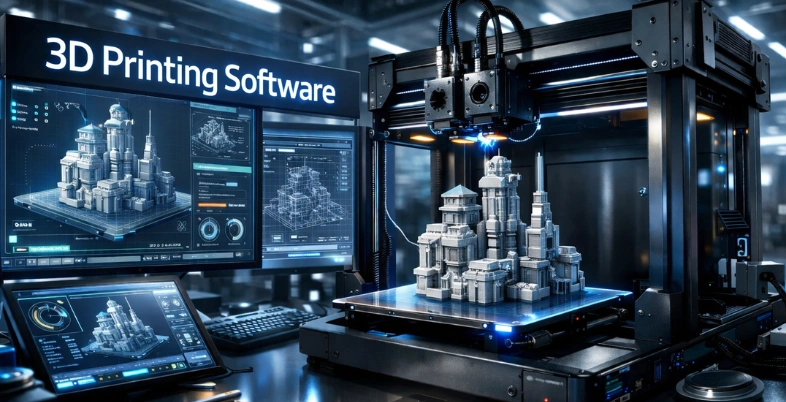
Instead of just visualizing your most outrageous dreams and imagining them in the physical world, such as a custom phone stand, a complex piece of jewelry, or even a prototype of your next big thing, you can make all of these things right at your desk, even without any fancy equipment or a workstation. The magic of 3D printing lives, and you are in a world where the magic is created by software as the secret superpower.
In the modern, rapidly changing technological world, choosing the appropriate 3D printing software is not only a matter of slicing models, but also creativity, more accuracy, and time saving in a matter of seconds, no matter whether a user is a hobbyist in his garage, a designer creating professional-level prototypes, or a business owner expanding production.
Between easily accessible slicers that can guide beginners without any problems and powerful ones that are full of AI intelligence and other advanced tools, the choice is unlimited; however, which ones are really outstanding? We are going to explore the best 3D printing software of 2026 in this blog.
What is 3D Printing Software?
The special software that is used in the designing, preparation, and control of additive manufacturing of objects during the manufacturing of objects by use of layers on top of other objects by use of digital models, is referred to as the 3D printing platform.
It usually includes CAD (computer-aided design) software, including Blender, Solidworks, or Autodesk Fusion, to create 3D models with great detail available or scan and export in the final formats available, including STL or OBJ.
Why Choosing the Right 3D Printing Software Matters?
The choice of 3D printing platforms allows achieving positive and efficient production, quality results, and avoiding the possible frustrations caused by failure to print or a lack of materials. Learn more about 3D Printing Business Ideas for practical applications. It reduces your process from design to final output, especially for novices or experts in digital content and technology projects.
Key Reasons
- User-Friendly Interface: Provides an easy learning experience on design and slicing with fewer errors and time-saving to complete complex tasks.
- Print Quality Optimization: This is to ensure that there are no errors with the models, the supports are also correct, and you are also sure of powerful and accurate prints each time.
- Efficiency and Speed: Prepares the files, like file repair, settings, and iterations, which are automated; manual adjustment of a prototype is eliminated.
- Compatibility and Flexibility: Supports a great variety of printers, materials, and file types to be compatible with your equipment and processes.
- Cost Savings: Will eliminate material wastage since it failed to get printed and offers frequent updates/support, which is the reason it is the ideal selection for creators with stringent budgetary concerns.
How Do You Select the Best Software for 3D Printing?
The selection of the best software to be used when 3D printing requires a number of factors, including the level of skill, and the compatibility with the requirements of the printer and the workflow, including modeling, slicing, or even post-processing. The most renowned ones are slicers like Ultimaker Cura that are simple to utilize as an amateur and sophisticated CAD software like Fusion 360 that are utilized to design with precision.
Key Selection Criteria
- Compatibility: It is important to ensure the compatibility of the software with your specific 3D printer model and file format (e.g., STL, OBJ) and also with popular hardware, i.e., Prusa or Ender series.
- Facilitation: The Beginners should focus on user-friendly 3D Printing Software like Tinkercad or Cura, while professionals can explore more feature-rich applications such as Blender or ZBrush.
- Features: Find sliceable features (support generation, infill settings), modeling features (parametric, freeform), and other advanced features like multi-material support or lattice structures.
- Cost Considerations: Free software like Cura and Tinkercad would be appropriate with hobbyists, and paid software like Fusion 360 (subscriptions available) offers cloud-based teamwork and work competencies. Add learning curve and community support on long-term value.
List of 12 Best 3D Printing Software
1. PrusaSlicer

PrusaSlicer is a free, open-source 3D slicer software developed by Prusa Research and is created based on Slic3r and modified to support FFF/FDM printers and SLA printers. It converts 3D models (STL, OBJ, etc.) into print instructions via G-code, and has beginner-friendly and advanced entry-level and advanced modes, respectively.
It is an extremely well-liked 3D Printing Software with Prusa hardware, offering an outstanding slicing project, multi-material support, and open-source development options. This is why a considerable number of hobbyists and experts include it in their list of essential tools when exploring customizable prints.
Key Features:
- No dependencies (Windows, macOS, Linux) and multi-platform.
- Advanced MMU profiles with multi-material and multi-extruder printing.
- Automatic repair of STL, variable layer heights, spiral vase mode, and diffuse infill patterns.
- Fast slicing using 3D preview, G-code viewer, and multithreading.
- Resin-based profiles with up to 180+ profiles, broad compatibility with printers, and advanced customization like input shaping.
Pricing:
- PrusaSlicer also does not have any paid levels or subscriptions.
Website: https://www.prusa3d.com/page/prusaslicer_429/
2. Simplify3D
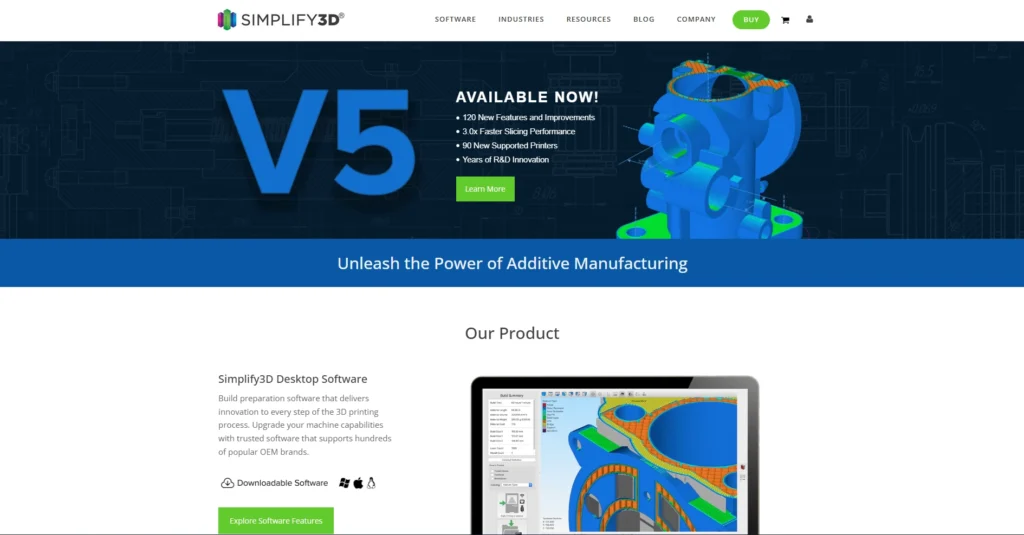
Simplify3D is a quality 3D Printing Software slicer utilized by designers, engineers, and hobbyists, enabling optimization and control of 3D print jobs and offering much better control over the slicing process. It translates 3D models (STL files) into machine-readable G-code instructions, simulates print details, allows support structures to be customized, and enables multi-part sequencing to reduce mistakes, minimize material use, and produce high-quality prints across a wide range of printers and filaments.
Key Features:
- Print preview and layer preview Simulation to view and debug issues before printing.
- Customizable breakaway and tree-like support structures that can have precise control of the density and location.
- The variable layer height, infill, bridging, and cooling are high-level process configurations to enhance the quality and speed.
- Sequential printing, multi-printer control, wizard to be used when the builds are complicated.
- Auto-repair programs to fix the most frequently occurring STL file errors, like holes or non-manifold topology.
- Developed a huge library of printer profiles and scriptability to modify G-code post-processing to create your own printer profiles.
Pricing:
- Simplify3D has a one-time perpetual licensing starting at $199USD / user
Website: https://www.simplify3d.com/buy-now/
3. TinkerCAD
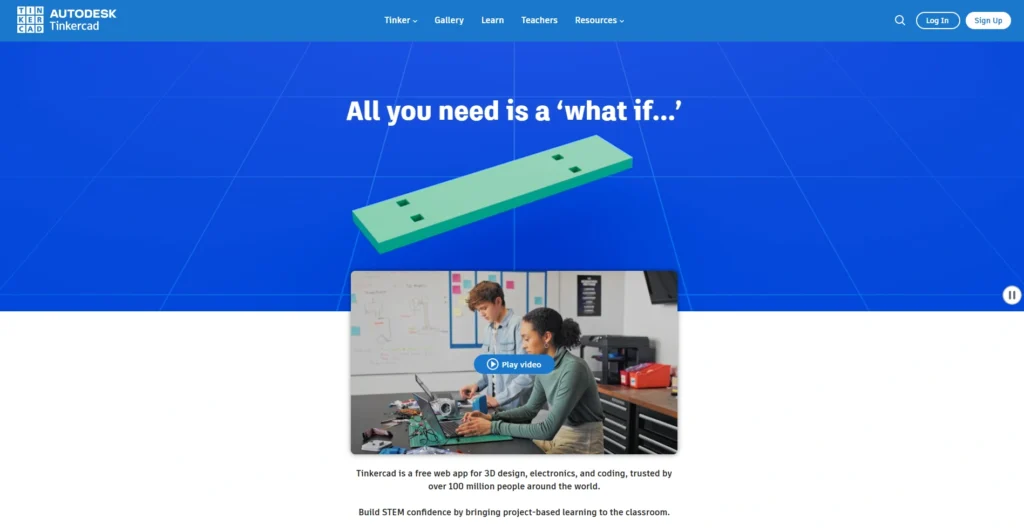
The Autodesk-created, free, web-based 3D Printing Software platform, Tinkercad, is available to beginners, educators, students, and hobbyists to design 3D objects, simulate circuits, and learn coding with blocks.
It is based on simple shapes glued together as solids or holes by the constructive solid geometry with an easy drag-and-drop interface, giving it a fast prototyping tool for 3D printing, electronics projects, such as Arduino projects, or even Minecraft exports, can be created in any browser with no software installation.
Key Features:
- JavaScript primitive shapes, scribbles, text, and shape generators – 3D modeling.
- Circuit simulation by using circuit components, including LEDs, resistors, and Arduino boards.
- Block-based coding (Codeblocks) of animation and interactive design.
- Sim Lab physics experiments, such as gravity, motors, joints, sliders, as well and connectors.
- STL, OBJ, Import/Export of SVG Files, 3D printing, and Lego/Minecraft compatibility.
- Accurate editing that has workplane controls, grouping, alignment, and multi-view.
Pricing:
- Tinkercad also has a free version, which comes with all the necessary functionalities and is completely free; all one has to do is create an Autodesk account to join.
Website: https://www.tinkercad.com.
4. Fusion 360
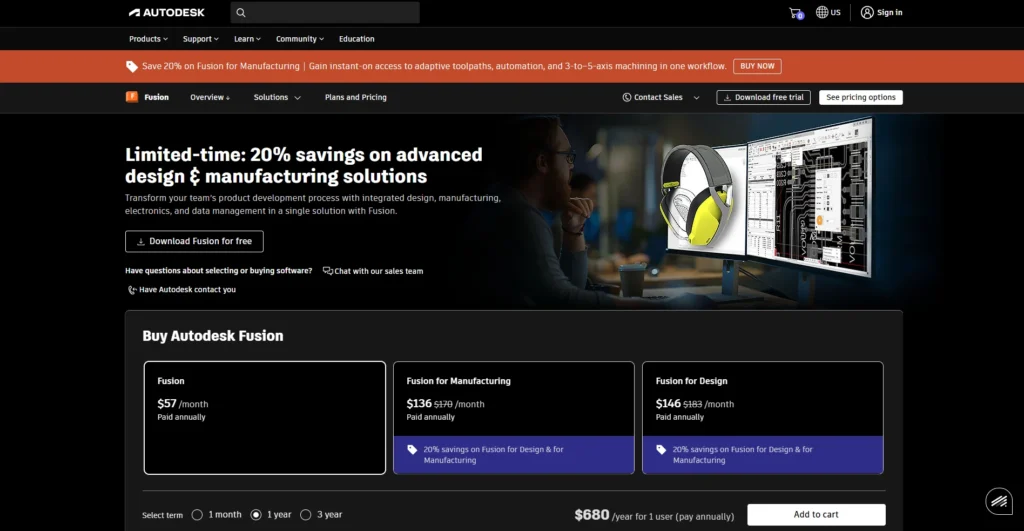
Fusion 360 is an online, 3D CAD/CAM/CAE application that is developed by Autodesk that enables connected design, engineering, simulation, production, and collaboration of products in the following markets: mechanical engineering, electronics, and industrial design.
It is a working environment and 3D Printing Software that integrates parametric modeling, generative design, PCB layout, and cloud rendering, available on Windows and Mac, and can be used by professionals, hobbyists, and teams that require real-time iteration and data processing.
Key Features:
- Comprehensive 3D design in parametric, mesh, surface, and free form sculpting.
- Integrated CAM machining, milling, turning, additive manufacturing, and CNC optimization.
- Electronics designing, Hardware design and PCB layout, PCB schematic capture, MCAD/ECAD co-design.
- FEA simulation, topology optimization, and real-world stress test.
- Cloud sharing of real-time teams, version control, and AI-based generative design.
- The management of the life cycle, the life cycle of the products, and the animation and realistic representation.
Pricing:
- Fusion: $57/month Paid annually
- Fusion for Manufacturing:$136/month Paid annually
- Fusion for Design $146 Paid annually
website: www.autodesk.com/products/fusion-360/overview
5. Blender
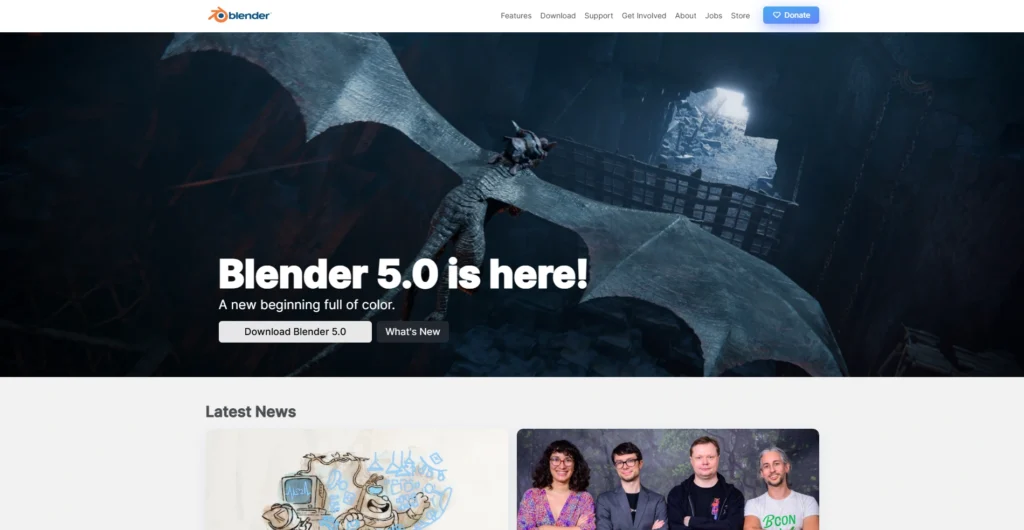
The Blender Foundation and a global community have developed this 3D Printing Software to support films, games, and visual effects, as well as product visualization, with advanced capabilities including Cycles for photorealistic rendering and Eevee for real-time viewport previews.
It is an open-source, free, and powerful 3D creation suite that has found applications in the 3D pipeline, such as modeling, animation, rendering, simulation, compositing, motion tracking, video editing, and in-game asset creation.
Its Python scripting API enables a high degree of customization, and it is therefore ideal for artists, studios, and hobbyists who desire to have one application that can replace commercial programs like Maya or 3ds Max at no expense.
Key Features:
- Providing full modeling software, including polygons, meshes, sculpture, UV unwrapping, and N-Gon.
- Animation and envelope/skeleton skinning rigging, curve editors, and sound synchronization.
- Cycles (path-tracer, which uses realism) and Eevee (real-time on the GPU) rendering engines.
- Simulation of cloth, fluid, particle, smoke, and fire, and rigid bodies.
- Video editing, composing, and VFX of camera/object track with node-based workflow and camera/object tracking.
- Grease Pencil is a 3D space 2D animation medium, which allows onion skinning and stroke sculpture.
- Python extensions and cross-platform (Windows, macOS, Linux), as well as a customizable user interface.
Pricing:
- Blender is absolutely free, it is publicly available, downloadable, free to use, and free to share under the GNU GPL license, and no charges no subscriptions.
Website: https://www.blender.org
6. OpenSCAD
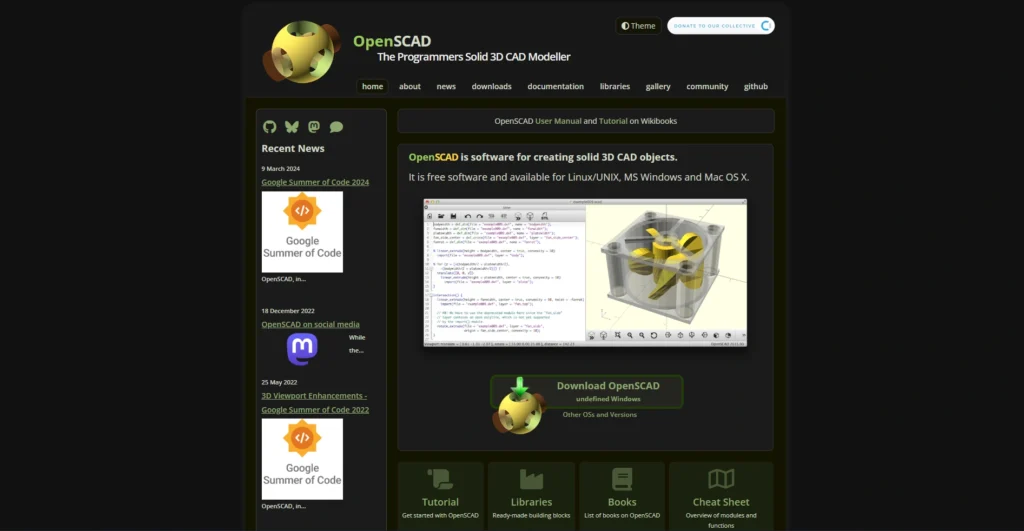
OpenSCAD is a free CAD software, 3D script-based, to create solid objects in a non-interactive script-based approach that is non-interactive. It has a description language of its own, describing geometric primitives, including spheres, cubes, and cylinders, and thereafter transformations and Boolean operations (union, difference, intersection) and extrusions using 2D outlines so that the resulting design is both accurate and parametric, based on what can be 3D printed or engineered.
It is an open-source, programmer-friendly 3D Printing Software, featuring GPU-accelerated previewing and the ability to render to a final output. It is popular with developers and makers for maintaining control over model code and is highly customizable.
Key Features:
- scripting of adjustable, reusable designs.
- Construction solid geometry (CSG) Boolean operations.
- DXF 2D extrusion and support of STL/OFF import/export.
- Various changes like rotate, translate, scale, and resize.
- Complicated logic and modules, functions, loops, conditionals, and variables.
- Light mode and preview mode (fast with the use of the GPU).
- Animation capabilities, color/material assignment.
- Open-source, Multiproject (Windows, Mac, Linux).
Pricing:
- OpenSCAD can be used as an open-source and no paid levels or subscriptions.
Website: https://openscad.org/.
Also Read: Photoshop Alternatives
How to Start a Small Printing Business
7. SketchUp
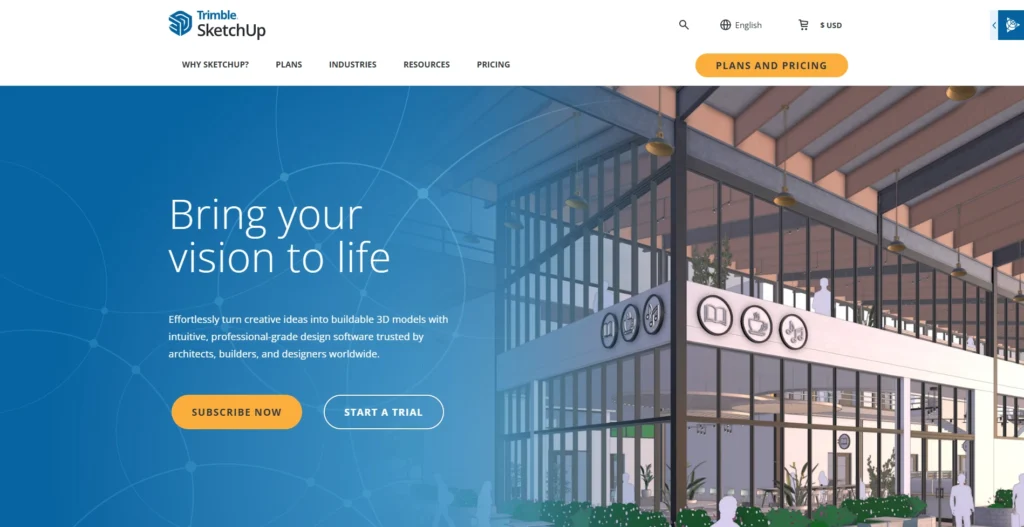
SketchUp is an easy-to-use 3D Printing Software and 3D rendering program created by Trimble. It was originally developed in 2000 as an in-house project by the company then known as @Last Software, purchased by Google in 2006, and later acquired by Trimble in 2012.
It enables architects, designers, engineers, and hobbyists to write 3D models within a brief period of time, modelize and share with the assistance of user-friendly functionality, including the Push/Pull capabilities of extruding the designs within 2D drawings into 3D form, and allows novices the opportunity to use complicated designs as a template.
It is a 3D Printing Software applied in architectural planning, interior design, woodworking, and urban visualization. It can be extended with a large repository of pre-existing models called the 3D Warehouse and can also be used alongside rendering and BIM processes.
Key Features:
- Push/Pull tool Push/Pull tool to make 2D to 3D easily and quickly.
- Precise measurements, snapping, and an inferential system of right proportions.
- Huge collection of free 3D models, materials, and extensions.
- Two-dimensional layout 2D documentation, 2D as export to DWG/IFC, and real-time collaboration.
- The format has been supported (import/ export of formats like OBJ and COLLADA), customizable shortcuts, styles, templates, and support.
- AR/VR viewing, cloud storage, and enhanced workflow extensions, like photoreal rendering.
Pricing:
- Go Annual:$10.75 USD per month / per user / billed annually
- Pro Annual:$33.25 USD per month / per user / billed annually
- Studio Annual: $68.25 USD per month / per user / billed annually
website: https://www.sketchup.com
8. FreeCAD
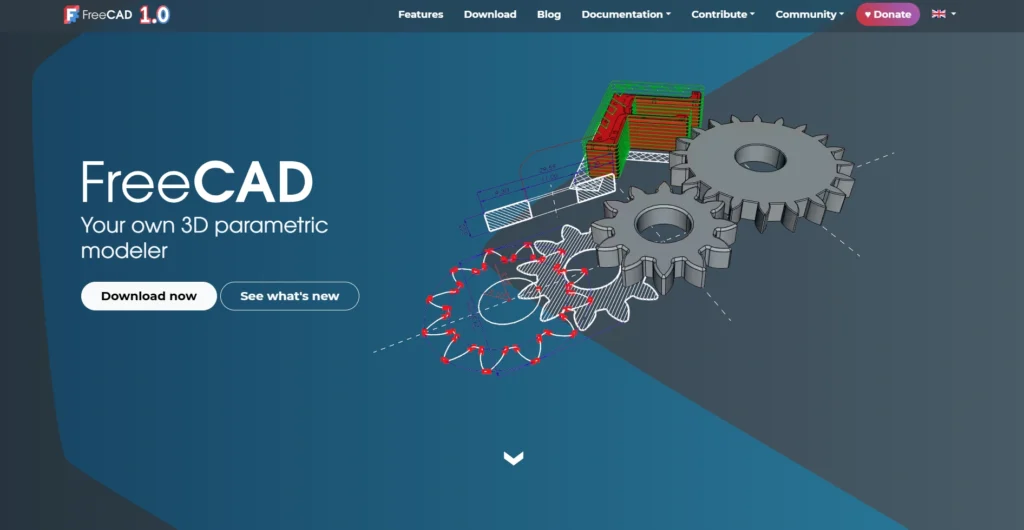
FreeCAD is an open-source, free parametric 3D CAD modeler that is used in mechanical engineering, product design, architecture, and other applications and which enables users to create and edit complex 2D sketches and 3D models with precise control via parameters that are easily changed through model history.
It is a 3D Printing Software based on a modular architecture with workbenches for specific tasks, compatible with Windows, MacOS, and Linux, and supports Python scripts for customization and automation.
Key Features:
- Parametric modeling to make design changes easily and history-based edits.
- Sketching done using geometry to construct 3D objects.
- Import/Export of standard formats such as STEP, IGES, STL, OBJ, and DWG.
- Part Design, Architecture, FEM analysis, and more workbenches that can be easily assembled and disassembled.
- Scripting and extensions: Integrated Python console and API.
- 2-D view and annotation drawing tools and PDF/SVG export.
- Robot simulation, manufacturing/CNC Rendering, and path workbench.
Pricing:
- FreeCAD is free with no cost of licensing since it is open-source software and is under the LGPL-2.0-or-later license.
Website: https://www.freecad.org/
9. IdeaMaker
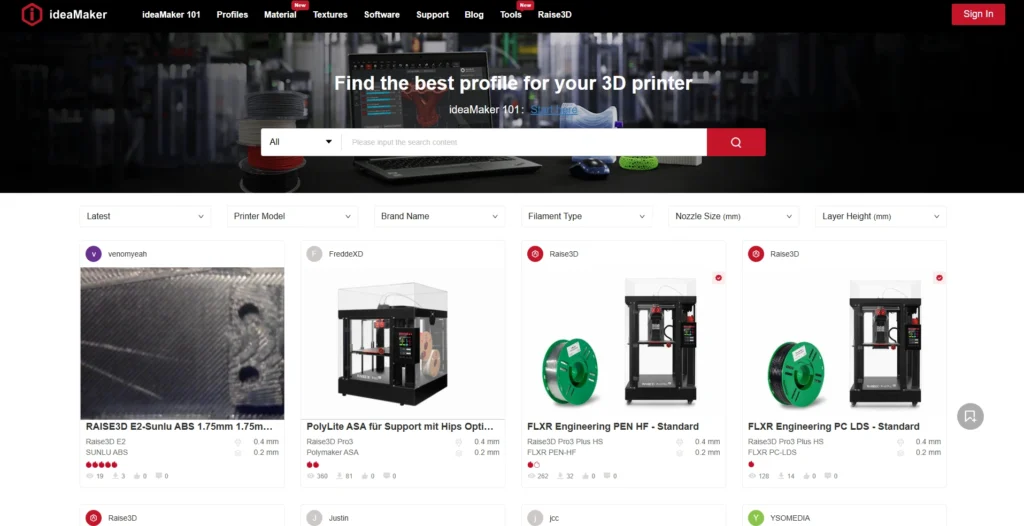
The IDEAMAKER is a 3D slicing methodology, which is highly user-friendly and is produced with the assistance of the Raise3D that conveys the 3D model files (e.g., STL, OBJ,3MF) and translates them into printer-readable G-code, which are specifically optimized to function with Raise3D printers but can also be actualized with the greater part of printing devices.
It is a 3D Printing Software that makes printing effortless with automatic support creation, simplifying the balance of speed, material usage, and quality. Its adaptive slicing parameters and model editing tools make it ideal for both beginners and professionals seeking efficient, high-quality prints.
Key Features:
- Bridges and overhangs. Inside Auto-generated support structure and editing tools.
- Maximisation of adaptive layer height and single click optimisation to reduce print time without affecting the quality of the surface.
- Two-nozzle multi-extruders and single two-extruders.
- Carve, split, combine models (no external CAD software), texture mapping, and Boolean operations.
- Optimization of parameters of infill, supports, and others in the region, and preview simulations.
- Open Filament Program filter presets, sequential printing, and RaiseCloud integration.
Pricing:
- The IDEAMaker is not free at all; it does not have any paid subscriptions or levels.
Website: https://www.ideamaker.io/
10. ChiTuBox
ChiTuBox is a commercial 3D Printing Software slicer that supports SLA, DLP, and LCD resin printers and can convert 3D mesh files such as STL and OBJ into printer-readable formats like CTB or CBDDLP.
It streamlines the operations of the industries, such as dentistry, jewelry, and consumer electronics, by providing model preprocessing, smart support generation, fast slicing, and the ability to cooperate with various printers of such brands as Elegoo and Anycubic. The Basic version is free and is suitable for hobbyists, whereas the Pro version has advanced editing features that are added for professionals.
Key Features:
- Imports/exports STL, OBJ, and other printer-specific formats, such as CBDDLP, PWX, and PHOTONS.
- Auto layout, orientation, hollowing, and splitting to prepare efficient models.
- Mesh tools: One-click repair to repair mesh holes, mesh intersection, and mesh shell redundancy.
- Smart auto-supports with editing features such as tree-like, standing, and symmetric styles.
- Multi-parameter high-speed slicing, anti-aliasing, tolerance compensation, and preview magnifiers.
- Pro-exclusive: collusion detection, sophisticated CAD import, and multi-selection, as well as boolean operations.
Pricing:
- Basic: Free
- Advance: 1st year$79/year, thereafter $99/year
- Pro:1st year$139/yea,r thereafter $169/year
- Team: 1st year $239 /yea,r thereafter $299/year
website: https://www.chitubox.com
11. AstroPrint
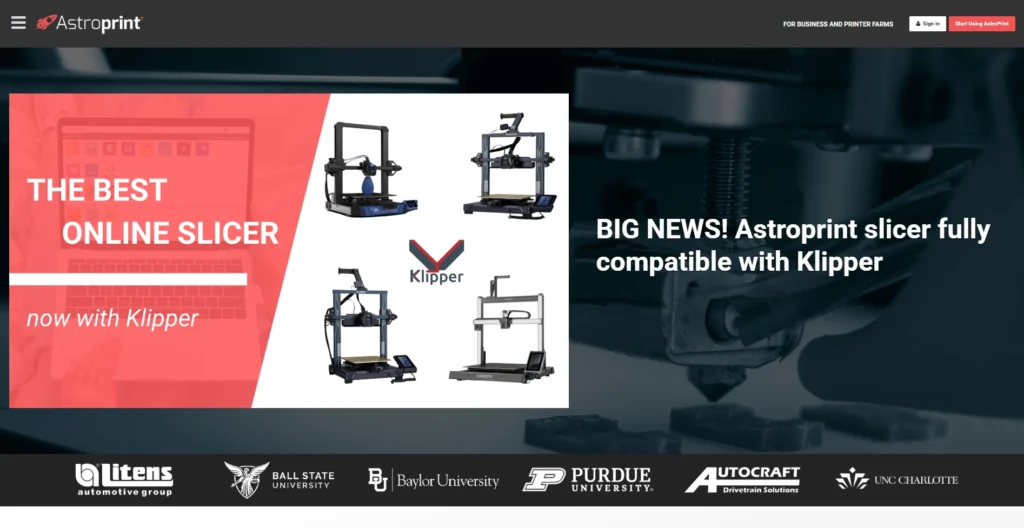
AstroPrint is a web-based 3D Printing Software used to simplify the entire 3D printing process, including storage and slicing of 3D models, as well as management and remote control of multiple printers via mobile devices or web browsers. It is open-source and developed by 3DaGoGo, Inc., building on open-source software such as OctoPrint, Cura, and Slic3r.
Which enables users to add STL files, generate G-code without necessarily installing it on the local network, manage print queues, and obtain analytics without the inconveniences of establishing a local network connection. AstroPrint, tailored to hobbyists, teachers, companies, and printer farms, gives location-free access, real-time video streaming, print history, and filament consumption data to increase productivity and reduce failure.
Key Features:
- Slicing 3D would be placed in a cloud storage, which is accessible via a browser.
- Live camera on a mobile application.
- It is a 3D Printing Software that allows the administration of multiple printers, management of job queues, and the scheduling of print jobs efficiently.
- Performance, performance time, and performance filaments.
- Another higher plan consists of user permissions, printer groups, and shared queues.
- Assistance with Raspberry Pi and other 3D printers utilized by consumers.
Pricing:
- Free: basic,
- Premium:$9.90/month
- Business & Education Unlimited storage, quotation-based
website: https://www.astroprint.com
12. Slic3r
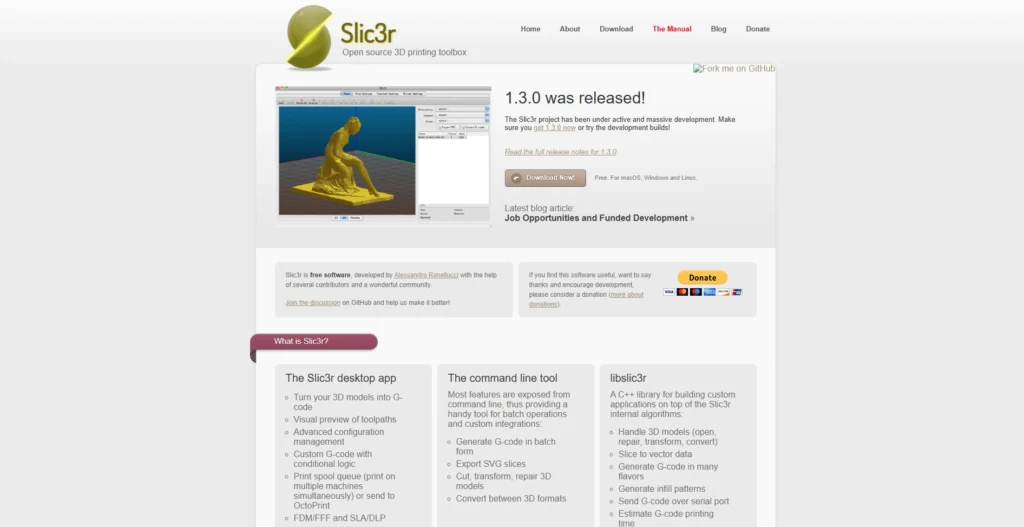
Slic3r is a free 3D Printing Software slicer suite that transforms 3D models (usually in STL, AMF, or OBJ formats) into G-code instructions for FFF/FDM printers, optimizing toolpaths for speed, efficiency, and print quality.
It is also defined by a multithreaded architecture and programming interface, and some additional features such as sequential printing, non-square infill, etc., which make it a lightweight alternative to programs such as Cura or PrusaSlicer, first released in the RepRap community in 2011. It is open-source (Windows, Mac, Linux) and cross-platform and is actively maintained through GitHub.
Key Features:
- High-speed Multithreaded. The G-code processing is 100 times faster than other systems.
- Many extruders, adjustable height of layers, and sequential printing (one at a time).
- Better infill options such as honeycomb, spirals, and Hilbert curve, and bridge-detecting and cooling logic.
- Auto-meshing of non-manifolds, STL, OBJ, AMF, and SVG slice preview imports/exports.
- Features Built-in Customizable G-code macros, command-line interface, brim/raft/skirt generation, and support with OctoPrint.
- Mesh cutting, drag and drop plating, and usage with RepRap, Ultimaker, and Makerbot printers.
Pricing:
- Slic3r is an entirely free product and is not charged on the basis of plans and subscriptions.
Website: https://slic3r.org
Comparision Table
| Software Name | Price | Free Plan | Best For Best-3d-printing-software-2.docx |
| PrusaSlicer | Free | Yes | Multi-material FDM/SLA printing, Prusa users |
| Simplify3D | $199 one-time | No | Precision control, professional prototypes |
| Tinkercad | Free | Yes | Beginners, quick web-based design |
| Fusion 360 | $57/month (annual) | Limited (hobbyists/students) | CAD/CAM integration, engineering teams |
| Blender | Free | Yes | Advanced modeling/animation |
| OpenSCAD | Free | Yes | Parametric scripting, programmers |
| SketchUp | $10.75-$68.25/month (annual) | Limited (web) | Architectural modeling, quick sketches |
| FreeCAD | Free | Yes | Parametric CAD, mechanical design |
| IdeaMaker | Free | Yes | Raise3D printers, adaptive slicing |
| ChiTuBox | Basic free; Pro $169/year | Yes (Basic) | Resin SLA/DLP printing |
| AstroPrint | Free basic; Premium $9.90/month | Yes | Cloud printer management |
| Slic3r | Free | Yes | Fast lightweight slicing |
Conclusion
3D printing has transformed the way we bring ideas to life, turning imagination into tangible objects with unprecedented ease. From simple hobbyist projects to professional-grade prototypes, the right 3D printing software acts as the bridge between creativity and reality. Whether you’re a beginner exploring Tinkercad, a hobbyist experimenting with PrusaSlicer, or a professional relying on Fusion 360 or Simplify3D, choosing the right software ensures precision, efficiency, and a smoother workflow.
With an ever-growing array of tools—ranging from beginner-friendly slicers to advanced CAD applications with AI-powered features—there’s a solution for every skill level and project type. Investing time in understanding and selecting the best software not only saves time and materials but also unlocks new possibilities for innovation. In 2026, 3D printing software isn’t just a tool—it’s your creative superpower.
FAQs
Q.1 What is 3D Printing Software?
The additive manufacturing is designed, prepared, and controlled with the software employed in 3D printing and turns digital models into steps to print. It can also include CAD tools, including Blender or Fusion 360, to produce STL/OBJ files and slice generators to produce G-code for printers.
Q.2 Why should the Right 3D Printing Platform Be Selected?
Good software will ensure a user-friendly interface, the highest quality of prints, output, and compatibility with printing devices/material, and cost-saving through less waste and error. It streamlines the activities of hobbyists, designers, and businesses.
Q.3 How can the 3D Printing Software be selected as the best?
It may be compatible with your printer (e.g., Prusa, Ender), and more user-friendly (Tinkercad beginners, Blender experts), most basic, e.g., infill/supports, and cost (free like Cura, paid like Fusion 360). Consider the society and level of competence.
Q.4 What are the Best Free 3D Printing Systems?
Some of the well-known open-source software include PrusaSlicer (multi-material support), Tinkercad (Easy web-based design), Blender (Advanced modeling/animation), OpenSCAD (script-based), FreeCAD (Parametric CAD), as well as Slic3r (Quick slicing).
Q.5 Which Programs do Beginners Use?
Tinkercad offers a drag-and-drop simplicity of prompt 3D and STL release. Ultimaker Cura and PrusaSlicer provide slicers with presets to enable one to print without necessarily learning the fundamentals.
Q.6 What are the Software Recommendations That are Paid For?
The best in regard to accuracy and simulation is Simplify3D ($149, one-time purchase). Fusion 360 is also Fusion 360, which includes CAD/CAM/simulation ($85/month). ChiTuBox Pro($169/year) is more successful at printing resin, and SketchUp Pro ($399/year) assists architectural models
.