 Get 50% off on Vault theme. Limited time offer!
 Top 10 Automation Testing Tools

Testers in the current software development world find it too cumbersome and time-consuming to undertake the manual testing of applications in this fast-paced environment. It is at this point that Testing Tools are brought in to the rescue. The tools ensure faster, more precise, and less costly tests. Testing Tools are specific software programmes that are applied to automatically test other software. These tools perform everything automatically, and a person does not need to press any of the buttons or view the results. They assess websites, mobile applications, and desktop software without human assistance.
Automation Testing Tools prove to be time- and cost-saving and are now being used in many companies. These tools are able to execute the same tests numerous times without getting exhausted or committing errors. They are working 24/7 and assisting teams in delivering improved software sooner.
What are Automation Testing Tools?
Automation Testing Tools are computer programs that test other computer programs automatically. Consider them robot assistants that ensure that your software is operating properly. You should ensure that a website or a mobile application functions well when you create it. You must ensure that you check whether or not buttons are functional, forms are filled out, and pages load quickly. This requires hours or even days to do manually.
This is done by Testing Tools. You instruct them about what to be tested, and they do the tests automatically. They can press buttons, complete forms, review text, and ensure that everything is as anticipated. When something goes wrong, they will inform you of what it is all about. These tools have the capacity to conduct hundreds or thousands of tests in minutes. They do not get weary, never forget the procedure, and they obey directions to the letter. This makes it very quick and efficient to test it as compared to a manual test.
Key Features to Look for in Automation Testing Tools
Important features to consider during selecting Automation Testing Tools are:
- Easy Script Creation: Tests should be able to be created without any difficult programming skills with the help of tools.
- Multiple Platform Support: It is compatible with web browsers, mobile devices, and desktop applications.
- Detailed Reporting: Gives clear reports about the tests that passed and the ones that failed.
- Integration Capabilities: Works well with other development and testing tools that you are already familiar with.
- Maintenance Features: Enables ease of updating tests in case of an application change.
Top 10 Automation Testing Tools
1. Selenium
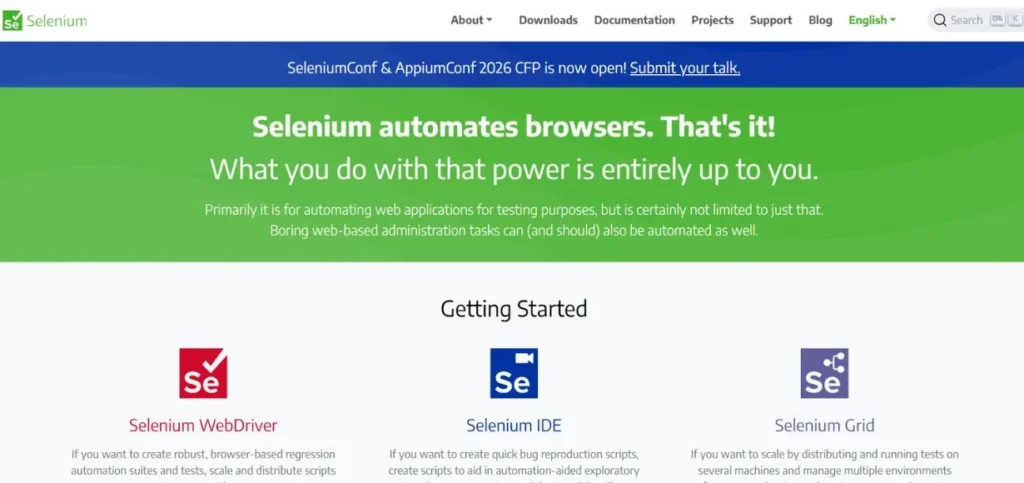
The most common open-source automation testing tool in the world is Selenium. It assists in testing web applications with various browsers such as Chrome, Firefox, and Safari. Selenium is compatible with numerous programming languages such as Java, Python, C#, and JavaScript, making it a top choice for Leading Python Development Companies that rely on efficient and scalable testing frameworks. Millions of testers are using Selenium since it is free and highly powerful. You can run the websites on other operating systems such as Windows, Mac, and Linux. Selenium is not new, and it has an enormous user base that is self-sustaining.
Key Features:
- Supports multiple browsers
- Programming languages work with programming languages.
- Cross-platform testing facility.
Pros:
- Completely free to use
- Community support is available in large numbers.
- Highly adaptable and alterable.
Cons:
- Should know programming.
- No built-in reporting
- Setup can be complex
Best For: Web
Pricing: Free
Website: https://selenium.dev
2. Cypress
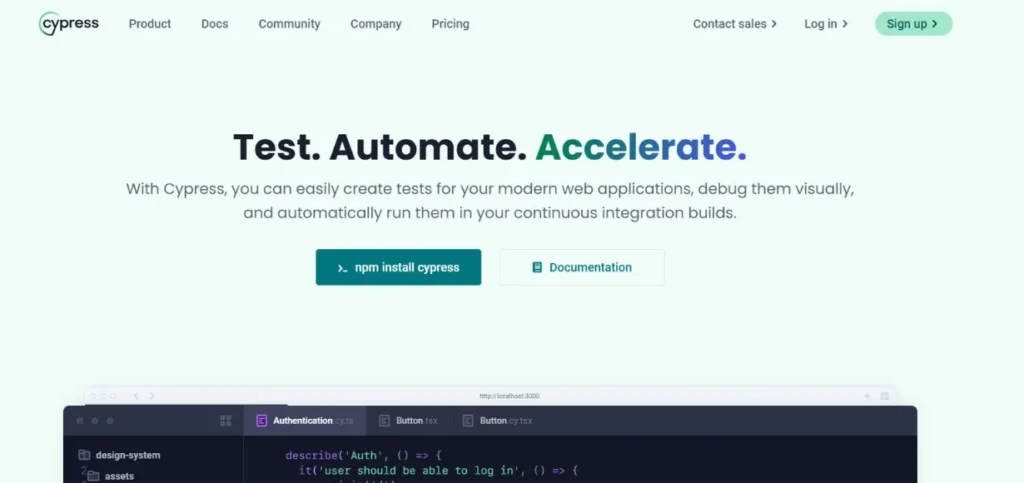
Cypress is a new test automation platform that is designed to work with web-based applications. It is user-friendly and written in languages that are developer-friendly. Cypress is a one-to-one tool that operates directly in the browser, unlike other tools that are quicker and more accurate in terms of test results. It is very well-debugged and has time-travel debugging.
Cypress waits automatically until the elements appear, which minimizes the flaky tests. The tool will capture screenshots and videos of test executions automatically. It possesses a beautiful dashboard that indicates the results of the tests clearly.
Cypress is an excellent tool in the creation of modern JavaScript apps using React, Angular, or Vue, and it integrates well with other utilities and Password Recovery Tools to enhance testing workflows and application security.
Key Features:
- Real-time browser testing
- Waiting for elements automatically.
- The ability to debug time-travels.
Pros:
- Very fast test execution
- Experience during debugging processes.
- Beautiful user interface
Cons:
- Can support only Chrome browsers.
- Limited mobile testing
- Newer, Smaller community.
Best For: Modern
Pricing: Free (Open Source) / Paid plans start at $75/month
Website: https://cypress.io
3. TestComplete
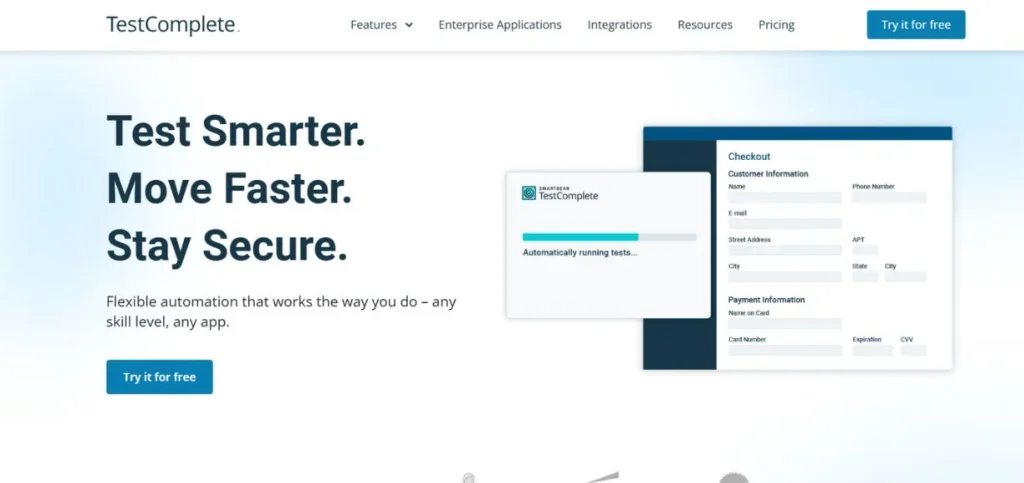
TestComplete is a complete commercial testing platform, which is used to test both web, mobile, and desktop applications. It provides script-based and scriptless testing techniques; therefore, it is applicable to both technical and non-technical testers.
The tool offers testing through keywords that enable one to write tests in simple English-like statements. TestComplete is compatible with widely used development environments and CI/CD pipelines. It has high object recognition and can work with complex UI elements. The tool gives in-depth test reports accompanied by screenshots and logs.
Key Features:
- Supports web, mobile, desktop
- The keywords-based testing strategy.
- High-level object recognition.
Pros:
- No programming required
- Excellent customer support
- All-purpose testing abilities.
Cons:
- Expensive licensing costs
- Can be resource-heavy
- Complex for beginners
Best For: Enterprise
Pricing: Starting at $6,000/year
Website: https://smartbear.com/product/testcomplete
4. Appium
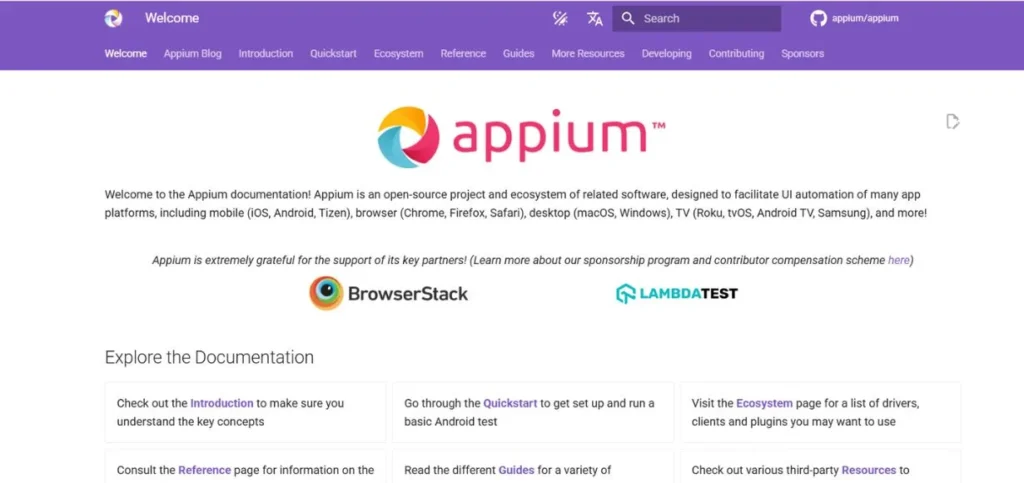
The most used open-source mobile application testing tool is Appium. It enables the testing of native, hybrid, and mobile web applications on both the iOS and Android platforms. Appium also utilizes the WebDriver protocol and, therefore, is easy to use with Selenium.
The tool does not need your mobile application to have any changes in its source code. It also works with several programming languages like Java, Python, Ruby, and JavaScript, among others. The real devices, simulators, and emulators may all be tested using Appium. The tool has a big community of contributors and users that maintain it. It can be easily combined with the popular testing frameworks and continuous integration systems.
Key Features:
- Cross-platform mobile testing.
- No app alteration was necessary.
- WebDriver protocol support
Pros:
- Supports iOS and Android
- Open source and free
- Large community support
Cons:
- Complex initial setup.
- Slower than native tools
- Requires technical skills
Best For: Mobile
Pricing: Free
Website: https://appium.io
5. Playwright
Playwright is the current web testing automation platform at Microsoft. It is created to support single-page web architecture applications. Playwright works with different browsers, such as Chrome, Firefox, and Safari, and can be used to test in parallel.
The tool has auto-waiting features, and in most situations, explicit waits are not required. It is a good help to test the applications with a complex authentication flow. Playwright takes screenshots or videos, and network traffic automatically. The aid has embedded cell phone emulation. It works well with the common development applications and CI/CD.
Key Features:
- Browsers supported. Multi-browsers supported
- Auto-waiting for elements
- Mobile device emulation
Pros:
- Fast and reliable execution
- Superior internet services.
- Built-in mobile testing
Cons:
- Relatively new tool
- Smooth, a smaller community now.
- Minimal third-party integrations.
Best For: Web
Pricing: Free
Website: https://playwright.dev
6. Robot Framework
Robot Framework is a test automation platform (keyword-driven testing) that is generic. It is user-friendly and simple to learn, even for non-programmers. The framework consists of tabular syntax that is simple to read and maintain tests. Robot Framework has a wide variety of web testing, mobile testing, desktop testing, and API testing libraries. It produces detailed HTML logs and creates reports.
The tool aids in testing that is data-driven and can read test data of different formats. Robot Framework can be used with other development and testing tools. It has a vibrant community that donates to libraries and extensions. The framework is especially common in companies that do not like script-based testing as compared to keyword-driven testing.
Key Features:
- Key word-based method of testing.
- Readable tabular syntax
- Challenging library ecosystem.
Pros:
- Easy to learn
- Excellent reporting capabilities
- Flexible and extensible
Cons:
- Can be slow
- Poor debugging facilities.
- Requires Python knowledge
Best For: Keywords
Pricing: Free
Website: https://robotframework.org
7. Katalon Studio
Katalon Studio is an all-encompassing automation testing platform, and this is a combination of several testing capabilities within a single tool. It allows testing of web, mobile, desktop, and API through a single interface. The tool provides the possibility of code-based and codeless testing and can be used by testers of various levels of expertise. Katalon Studio also has an in-built keyword, record, and playback facility to create tests quickly.
It also comprises robust reporting and analytics capabilities and great integration with well-known project management systems. The tool can facilitate data-based testing, and concurrent tests are enabled. In addition, it aligns well with AI Risk Management Tools, helping teams ensure quality, security, and compliance throughout the testing lifecycle. Katalon Studio has free and paid variants with varying sets of features. It is especially common among teams that require an integrated testing platform across applications.
Key Features:
- Platform Testing Support.
- Codeless test creation
- In-built reporting dashboard.
Pros:
- All-in-one testing solution
- Good for beginners
- Strong reporting features
Cons:
- Can become expensive
- Lack of customization opportunities.
- Tool dependency: Proprietary tool dependency.
Best For: Beginners
Pricing: Free version available / Paid plans start at $167/month
Website: https://katalon.com
8. UFT One (Unified Functional Testing)
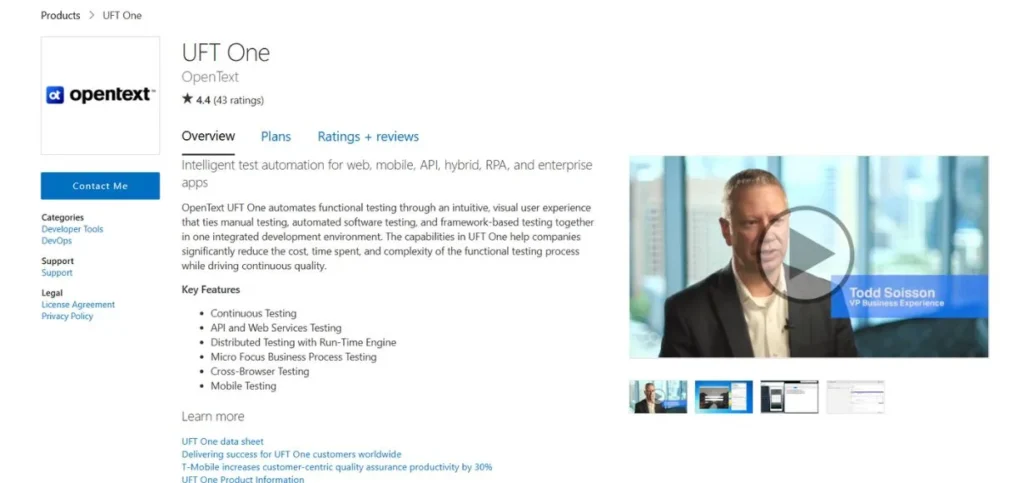
QuickTest Professional (QTP) is a commercial functional testing tool that was created by Micro Focus, which is currently called UFT One. It is used to test desktop, web, and mobile applications with enterprise-level requirements in mind. UFT One offers a visual test interface where the tester can develop the tests through drag-and-drop capability. The tool has an object recognition technology that is capable of identifying the elements of UI with a high degree of reliability.
It is compatible with various scripting languages and is able to debug. UFT One is compatible with a cross selection of enterprise tools, as well as continuous integration processes. The tool has a lot of power that deals with complex business applications and legacy systems. It is popular among large companies that need extensive testing tools that are supported by vendors.
Key Features:
- Visual test interface
- Recognition of objects technology.
- Enterprise integration functionality.
Pros:
- Strong enterprise support
- Manages complicated applications.
- Visual test creation
Cons:
- Very expensive licensing
- Windows-only platform
- Steep learning curve
Best For: Enterprise
Pricing: Contact vendor for pricing
Website: https://azuremarketplace.microsoft.com/en-us/marketplace/apps/micro-focus.ms-unified-functional-testing?tab=Overview
9. Ranorex Studio
Ranorex Studio is a commercial test automation tool that offers desktop, web, and mobile applications testing. It provides a codeless automation solution that allows drag-and-drop test creation, enabling non-technical testers to use it.
The tool has strong object recognition and can cope with complicated UI objects. Ranorex Studio is a data-driven testing tool that can also be used with other test management systems. It contains a lot of detailed reporting with screenshots and videos of the testing process.
The tool has good debugging facilities and test maintenance facilities. Ranorex Studio is reputed to have powerful cross-browser testing and mobile device testing. It is especially common with teams that want to have a graphical method of test automation without the necessity of heavy programming.
Key Features:
- Codeless test automation
- Interoperable applications.
- Visual test creation
Pros:
- No coding required
- Good object recognition
- Thorough reporting capabilities.
Cons:
- Expensive licensing model
- Limited community support
- Windows-focused development
Best For: Visual
Pricing: Starting at $3,990/year
Website: https://ranorex.com
10. Postman
Postman is an API development tool, mostly, although it also offers robust API testing automation. It enables testers to develop, structure, and perform API tests without difficulty through a user-friendly interface. Postman facilitates the authentication of multiple authentication schemes and can run complex API workflows. The tool gives collection runners, and they can run various API tests in series or parallel. It provides full API testing, reporting, and monitoring.
Postman is compatible with pipeline CI/CD and can be used in workflow collaborative testing. The tool is used to give pre-request scripts and test scripts in JavaScript. Postman is a requirement for teams that deal with microservice architectures and RESTful APIs. It is popular among API testers and developers to use it as a tool for API validation and automated testing processes.
Key Features:
- Comprehensive API testing
- Organization of the test in the collection.
- In-house teamwork capabilities.
Pros:
- Excellent API testing
- Easy to use
- Close cooperation aspects.
Cons:
- Limited to APIs
- Can become expensive
- Not for UI
Best For: API
Pricing: Free version available / Paid plans start at $12/month
Website: https://postman.com
How to Choose the Right Automation Testing Tools
To choose the ideal Automation Testing Tools to use in your project, one should pay attention to the following:
- Evaluation of Your Type of Application: Select the tools that are specifically used in your application (web, mobile, desktop, or API).
- Consider Team Skills: Select the tools that will fit your team’s skills/programming skills, and learning capacity.
- Budget Constraints Evaluation: Equilibrium between the free open-source options and the paid commercial options, depending on the budget.
- Check Integration Requirements: Make sure that the tools can fit in your current development and testing environment.
- Review Maintenance Needs: Take into consideration long-lasting maintenance work on various tools.
Common Mistakes to Avoid
The following are the pitfalls to avoid when applying Automation Testing Tools:
- Attempting to Automate All Things: Concentrate on the automation of stable repetitive tests and not all possible scenarios.
- Neglecting the Level of Tool Learning: Provide adequate team training and skills development.
- Poor Test Data Management: Preparation of proper test data planning and maintenance.
- Skipping Tool Evaluation: Adequate proof-of-concept testing should always be done before selecting final tools.
- Failure to do Maintenance Planning: Plan to continue the continuous tests since applications are changing.
Conclusion
Automation Testing Tools have become a necessity for contemporary software development teams. They are used to provide quality software at a faster rate and minimise the cost of testing and human errors. The automated QA tool is the right selection, which depends on your needs, budget, and the capabilities of your team.
It does not matter whether you use open source testing tools such as Selenium and Cypress, or you invest in commercial best automation testing software such as TestComplete and UFT One, the thing is that you should have a clear strategy in the beginning. The automation structures of the tests need to match your application structure and team capabilities.
It is to be kept in mind that automation cannot be successful without planning, training, and maintenance of teams. Begin with the key test cases first, which are most critical, and then increase your automation coverage. You may also achieve a lot in improving the quality of your software and speed of delivery with the aid of proper Testing Tools and methods.
FAQs
Which are the most recommended free Automation Testing Tools to use?
Selenium, Cypress, and Robot Framework are good in terms of being free and competent enough to get a beginner started. Selenium can be used to test the web, Cypress is a modern web testing system with good debugging, and Robot Framework can be used to create keyword-based testing, which is easy to learn.
Do automation Testing Tools provide an alternative to manual testing?
No, Automation testing tools cannot absolutely substitute manual testing. Although they are very efficient in repetition and regression testing, manual testing remains necessary in exploratory testing, usability testing, and new feature validation.
What would be the cost of commercial Automation Testing Tools?
Commercial Automation Testing Tools may start as low as $12/month for cheap API testing tools such as Postman, up to 6000 ayear for expensive enterprise software such as TestComplete. Add training and maintenance costs, plus infrastructure costs, to licensing costs.
What programming languages do you find to be best in Automation Testing Tools?
Java, Python, C#, and JavaScript are considered popular languages. Python is also known to be recommended to beginners because of its simple syntax. This is subject to the experience of your team and the Automation Testing Tools you use.
What time is required to realize the ROI of Automation Testing Tools?
ROI on Automation Testing Tools is usually realized in 3-6 months in the case of teams that have stable applications and effective automation patterns. The schedule is based on the complexity of tests, the skills of the team, and the frequency of tests.