 Get 50% off on Vault theme. Limited time offer!
 Top 10 AI Image Generators to Boost Your Visual Content in 2026
In the current digital world, graphics have become the biggest pillar of a successful blog and website. Research indicates a coherent pattern where articles incorporating images enhanced with captivating visuals will always be viewed 94 percent of the time compared to those that lack a visual image; therefore, it cannot be said that visual elements are up to people’s liking or are optional. On the contrary, they are rather non-negotiable and are required to capture the audience and enhance SEO placement.
AI image generators have transformed the way people create images, essentially turning expensive software, design skills, or expensive subscriptions to stock photos into a readily available automated task. Image generator AI harnesses advanced machine learning through such networks as generative adversarial networks (GANs) and diffusion models to produce the original visuals based on the basic text description. Such programs examine large databases of images to learn about patterns, styles, and compositions and then create completely new images based on the specifications provided by the user.
This technological breakthrough is a game-changer for users. As a blogger, searching through the immense pool of images to find an ideal featured image; as an entrepreneur, having to create a product gallery; or as a marketer, having to create captivating social media visuals, AI image generators can significantly speed up your content production process and preserve its appearance and uniqueness.
This ultimate guide will examine the best 10 AI Image Generators that will work perfectly to assist you in revolutionizing your visual content workflow in 2026. We shall analyze what features each tool provides, how they can be integrated, their pricing plans, and optimal applications to assist you in making decisions that suit your particular requirements.
What to Look for in AI Image Generators
Image Quality and Customization Features
The quality of modern AI image generators differs drastically, as well as the range of customization possible. High-end tools are more detailed, give better preservation of details, and have more refined style controls. Take into account such features as the adaptability of the aspect ratio, the presets of styles, the negative prompts (what you do not want to see), and editing generated images with iterative prompting.
Speed and Ease of Use
Time efficiency is paramount for content creators. Top image AI generators deliver short generation times, a user-friendly interface, and limitless group processing. Tools that have an easy-to-follow prompts manual and template collection could potentially substantially cut the learning curve for the new user.
Licensing and Commercial Usage Rights
The knowledge of the right to use is essential to every site owner, particularly owners who run a business. Seek out generators with transparent licensing conditions, right to use commercially, as well as safeguards against copyright infringements. Some of the tools are royalty-free, and some of them might have limitations on commercial use.
Integration with Media Libraries and Editors
It should have built-in functionality to work with media libraries and page builders such as Elementor or Gutenberg blocks and flexibility to edit the images. There are some more advanced tools that provide a connection to popular page builders and the editing interface.
Also Read: Best Image Compressor Tools
Top 10 Best AI Image Generators
1. Imagify AI
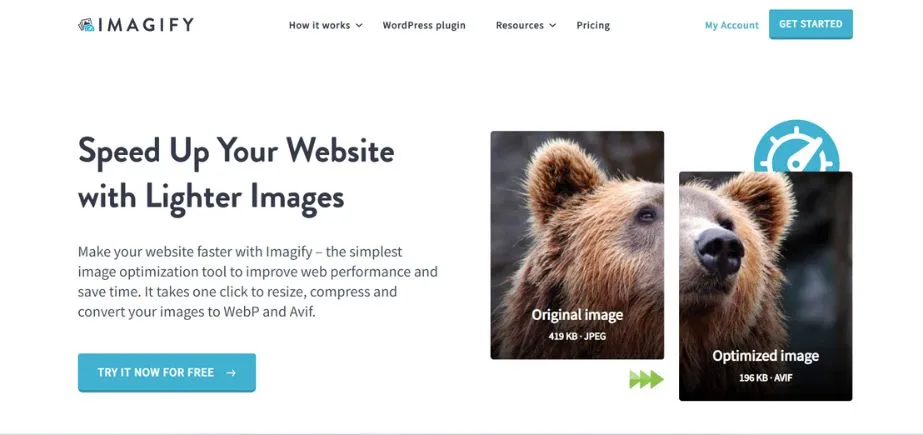
Imagify AI is an image processing and optimization tool serving WordPress sites through micro artificial intelligence. Also associated mainly with image compression, the feature of AI generation generates images from the information provided by the user, but with quick loading speeds. It is completely incorporated with WordPress, and it automatically resizes images as well as optimizes them. Imagify AI is also a perfect tool to use by bloggers, e-commerce owners, and developers concerned with speed and beauty. Its optimization with AI production enables it to balance between performance and visual quality.
Pros:
- Native WordPress plugin with seamless dashboard integration
- Combines image optimization with AI generation for comprehensive image management
Cons:
- Limited style variety compared to specialized AI art generators
- Higher pricing tiers for commercial usage and bulk generation
Key Features:
- One-click WordPress integration through native plugin installation
- Bulk image generation with batch processing capabilities for large content projects
- SEO-optimized outputs with automatic alt text generation and metadata
- Smart compression that maintains quality while reducing file sizes for faster loading
- Custom style training allowing users to create brand-consistent image styles
Best For:
Ideal for content creators who prioritize efficiency and SEO optimization.
2. Canva AI Image Generator
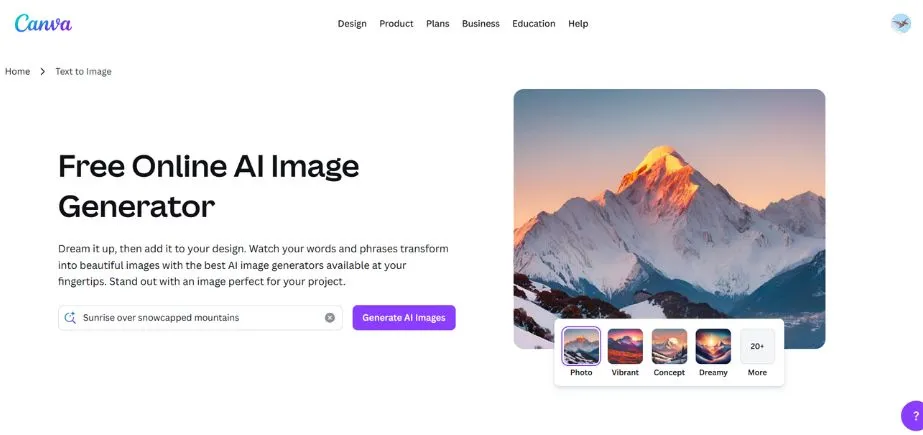
Canva AI Image Generator turns prompts into personalised images in the popular design program. It is easy to use and it provides templates, drag-and-drop editing, and fast visual creation. It will be included in web and mobile Canva applications, making it possible to enhance presentations, published posts, and web pages using the power of AI-generated content. It is designed with features that are easy to use and sold to marketers, teachers, and creators who do not require professional capabilities. The AI tool by Canva is a combination of accessibility and creativity because it allows working on any project within a short period of time.
Pros:
- Intuitive drag-and-drop interface with extensive template library
- Strong brand consistency tools with custom color palettes and font pairings
Cons:
- Limited advanced AI customization options compared to specialized generators
- Subscription required for full feature access and commercial usage rights
Key Features:
- Template-based generation combining AI images with pre-designed layouts
- Brand kit integration ensuring consistent visual identity across all generated content
- Multi-format outputs supporting various social media, blog, and web dimensions
- Collaborative features allowing team members to contribute to visual content creation
- WordPress plugin compatibility with popular page builders and media management systems
Best For:
Effective for lifestyle bloggers, small businesses, and content creators who need polished visuals quickly.
3. DALL·E by OpenAI
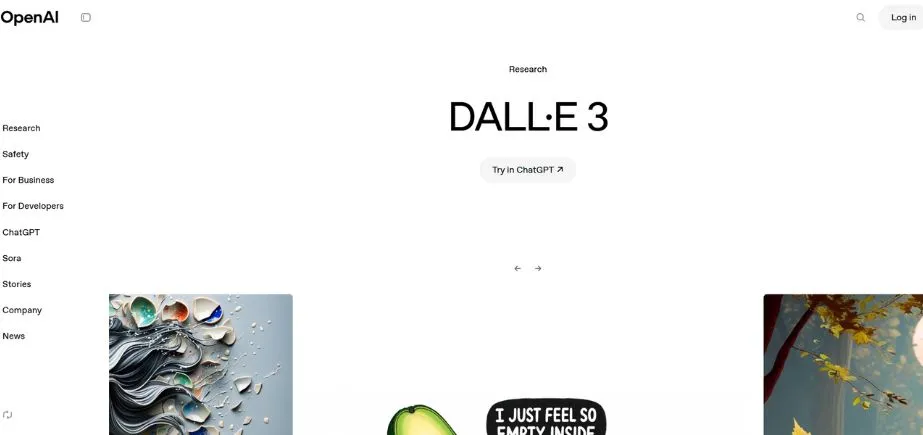
OpenAI DALL·E is an advanced artificially intelligent image creator capable of making intricately detailed, innovative images from simple natural language descriptions. Being recognizable by its creativity and precision, DALL·E is able to produce anything, both photorealistic and surrealistic art pieces. It is offered as an API and integrations, which makes it convenient for developers, designers, and marketers. Through constant improvements, it allows inpainting and editing capability with an increase in creative freedom. DALL·E is perfect for creating original items in various media, advertising, and web design.
Pros:
- Superior image quality with excellent detail preservation and creativity
- Highly responsive to complex, descriptive prompts with nuanced understanding
Cons:
- Requires technical setup for WordPress integration through APIs or plugins
- Higher per-image costs compared to subscription-based alternatives
Key Features:
- Advanced prompt interpretation understanding complex descriptions and artistic styles
- Outpainting capabilities extending existing images beyond their original boundaries
- Inpainting functionality for editing specific portions of generated or uploaded images
- High-resolution outputs suitable for print and professional applications
- Style versatility from photorealistic to artistic and abstract interpretations
Best For:
DALL·E excels for creative professionals, design agencies, and content creators who need distinctive, high-quality visuals.
4. Picsart AI Image Generator
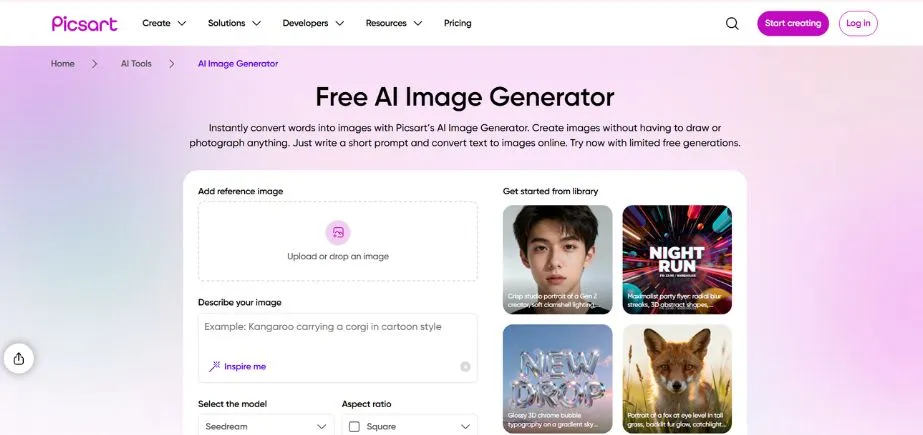
Picsart AI Image Generator seamlessly incorporates functionality and art as a tool that helps create individual visuals with the help of text. It is incorporated into the Picsart mobile app and the web solution, making it an ideal choice for influencers, marketers, and ordinary creators. One can create stylized images, edit or transform them immediately, and add effects or filters altogether in a single interface. Having access to a combined asset library and a variety of social templates, Picsart AI will assist in not only the creation of visual content but also editing after the fact, making it an excellent tool that allows for fast and go-to design.
Pros:
- Optimized for social media formats with trending style presets
- Strong mobile app integration for on-the-go content creation
Cons:
- Limited photorealistic generation compared to specialized photography-focused tools
- Watermarked outputs in free tier affecting professional usage
Key Features:
- Social media optimization with platform-specific sizing and style recommendations
- Trending style library updated regularly with popular aesthetic trends
- Mobile-first design allowing seamless creation across desktop and mobile devices
- Background removal integration combining AI generation with editing capabilities
- WordPress shortcode support for easy embedding in posts and pages
Best For:
Ideal for influencers, lifestyle bloggers, and marketing professionals.
5. Midjourney
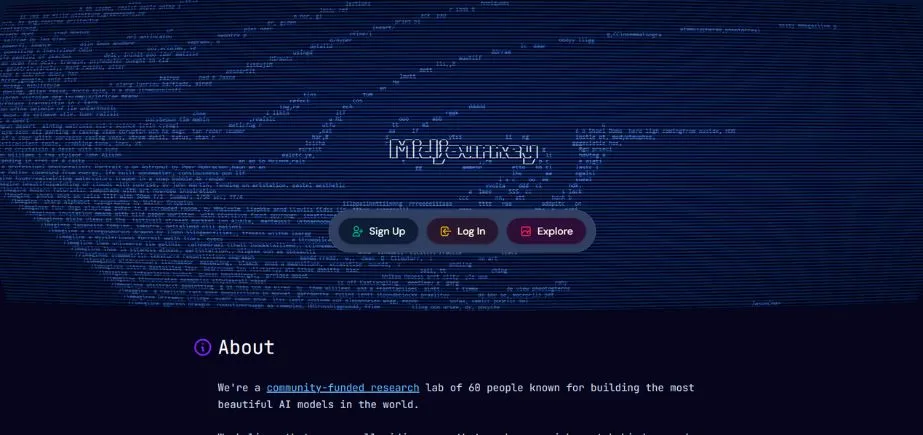
Midjourney is an AI picture generator that has gained popularity due to creating artistic and stylish images of great depth and originality. Ran through Discord, users provide prompts to make cinematic or abstract images, which have noticeable visual details. Midjourney is a preference among designers, illustrators, and creatives for unusual visual assets to use in branding, storytelling, or concept art. Images can be exported and applied to digital projects, even though they are not directly connected to platforms, such as WordPress. It’s ideal for those prioritizing visual aesthetics.
Pros:
- Exceptional artistic quality with sophisticated style interpretation
- Strong community support with extensive prompt libraries and tutorials
Cons:
- Discord-based interface requiring learning curve for new users
- No direct WordPress integration requiring manual upload processes
Key Features:
- Artistic style mastery excelling in various art movements and aesthetic approaches
- Community-driven development with active user feedback shaping new features
- Parameter control allowing fine-tuning of chaos, stylization, and quality settings
- Remix capabilities for iterating on existing images with new prompts
- Aspect ratio flexibility supporting various output dimensions for different content needs
Best For:
Midjourney is perfect for creative agencies, design-heavy WordPress sites, and content creators who prioritize artistic quality over integration convenience.
6. Runway ML
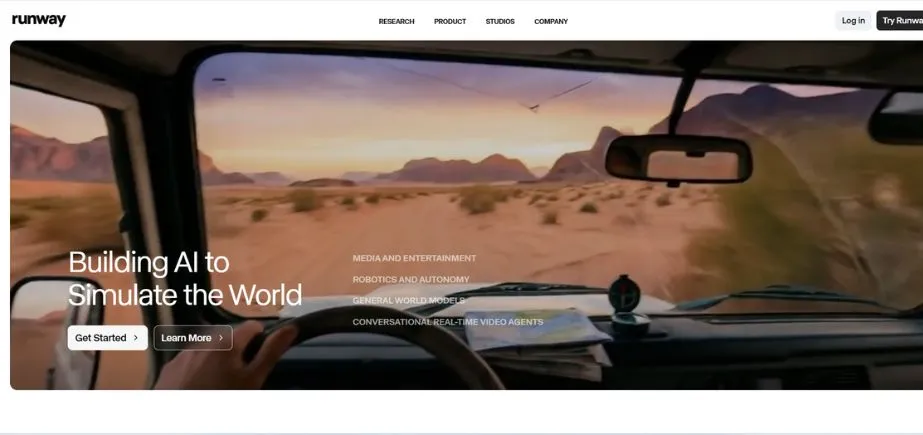
Runway ML is an AI toolbox used by creators that allows AI-powered text-to-image and video tools, as well as AI animation techniques. The runway is equipped with the Gen-2 model that can produce and edit media materials using text input. It aids in the editing of motion, the replacement of green screens, and video creation based on stills or text. Intended as a powerful tool to filmmakers, content creators, and digital artists, Runway ML can be characterized by the fact that it is designed as a real-time interface and creative control. It bridges the gap between AI and production.
Pros:
- Innovative video-to-image capabilities for unique content creation
- Advanced creative features, including style transfer and image manipulation
Cons:
- Steeper learning curve compared to simple text-to-image generators
- Limited WordPress-specific documentation and integration guides
Key Features:
- Video-to-image conversion extracting and stylizing frames from video content
- Style transfer technology applying artistic styles to existing images
- Real-time generation for live creative workflows and rapid prototyping
- API accessibility enabling custom WordPress integrations for developers
- Collaborative workspace supporting team-based creative projects
Best For:
Runway ML suits creative professionals, media companies, and WordPress developers who need cutting-edge creative tools. Its strength is in pushing creative boundaries and enabling unique content workflows.
Know More: Best 3D Printing Software for Designers
7. DeepAI Image Generator
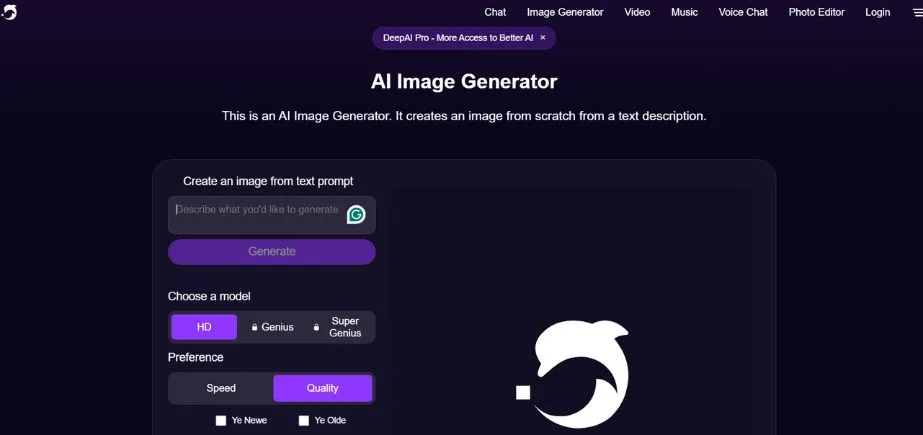
DeepAI Image Generator is a simple, developer-friendly API that can generate images out of text. It provides free use in simple cases and allows it to be incorporated into applications, websites, or company-specific software. Although in detail it is not a premium platform, it is fast and has a simple interface. DeepAI is most suitable for coders, startups, and educators who want to add basic AI visuals to their projects without an expensive price tag and elaborate UI demands.
Pros:
- Simple API integration with clear documentation and examples
- Free tier available for testing and low-volume usage
Cons:
- Basic interface with limited advanced customization options
- Lower image quality compared to premium alternatives
Key Features:
- Developer-friendly API with comprehensive documentation and code examples
- Multiple generation models including text-to-image and style-specific generators
- WordPress shortcode compatibility through third-party plugins and custom implementations
- Batch processing support for generating multiple images programmatically
- Cost-effective pricing with competitive rates for high-volume usage
Best For:
DeepAI is ideal for developers, budget-conscious users, and WordPress sites requiring programmatic image generation. Its strength lies in providing reliable, affordable AI image generation with technical flexibility.
8. ArtSmart.ai
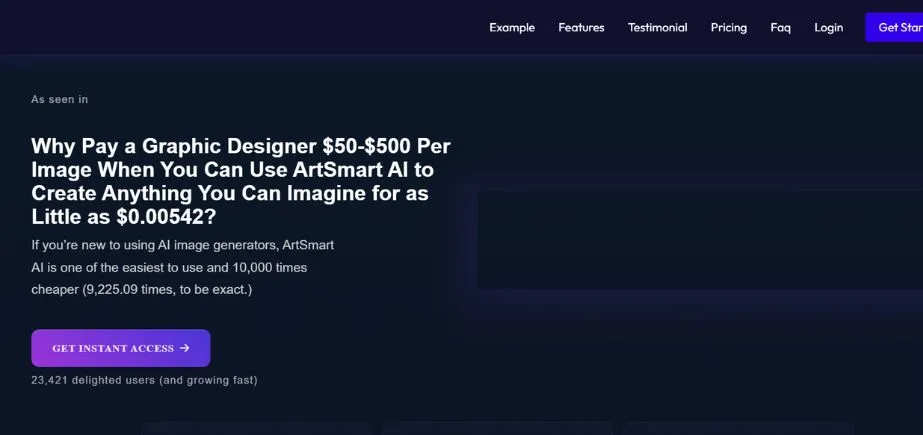
ArtSmart.ai is a content creator-focused, blogger-friendly, and digital marketer-ready AI picture generator. It has accurate generation of prompt-to-image, generation of an avatar, and replacement of the backgrounds. Simple inputs with the use of simple buttons enable users to create high-quality images in different styles and modify them using built-in tools. Its on-demand visuals placement capability via its intuitive dashboard and WordPress plugin enables the authorization of visuals with ease through on-demand publication to websites. ArtSmart.ai is an ideal solution in cases when one needs original content and does not want to spend a lot of effort on post-editing or crafting design.
Pros:
- Dedicated WordPress plugin with native dashboard integration
- Competitive pricing with generous generation limits per subscription tier
Cons:
- Smaller community and fewer online resources compared to major platforms
- Limited advanced features compared to specialized AI art generators
Key Features:
- Native WordPress plugin with seamless media library integration
- Style transfer capabilities for applying consistent brand aesthetics
- SEO optimization tools including automatic alt text and metadata generation
- Batch generation workflows for creating multiple related images efficiently
- Commercial usage rights included in all subscription tiers
Best For:
ArtSmart.ai excels for WordPress users who prioritize ease of use and native integration over advanced creative features.
9. Stockimg.AI
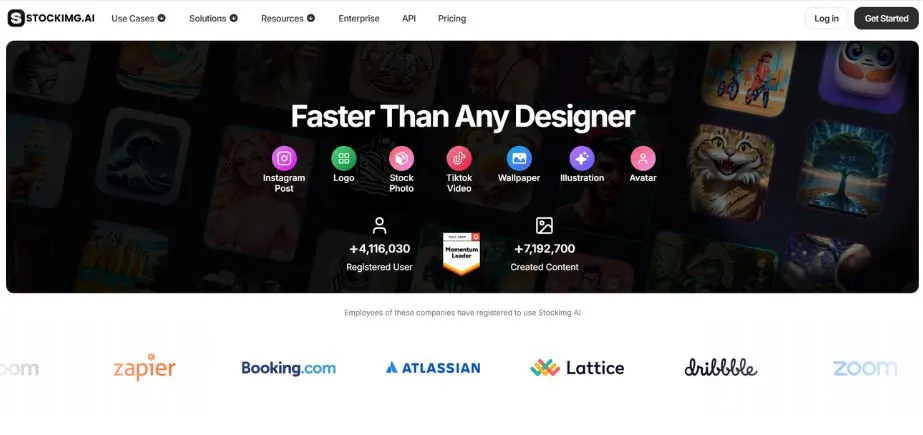
Stockimg.AI is a commercial AI generator of images such as logos, book covers, posters, and mockups. Using product-branding templates and product-marketing templates, prompts allow users to create refined output within seconds. It is therefore ideal for entrepreneurs, publishers, and designers who require fast creative work without having to employ the services of professionals. Stockimg.AI aims to provide high-quality images that are ready to use, take little input, and save time. It optimizes its contents to work on websites, print, and online advertisements.
Pros:
- Specialized templates for business applications, including logos and product mockups
- Strong focus on commercial usage with clear licensing terms
Cons:
- Limited artistic style variety compared to general-purpose generators
- Higher pricing for premium templates and advanced features
Key Features:
- Business-focused templates including logos, mockups, and promotional materials
- Product visualization tools for creating compelling eCommerce imagery
- Brand consistency features ensuring cohesive visual identity across generated content
- WordPress embed support through iframe integration and custom plugins
- Commercial licensing clarity with straightforward usage rights for business applications
Best For:
Stockimg.AI is perfect for entrepreneurs, product managers, and business-focused WordPress sites.
10. Kive.AI
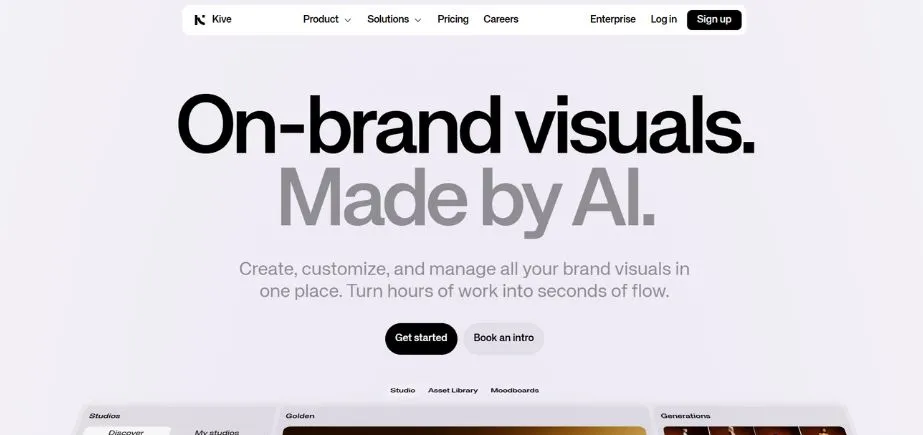
Kive.AI is a creative asset management and generation platform with an AI-based asset explorer that helps arrange, inspire, and create images. It was built to support design teams and agencies to deliver AI-driven style libraries, reference matching, and more. Users can create material, gather inspiration, and ensure that projects are visually consistent. Kive is not as interested in instant generation as some of the other tools, but it is useful when the goal is to keep the teams working on branded aesthetics and collaborating on creative workflow by easing the process between the ideation phase and executing according to the plan.
Pros:
- Extensive style libraries curated for professional design applications
- Strong focus on branding and UX design with relevant templates
Cons:
- Newer platform with evolving features and smaller user community
- Limited integration documentation for WordPress-specific implementations
Key Features:
- Curated style libraries featuring professionally designed aesthetic frameworks
- Brand-focused generation with tools for maintaining visual consistency
- UX design optimization, including interface elements and user experience graphics
- Custom embed functionality for integrating generated content into WordPress sites
- Creative asset management with organizational tools for large design projects
Best For:
Kive.AI suits professional designers, branding agencies, and WordPress developers who need sophisticated design tools.
How to Add AI-Generated Images to Your Site
Using Plugins
Plugins are the most convenient tool for adding AI-generated images. There are many AI tools with official plugins that you can use in your dashboard and create images that can be used in posts or media. Install it, put your API key in, and you are free to create. Plugins are other features in it with capabilities such as bulk generators, SEO aids, and Gutenberg block insertions. The well-known choices are the plugin of AI Image Generator in WordPress and other service-related ones.
Manual Uploads
When a plugin is not present, use the sites or APIs of the AI tool to generate the images and download them, which can then be added manually to WordPress. This approach is less quick, but it provides complete control over quality and filenames (search engine optimized filenames) and library structure. The media manager plugin and batch upload tool may speed the process, particularly with multiple AI services or large quantities.
Embedding from Third-Party Platforms
Others, including Midjourney or Runway ML, have embed codes. Copy and paste the code into WordPress with the help of an editor or a page booster such as Elementor or Divi. Advanced users can create custom shortcodes for easier reuse. Embedding can be helpful when the tools have no native support for plug-ins but have robust sharing capability.
Optimizing for SEO and Performance
Always optimize images for speed and SEO. Write pertinent file names and alt text, and make images puny utilizing apparatuses such as TinyPNG or ShortPixel. Convert to WebP if supported. Compress images to match your theme and also enhance loading. Proper optimization boosts performance and search visibility.
Benefits of Using AI Image Generators
Saves Time and Cost
AI Image Generators are time and cost-efficient because they allow avoiding the services of designers or the use of stock photos. Users can create quality visuals in a few minutes instead of the hours used in creation or search. The subscription model can be economical to frequent users who can generate unlimited or bulk images. This conveniently makes AI suitable for bloggers, startups, and small enterprises. It also reduces time allocation on revision and licensing and allows the creators to concentrate more on content and technique.
Ensures Originality
AI-generated images are not standard like the stock photos present on most websites. This creativity enhances brand recognition and helps your material to be distinguishable to the internet audience. It also minimizes legal issues—there is no need for model releases or credits. AI-made imagery can demonstrate the voice of your brand and let you establish consistency and authority among your audience without having copyright complications.
Supports Content Strategy and Branding
The use of AI tools helps in solid content engagement, as it creates visuals that align with the image of your brand. They enable you to make fast and steady styles, infographics, and illustrations that assist your message. There is a possibility to respond to trends, promotions, or seasonal content quicker, whereas there is also no use of external designers. This ability to be flexible when on demand is better storytelling and helps keep your visual brand together.
Boosts Engagement and SEO
Custom-designed visuals enhance the engagement and maximize the time-on-page and lower the rates of bounces. AI images will be different, with a chance to occupy higher positions in the image search, which will lead to more traffic. These images are SEO-friendly with suitable alt text and file names. In social media, original, high-quality, attractive images are more successful and are worth having a higher number of clicks, shares, and access to your own site.
Copyright and Usage Clarity
AI-generated image rights vary across platforms. Some allow full commercial use, while others have restrictions. The concerns relating to the legal area, such as the training data and the copyright, are still in development. Read the terms of service, maintain records of usage, and seek advice from legal experts to use high-risk commercial materials to remain secure. Additionally, using an AI image detector can help verify whether a visual was AI-generated. This is especially important for maintaining transparency, meeting platform guidelines, or complying with industry regulations.
Quality Inconsistency
AI image quality can be unpredictable. Different outputs can be received by the same prompt; inconsistency, visual errors, or artifacts may arise. This affects brand consistency and may require multiple attempts. Depending on the way to improve the result, it may require higher skills to prompt and too much time to learn how to use each tool.
Plugin Compatibility Issues
AI plugins can have issues with WordPress themes, page builders, or updates. These issues can disrupt workflows and require technical fixes. Periodical plugin updates are quite helpful but can also create new setbacks. Having backups and alternate tools is recommended.
Need for Human Curation
AI images still need human review. Outputs can include errors or off-brand elements. The artificial intelligence enhances the investigation of mistakes and correctness, particularly when employed professionally. This decreases time savings, but it is a mandatory element of quality and brand relationships.
Final Thoughts
In 2026, AI image creation presents an opportunity because every user will have the tools to make unique visual content. With the smooth integration of the Imagify AI, the artistry of Midjourney, as well as business-ready Stockimg.AI, each tool has its own purpose.
Canva AI and Picsart AI can be used when in need of fast, convenient outcomes. DALL·E and Midjourney are suitable for people who require a significant quality and impressiveness of creation. Developers might be attracted by DeepAI and Runway ML, whereas Stockimg.AI or ArtSmart.ai would suit business users better.
The key element to being successful in this case is to select the tools that fit your objectives, budget, and Becker workflow. Get free explorations using free trials. The use of AI tools contributes to a more creative approach, and it is people who provide quality and ensure brand consistency. Integration of AI, strategy, and curation yields the most successful one.
FAQs
Can the images generated with the help of AI be used for commercial purposes?
Yes, but that is based on the licensing details of the platform. Commercial usage is typically permitted in paid versions of tools such as DALL·E, Midjourney, and Canva AI. It is always advisable to check the terms and record generation. To use it under high-risk circumstances, get a legal advisor.
Do these tools make WordPress sites slow?
Not significantly. The use of on-demand plugins might impact the generation of content by a bit, but not the visitors. Reducing image size and lazy loading or using CDNs will make your site faster.
Do I have the ability to edit AI pictures on WordPress?
Certainly, one can make simple edits such as cropping and resizing. Advanced edits can be done via the use of the plugins or external tools. Canva and Picsart are some of the AI plugins that enable editing in WordPress.
Does WordPress have free AI image generators?
Indeed, such tools as DeepAI and Canva AI may be used on free plans, including WordPress. Free limits can have watermarks, limits, or reduced quality, suitable for testing or a personal blog.
What is the best solution for WooCommerce users?
Stockimg.AI and Canva AI are super useful in the case of product pictures and marketing tools. To access the API, use the DeepAI or ArtSmart.ai bulk. Select the one that suits your design requirements and your workflow.
Continue Exploring: High DA Image Submission Sites