 Get 50% off on Vault theme. Limited time offer!
 10 Best Broken Link Checker Tools – Free & Paid Options (2025)

In the modern online world, having a healthy site is one of the most important factors to achieve success, and broken links are among the most popular but neglected tools that can ruin the performance of your site. And regardless of whether you are operating your own weblog, an online store wishing to sell thousands of products, or trying to run a business webpage, broken links may annoy your visitors, hurt your search-engine rankings, spoil your reputation.
Discovering the most suitable broken link checker software has become imperative amongst webmasters, digital marketers and SEO professionals who desire to ensure a smooth user experience. These are automated tools that investigate your web site and locate any bad links on it and take them away within a few seconds.
Here we plan to discuss the best broken link checker tools in 2025 to replace the old ones, whether with free or paid ones, to inform you about the best tool to use according to your goals and continue working with your website.
What Are Broken Links and Why Do They Matter?
The dead links, also referred to as broken links, are hyperlinks that are no longer functioning as intended. They always lead to some server error messages such as 404 not found messages when clicked. These occurrences happen when web pages are deleted, relocated, or renamed without any kind of redirect, when domains expire, or when the URL is typed inaccurately.
Broken links are important as they provide a bad user experience, indicate that companies do not care about websites such as Google, and will affect the overall SEO performance of such websites and their credibility in the online community directly. Leveraging AI Tools For Marketing can help identify, monitor, and fix broken links efficiently, enhancing website performance and user trust.
The Problem with Broken Links
- Damages User Experience: When visitors have clicked on the links in anticipation of meaningful material, only to trust and see error pages, visitors become frustrated hence the high bounce rates and reduced confidence in the credibility and professionalism of your site.
- SEO Ranking Dungeon: search engines react to broken links as indicators of bad web maintenance and such would adversely affect search results, lower the authority of your site, and further pain your prospective customers in finding naturally discovered content.
- Loss of Wastes: on breaking internal and external links, the precious “link juice” or authority being transferred to them would be lost, undermining your overall site’s structure, watering down the SEO gains which you had diligently worked on to achieve.
- Less Conversion: Missing links on visitors to key departments such as product pages, checkouts or contact forms may actually mean failure to accomplish or buy desired items hence losing sales, leads and business prospects.
- Causes Maintenance Headaches: With larger, more complicated websites, it becomes more and more time-intensive to manually search and locate broken links, and virtually impossible unless automated tools are present, thus resulting in maintenance headaches that accumulate over time.
- Signals Unprofessionalism: A web site plagued with bad links indicates inattention and carelessness and this fact can destroy your brand image and cause a prospective customer to doubt the quality of your product or service.
Benefits of Using a Broken Link Checker Tools
- Economizes Time and Resources: With automated broken link checkers thousands of pages can be scanned in minutes revealing problems that would have taken days or weeks to locate by hand and they can get down to other more significant areas of your site operations.
- Enhanced Search Engine Optimization: Broken links may cause your site to lose its health rank, on-site link equity, and decrease search engine ranking as well as the search engine crawlers navigate your pages effectively.
- Improves User Experience: Chamber broken link determination will ensure that without problematic error pages, users can motivate benefits to your site with ease, which means longer session times, reduced send-offs, and customer satisfaction levels will both increase.
- Monitors External Links: Quality tools monitor external links as a means to provide assurance that your outbound links are live and reputable, ensuring that you do not send your visitors away to dead sites or other sites that might be harmful to whoever went there.
- Presents Actionable Reports: The majority of broken link checker tools will provide reports that detail all of the broken links with the error code generated in one location, what is the exact location, and what are the broken links.
- Deterrants Revenue Loss: When its e-commerce sites as well as businesses offering web-based transactions, dead ends may occur on their customers on the journey to purchase items that may be avoiding hits, as directly as these links break, revenue is lost hence revenue maximization.
Key Features to Look for in a Broken Link Checker
- Extensive Scanning Method: The tool needs to scan all of the pages along with deep-level pages and confirm both inner and outer links, images, scripts, and other sources to reveal a holistic view of the link wellbeing of your site.
- Detailed Error Reporting: Find tools that give specific error codes (404, 403, 500, etc.), reveal the point where broken links exist, which pages they exist on, and provide some form of context that will enable you to prioritize the fixes accordingly.
- Scheduling and Automation: Scheduling with Automation Scheduling with automation will also provide a process where you can initiate regular scans automatically, regularly allowing you to identify broken links before them affect visitors or search engines ranking in significant manners.
- Integration Capabilities: The most productive tools are compatible with popular and widely used CMS tools, such as WordPress, web analytics tools, and project management tools, integration facilitates your workflow and ensures that maintenance of links is easier to introduce to your already existing systems.
- Make it user friendly: The tool is user-friendly because it manages to make it comprehensible to a non-technical user by having a user-friendly dashboard, clear visualizations and simple navigation, thus lowering the learning curve and enhancing effectiveness.
- Gold shows and Speed: Once the checker of links is efficient through a scanning algorithm capable of scanning up big sites with ease and with no overwhelming the server and no use of large amount of bandwidth provided, then your link checking procedure would not affect the normal running of the web site as well as user interaction with the web site.
Comparison Table
| Tool Name | Free/Paid | Key Features | Best For |
| Screaming Frog SEO Spider | Free (limited) / Paid | Unlimited crawling, detailed reports, integrations, custom extraction, comprehensive SEO analysis | SEO professionals and technical marketers needing deep analysis |
| Ahrefs Site Audit | Paid | Automated scheduling, health scoring, historical tracking, visual reports, 100+ checks | Agencies and businesses with comprehensive SEO needs |
| Semrush Site Audit | Paid | 140+ checks, prioritization, competitive analysis, visual reports, mobile crawling | Marketing teams managing multiple websites |
| Dead Link Checker | Free | Simple interface, no registration, browser-based, quick scanning, basic reporting | Small website owners and beginners |
| W3C Link Checker | Free | Standards compliance, recursive checking, reliable accuracy, command-line options, no limits | Developers valuing standards and technical accuracy |
| Google Search Console | Free | Google’s perspective, crawl error reports, performance data, submission tools, free forever | All website owners wanting Google’s insights |
| Sitebulb | Paid | Visual reporting, 300+ checks, plain English explanations, interactive dashboards, log analysis | Consultants and agencies needing client-friendly reports |
| Dr. Link Check | Free / Paid | Fast scanning, 3,000 pages free, scheduled monitoring, multiple resource types, downloadable reports | Webmasters needing regular focused link checking |
| Broken Link Check | Free | No registration, simple interface, any size website, clear reports, entirely online | Casual users needing occasional quick checks |
| Integrity | Free | macOS native, fast crawling, real-time results, open-source, clean interface | Mac users wanting a dedicated free solution |
10 Best Broken Link Checker Tools (2025)
1. Screaming Frog SEO Spider
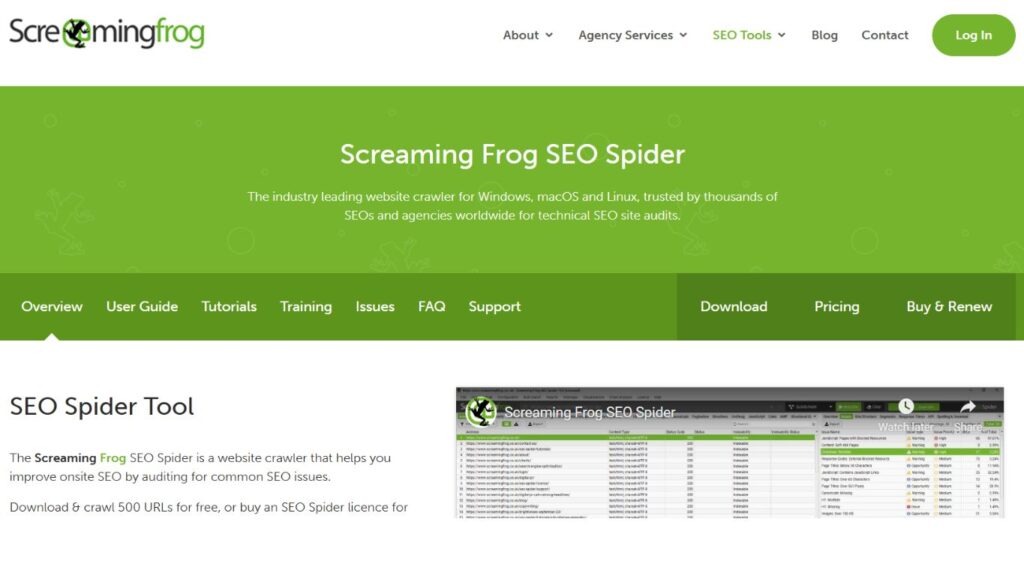
Screaming Frog SEO Spider is a powerful software desktop application which can be applied by several search engine optimizers and marketers. It identifies an SEO issue in a website, which is particularly broken links. It is free to crawl 500 URLs making it efficient in small sites.
The paid one gives you the possibility to crawl as many URLs as necessary. It provides you with a list of link issues such as broken links, redirects and server issues in an easily readable spreadsheet format that can be easily exported.
Key Features:
- The paid version crawls indiscriminately without limit as well as with a wide range of filters.
- Assesses broken links based on presence of certain HTTP status codes as well as types of errors.
- Exports describe reports in CSV, Excel and others to analyze it.
- connects with Google Analytics and Search Consoles to learn more.
- Allows the custom extraction with XPath, regular expressions, and CSS selectors.
Pricing: Free to up to 500 URLs; paid license £149/year (about $185).
2. Ahrefs Site Audit
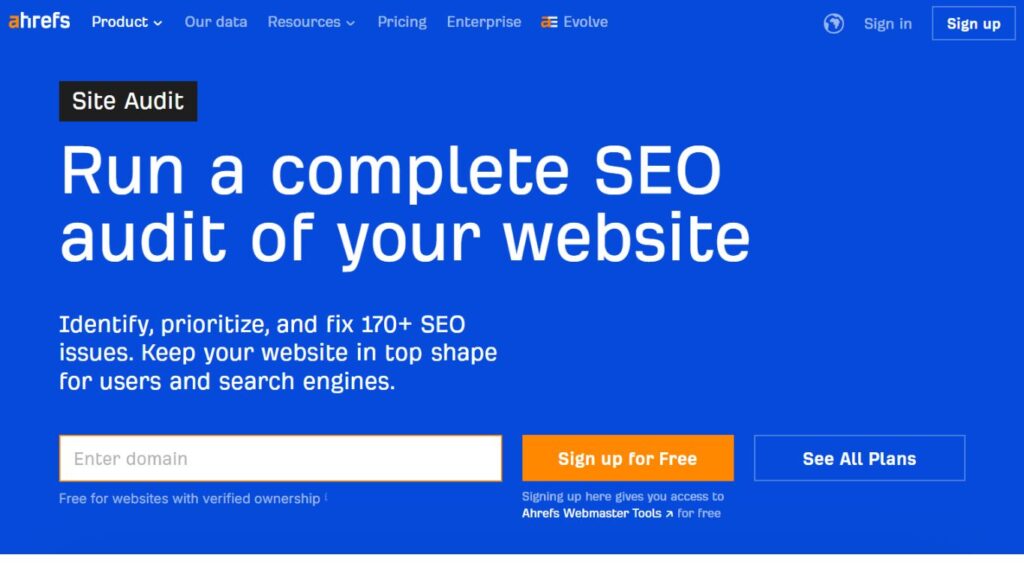
Ahrefs Site Audit belongs to the Ahrefs smart tools of SEO. It verifies broken links and numerous other health-related issues on your site. It also operates on the cloud with the timeline of your choosing. It identifies broken links, chains of redirects, orphan pages, and more than 100 other SEO issues.
The interface is also easy to use and provides understandable actions to resolve each problem. While Ahrefs is a leading tool, exploring Ahrefs Alternatives can offer different features, pricing options, and specialized functionalities to suit your SEO needs.
Key Features:
- Scheduled crawling that can be set to be run at an individual frequency and depth.
- Holt health score, containing priorities of numbers of health issues which need attention.
- finds internal bad links, and external broken references.
- Site structure and link flow patterns represented in arbitrary ways.
- Suggests us to see how we have improved with time.
Pricing: The Lite plan costs $129/month; Site Audit is not included in plans,or all plans.
3. Semrush Site Audit
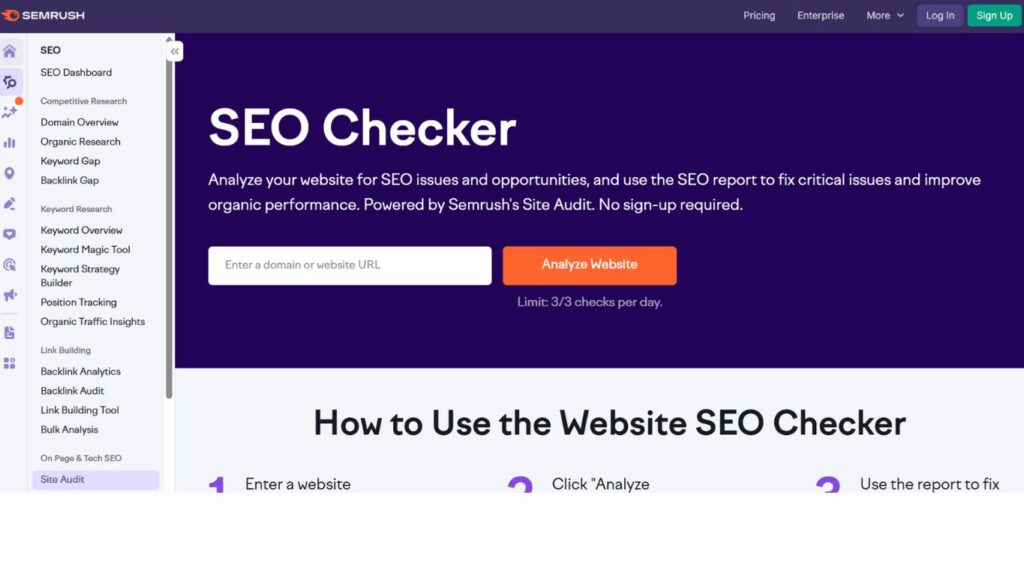
Semrush Site Audit is a multi-purpose SEO tool that finds broken links as well. The agencies and in-house teams that maintain numerous sites are comfortable with it as it can expand along with them and generate detailed reports.
It monitors the site on a regular basis, searches dead links as well as examines more than 140 technical and SEO problems. Alongside its auditing features, it integrates seamlessly with Keyword Research Tools, detailing every issue, its significance, and guiding you through the process of its resolution, which is why both novices and professionals can find it handy.
Key Features:
- Verifiability Checks broken links, both internal and external.
- Offers priority of issues according to SEO and urgency.
- Creates visual reports that are ideal to present to clients and update the stakeholders.
- Provides competition as an option to do comparison with other sites.
- Have mobile-specific crawling in order to pick up device-specific problems.
Pricing: The most affordable plan is the Pro plan, which includes Site Audit that costs 139.95/month.
4. Dead Link Checker
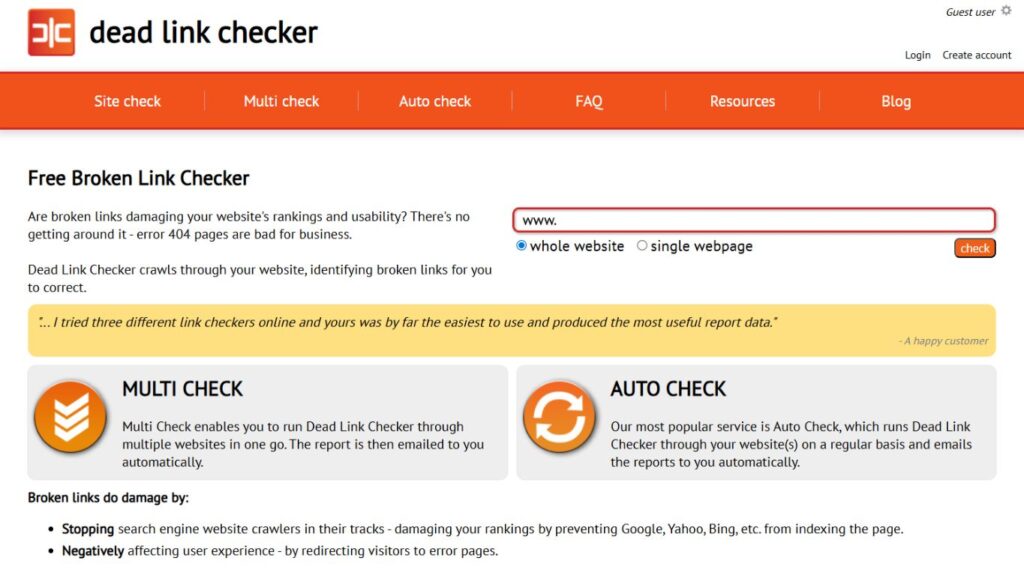
Dead Link Checker is a small free web-based tool created with the sole purpose of locating broken links within a short span of time. Small site owners, bloggers, and everyone who does not need to check their websites regularly but occasionally and does not want to spend money on purchasing expensive software use it. It is one of the most effective Broken Link Checker Tools for maintaining website health and improving SEO.
All one needs to do is to simply enter the URL of your site, and it crawls it, reports the broken links in an explicit format. It does not contain all the additional functionalities of the paid options, but its simplicity and no price make it a good start, when trying site maintenance and having a low budget.
Key Features:
- Virtually free of use, no registration.
- Easy to use interface with a URL only to send scanning(s) to the start button.
- Both internal and external checks on availability.
- Gives understandable reports with broken links and their position.
- Need not install anything–online in your web browser.
Pricing: Free of charge altogether without additional fees or levels of premium.
5. W3C Link Checker
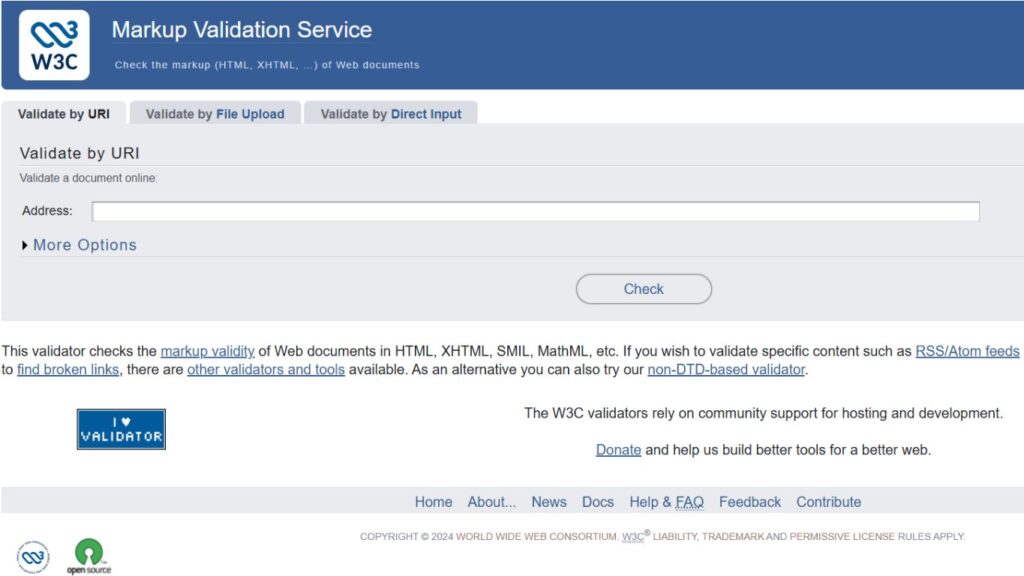
W3C Link Checker is a web standard organization (W3C) provided free tool. Since it is produced by the standards body it is highly reliable. It has a bare interface but has a complete link check. It can either test a single page or can run through a complete site itself recursively, identifying broken links, redirects and any other issue.
This tool is usually selected by developers and technical users who are concerned with standards and accuracy. Among the most trusted Broken Link Checker Tools, W3C Link Checker stands out for its reliability and adherence to web standards.
Key Features:
- Created by W3C to make them compliant and stable.
- Checks either single pages or recursively crawls whole web sites.
- Monitors broken links, redirects and other HTTP errors.
- Can be automated using an online interface and command line.
- Fully ours with no restrictions or limitations of usage.
Pricing: With no restrictions and paid versions that are free.
6. Google Search Console
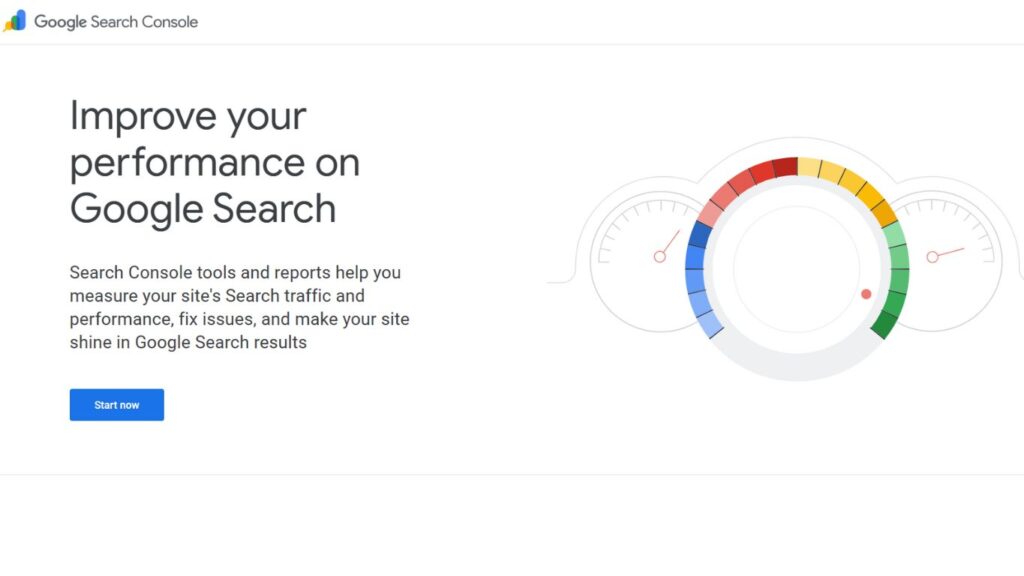
Google Search Console is a free tool by Google which enables the site owner to have an observation on how Google perceives their page. Although it is not a broken-link checker, it includes coverage reports of crawl errors, such as broken links discovered by Google bot as it attempts to index the site.
All these reports indicate 404 errors, 500 server errors, and issuing a redirection problem. Having them fixed would assist your pages being visible in the search results. Alongside such tools, Backlink Analysis Tools can further help monitor link health and strengthen your SEO strategy. It is definite and necessary to any site owner because of the fact that it is free and is provided by Google itself.
Key Features:
- Shows broken links and crawling errors told automatically by Google.
- Free service offered by Google and no restrictions in its costs.
- Laws out the broken links that are influencing your search position.
- Offers means of requesting re-crawling to fix something.
- Provides performance statistics of the ways problems impact traffic.
Pricing: 1000 percent free to everyone having a Google account.
7. Sitebulb
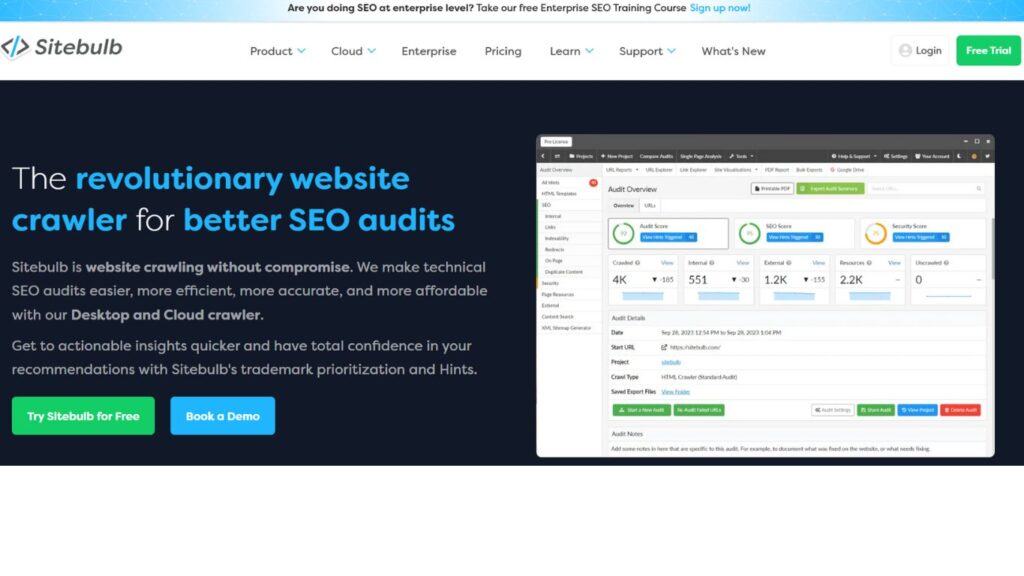
Sitebulb is a contemporary tool which works on desktop and targets the reporting visuals and importantly ease of reporting. Full site audits, which include its Broken Link Checker Tools, check numerous problems. Sitebulb also has interactive charts, detailed explanations in plain English that have priority tips which display not only what is wrong but why and how to correct it. It is important to the consultants and agencies conducting SEO because they will be able to demonstrate clear results to their clients.
Key Features:
- Elegant eye-catchy reports containing up to date grams.
- Check internal links, external links and resources against errors.
- Gives the context and explanations to every issue identified.
- Has more than 300 SEO inspections besides broken links.
- Has both a crawl and a log file analysis option.
Pricing: Starting at $35/month Lite: 14 days free trial.
8. Dr. Link Check
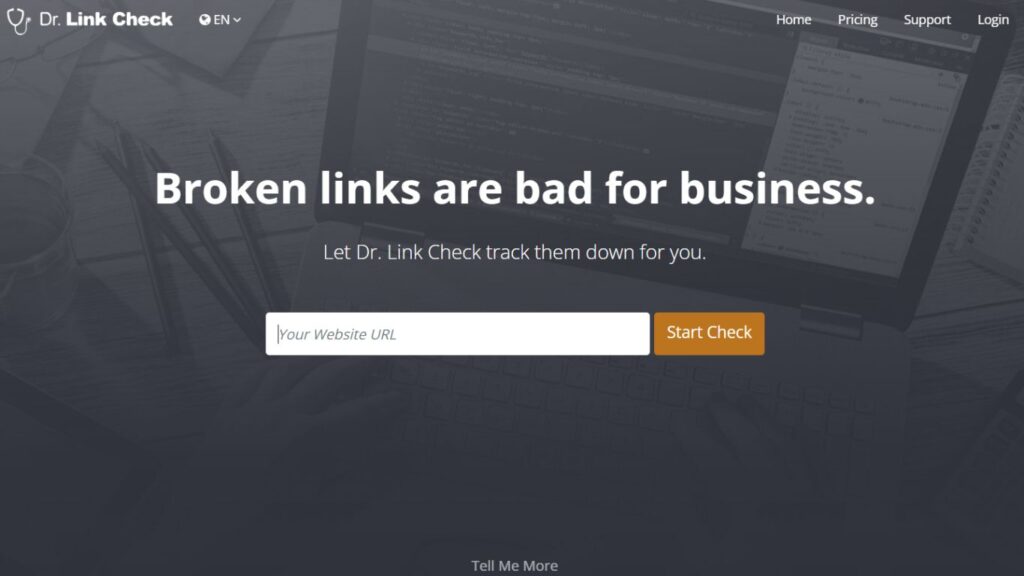
Give the links to Dr. Link Check which is an online link checker. It is quick and simple, as it is doing one thing only. It also provides both free and paid subscriptions; in the free version, you can check 3,000 pages, which is quite generous as a free subscription.
The reports display unmistakably broken links with no additional surrounding SEO information. It verifies internal and external links, images, scripts, and stylesheets and that is about it. This is due to its clean interface and dependable performance which makes it to be popular with webmasters who require regular and focused checks.
Key Features:
- Quick scroll engine, which measures web pages on a fast scale.
- On the free plan, websites are allowed up to 3,000 pages.
- Verifies all resources of any kind such as images, and scripts.
- Produces downloadable reports of various formats.
- Plans With continuous monitoring of paid plans, offers are also scheduled.
Pricing: It is free up to 3,000 pages; plans based on larger sites begin at $9.99/month.
9. Broken Link Check
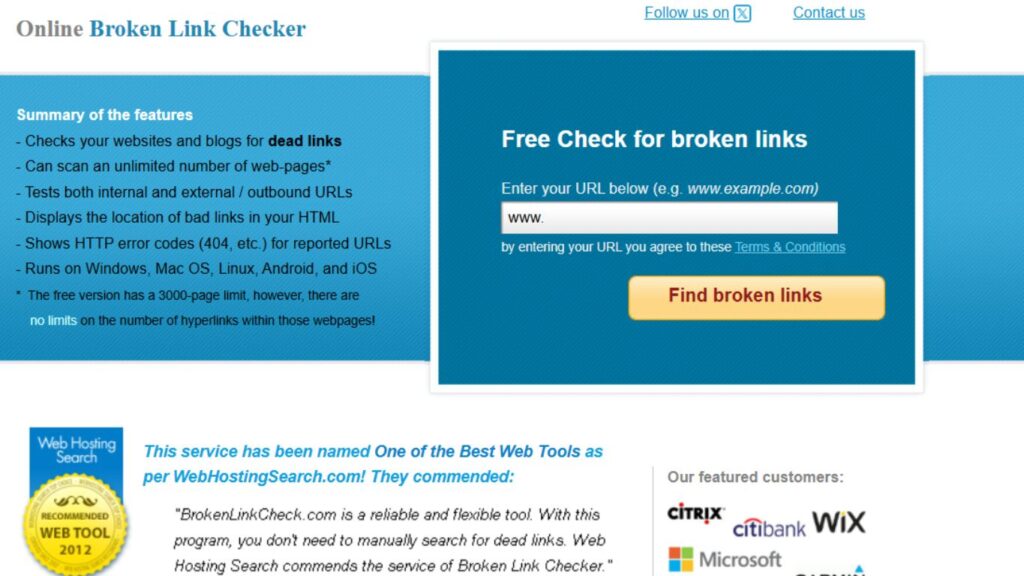
Broken Link Check is a web based Peer service worth six thousand dollars at no charge: It will in fact do what it has mentioned in the name that it promises: give a fast, uncorrupted find of broken links on any size site. It is extremely simple to use and it requires no technical knowledge, software or accounts.
One simply types in a web address and it spiders through that site providing a vivid list of non-functioning links and where they exist. These Broken Link Checker Tools may not have very sophisticated SEO features, but they offer a basic design, which is ideal for people looking to check their links on a daily basis without the issues of over-the-top complex designs and high prices associated with other tools.
Key Features:
- 100 percent free without registration or logout.
- Clear, easy to use user interface.
- Browse without rigid restrictions of the size of the checks sites.
- Provides clear reports showing broken link locations
- Blogs are all on-line and no software downloads at all.
Pricing: Free and no premium feature.
10. Integrity

Integrity is an open-source, free linking checker created by users of the MacOS. It is appropriate at searching broken links in a native Mac application. Members of the Mac community enjoy it because it is swift, dependable and has an uncomplicated appearance that adheres to Apple design specifications.
The instrument is capable of crawling big web sites within a short period and identifying broken links, redirects, and so forth. It provides real time results, therefore, allowing users to visualize problems during the execution of the scan.
Key Features:
- Native Mac OS is also optimized towards the Apple ecosystem.
- Quick crawling engine able to take large websites.
- Collision free real-time results as crawling continues.
- Monitors broken links, redirects and other HTTP errors.
- Full open with a vibrant community base and completely free.
Pricing: Standards and Open-source Completely free; open-source software on macOS.
How to Use a Broken Link Checker Effectively
- Schedule Automatic Scans: Implement automatic scans which are scheduled to take place once every week or once in a month (depending on the frequency at which your site is updated) to ensure that broken links do not accumulate and leave an unmanageable mess that affects your SEO score and the end user.
- Priority High-Impact Pages: Start with the most significant pages that have broken links, i.e. home page, product pages, top-performing pages, and conversion pages. Simply, try to repair broken links that would affect the user experience and revenue negatively most.
- Check Following Major Updates:Reborn Link Check: The broken links should always be checked after major site changes, content migrations, redesigns, or CMS updates since at such points, broken links may arise out of the blue and require fixing in a hurry to avoid issues.
- Check on External Links on a regular basis: External websites evolve, and this is why it would be beneficial to verify on a regular basis that your external links are working and ascertain that they are linking to good content as opposed to an external site that has gone dead or whose content has extensively changed.
- Document-Link Repairs: Have a record of broken links discovered and repaired, and establish a formal process of dealing with the problem and ensuring that the same errors are not repeated, and of learning genetics of the error.
- Filter and Segment: It can be better to use filtering and segmentation options on your selected tool to narrow down on the specific kinds of errors, specific parts of your webpage or priority when correcting the links of a specific site, even as something important and manageable instead of something overwhelming.
Common Mistakes to Avoid
- Noncompliance with Minor Mistakes: most of the blog owners be it on editing them or marking them as fixed without considering the underlying mistakes such as redirect chain, the 301 redirect pointing to 404 and the slow loading links which on a long-term basis also reduces user experiences and performance of the SEO.
- Breaking Links Repair First/Breakage/Repair: The naive approach to breaking links is to simply haphazardly jump to the code of these links and fix them directly there, without a thought to why they broke and whether you are not provoking future breakages.
- Overlooking Image and Resource Links: With page links looked at but other resources, such as broken images, stylesheets, JavaScript files, and others neglected, the picture of a healthy site remains incomplete, and still might leave a poor user experience and functionality issues.
- Too much Automation: They can and must be used in the right places might be said, but a tool must be a complement to the human eye not an outright substitution, unless the tool is trying to, or attempting to indicate a dead end or an irrelevant resource which should be removed or revised under appropriate influence of circumstances.
- Less Frequent Checking: Running the link checks only when issues become apparent or every year implies not detecting broken links in the most crucial moments, and so letting it ruin your SEO and leaving visitors unsightseeing and waiting unnecessarily.
- Overlooking Redirect Opportunities: Just removing bad links makes them lose in front of assimilating higher chances of forced redirects to the content that is both more accurate and raises better user experiences.
Conclusion
Not letting your site have broken links is not a matter of technical perfectionism per se, this is simply a part of offering an excellent user experience, securing your SEO standings, and generally looking competent in the virtual realm. The most suitable broken link checker tools turn this critical task into an automated solution and simplify finding broken links and offer actionable feedback that can save time and stop money loss.
It depends on what you need, whether it is free tools, such as Google Search Console and Dead Link Checker, or a paid tool with more functional features, like Ahrefs, Semrush, or Screaming Frog, but the point is to create a schedule of regular link checking.
With one of such tools in place and adhering to evidence-based practices in maintaining links, you will make sure your site is healthy, visitors are happy, and search engines keep placing your data in the same high ranking. The intense digital world of 2025 does not involve the choice of the most appropriate broken link checker tools- this can be regarded not as an option but a requisite in any operation in the Web.
FAQs
How frequently must I review my site and identify back links that are broken?
Monthly scanning is adequate to most sites, though if the site is of high traffic or content may contain a lot of changes then scanning weekly is well worth it. Always do immediate checks soon after major updates, migrations, or redesigns so that one can have an early warning of problems.
Do broken links really impact my SEO rankings?
Indeed, broken links adversely affect search engine optimization as they worsen user experience, deplete crawl budgets, lose link value, and send clear messages to the user that they are poorly maintained websites, which can ultimately lead to lowered ranking and decreased organic traffic in the long term.
Why is there such a difference between internal and external broken links?
The internal broken links state to pages in your own website, the ones are more appropriate to fix because you have control over both ends, the external broken links refer to the other websites, and may require finding the source that just references to help or just remove the references.
Is it a good idea to remove broken links or redirect them?
To prevent the loss of SEO power, retain link power, and offer a more user-friendly experience, it is often more valuable to redirect broken links to related and updated information, rather than to delete it.
Are Free broken link checkers as good as Paid free checkers?
Free services are alright with small sites and simple checking, but paid services provide advanced functionalities such as automated scheduling, detailed reporting, intensive analysis, priority service, and integration capabilities which becomes vital when your site increases in complexity and significance.