 Get 50% off on Vault theme. Limited time offer!
 12 Best Google Drive Alternatives
Are you dissatisfied with Google Drive in seeking a good and safe online storage of your files? You’re not alone. Individuals are currently demanding alternatives to Google drive which will be more privacy friendly, faster and user friendly.Granted that you may require cloud storage when personal files, business-related documents, and/or media are concerned, there are also a number of best services that can satisfy these needs and be offered.
The high levels of security and privacy that Sync.com offers, the possibility to stream media on pCloud, or the possibility to collaborate seamlessly offered by the Dropbox service, just to mention a few, do not lack benefits that can be compared to those offered by Google Drive. This blog will take you through the most excellent Google Drive alternatives and enable you to select the ideal cloud storage solution that can fit your needs.
What Is Google Drive?
The Google drive is a cloud based file sharing and storage application that is designed by Google and allows users to store files online, access files anytime and share files with other people without any complexities. It is related to Google Docs, Sheets, and Slides, that gives a chance to work as a team and edit the documents, spreadsheets, and presentations on the cloud directly with possibilities to work offline with the help of special dedicated applications on both computers and mobile devices.
Users receive 15 GB of free storage (shared with Gmail and Google Photos) and can store, search, and back up files safely across platforms. While it isn’t a full-fledged backup software, Google Drive still allows users to manage large amounts of data, with additional storage available through paid plans.
Why Consider a Google Drive Alternative?
Important Reasons to have alternatives.
- Privacy and Security: Google Drive is not end-to-end encrypted, and therefore, Google is able to view your files. Zero-knowledge/end-to-end encryption is also available in other alternatives, like MEGA and Tresori, and gives more power and privacy to their users.
- Storage Plans and Pricing: Google Drive is competitive in pricing, which some users might occur to find better value or more customized plans with alternatives. To take an example, MEGA provides 20 GB of free storage (compared to 15 GB in Google), and certain services can also have mid-size accounts, which Google does not offer.
- File Sharing and Collaboration: Google Drive has fewer sharing features than its competitors. Other competitors like Box and OneDrive have more services like shared control, password links, and compatibility with business applications.
- Interoperability and Integration: Assuming you are committed to Microsoft Office, or any other non-Google platforms, some of them, like OneDrive or Box, may offer a smoother integration and integration.
- Customization and Control: Self-hosted solutions like Nextcloud make it possible to have full control of your data and can be customized to meet your business or personal requirements, which is impossible to do in Google Drive.
- Features and Performance: There are those with superior syncing speed, file management, and other use features such as LAN transfers, selective syncing, and team administration.
List of Top 12 Best Google Drive Alternatives
1. Dropbox
Dropbox is a cloud-based file storage and sharing software that enables individuals to store and synchronize files and also access them through any device that has an internet connection, thus easy to work and share files with other people even without having a Dropbox account.
It has strong capabilities like file sharing with permission settings, selective and smart sync to control storage, version history and file recovery, third-party applications integration, and advanced security features, including encryption and two-factor authentication.
Key Features:
- Cloud storage of files and back-up.
- Access files anywhere in the world.
- Share files and folders using secure links, password protection, and expiry dates are available.
- Efficient storage management: Selective Sync and Smart Sync.
- File recovery Version history
- Sophisticated sharing access and group/team folders.
- The integration with productivity applications and third-party apps.
- There are security measures such as encryption, two-factor authentication, and compliance certifications.
- Activity audit and file event tracking.
- PDF manipulation, e-signatures, and conversion software.
Pricing
Dropbox has a free plan recording 2GB, Plus at $9.99/month (2TB), and at the same time, business plans that begin with $15/user/month.
Website:https://www.dropbox.com
2. Microsoft OneDrive
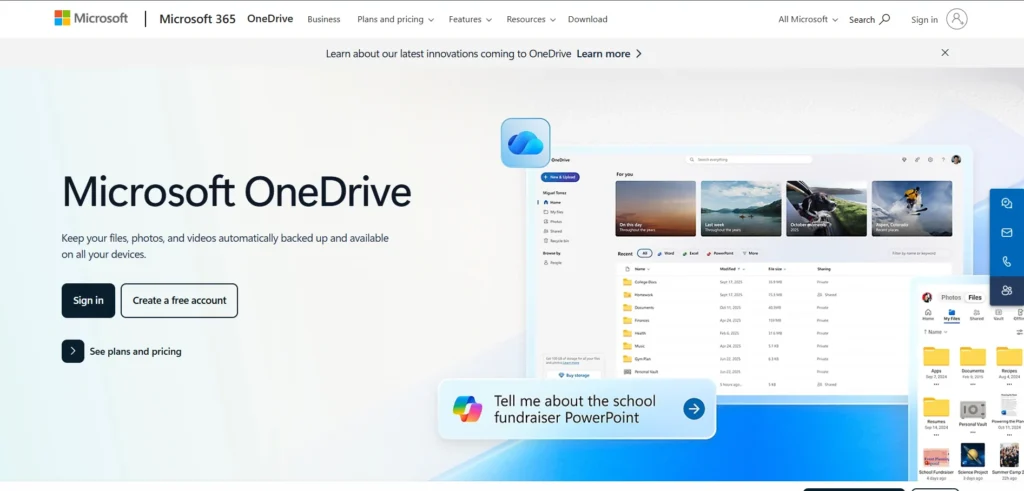
Microsoft OneDrive is a file storage and synchronization system based on a cloud created by Microsoft that lets users store, access, and share all kinds of files—documents, photos, videos, and more. Its ability to work seamlessly across devices with an internet connection makes it a strong option for both personal and business use, especially for those exploring Google Drive Alternatives that offer similar flexibility and convenience.
Users are able to save critical folders, and revert to the old versions of files, and be able to access files even when they do not have an internet connection, and when they come back online, the changes are automatically updated. Photo and video auto-upload, version history, as well as Microsoft Teams and SharePoint integration, are also supported on the platform to provide a better team working experience.
Key Features:
- File sharing and Cloud storage.
- Local storage optimization by use of Files On-Demand.
- Online teamwork and co-editing in Microsoft Office programs.
- Multi-device sync (Windows, macOS, iOS, Android)
- Sensitive file Personal Vault.
- Folder backup and version history.
- Secure sharing permission controls.
- Offline and automatic synchronization.
- Interaction with Microsoft 365, Teams, and SharePoint.
- Photo and video auto-upload
- Corporate-level security and compliance.
Pricing
OneDrive has a 5GB free option, paid options begin at 100GB at $1.99/month, and Microsoft 365 options amount to 1TB or higher at different price tiers.
Website:https://www.microsoft.com/en-in/microsoft-365/onedrive/online-cloud-storage
3. Box
Box is a cloud-based content management and file sharing service that allows businesses and individuals to store, share, and manage files anywhere with high levels of security, compliance, and integration capabilities to ensure it meets the needs of most organizations.
It allows users to upload, store, and share documents with their colleagues, clients, or associates, as well as offering sophisticated workflow automation, digital signatures, and content management capabilities, which makes it appropriate not only to small groups but also to large companies with stringent regulatory demands. Enterprise users also have AI-powered insights and analytics available on the platform, enabling organizations to extract actionable intelligence on the content stored in them.
Key Features:
- Unlimited capacity of paid cloud storage is secure.
- High-level file sharing and cooperation applications.
- Connection with large productivity and business applications (Microsoft 365, Google Workspace, Slack, Salesforce)
- Workflow automation (Box Relay) and digital signatures (Box Sign).
- Granular sharing controls and permissions.
- File recovery Version history
- HIPAA and FedRAMP compliance, and others.
- Artificial intelligence-based document insights and analytics (Enterprise Plus)
- Metadata and workflow templates: Custom metadata and workflow templates
- Admin controls and tracking of activities.
Pricing
Box prices begin at $7 per user per month, Starter plan, and higher levels, Enterprise Plus, are up to $49 per user per month.
Website:https://www.box.com
4. pCloud
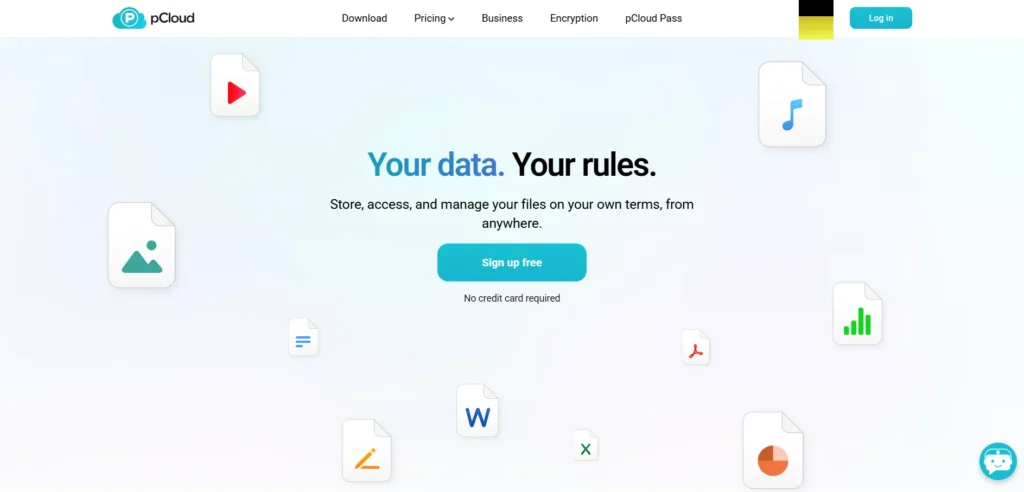
pCloud is a safe and customized cloud storage alternative, with its headquarters in Switzerland, which provides clients with a personal cloud storage to store, organize, and access files on any device, such as Windows, Mac, Linux, iOS, Android, and web browsers.
It is characterized by a strong level of security, such as client-side zero-knowledge encryption with pCloud Crypto, which allows only the user to access their encrypted files. Since all files are encrypted in transit as well, pCloud stands out as one of the most reliable Google Drive Alternatives, making it adaptable to both personal and business usage.
Key Features:
- A large storage (10 GB free, up to 2 TB paid, lifetime plan options are possible)
- Zero-knowledge encryption on the client, pCloud Crypto.
- Cross-operating system synchronization (Windows, Mac, Linux, iOS, Android, web)
- Direct playback of media in the cloud.
- Password-protected and expired file sharing.
- Journal backup and recovery of other cloud services (Google Drive, Dropbox, OneDrive)
- Long history of files (up to 360 days with add-on)
- Lifetime subscription (payment once in a lifetime)
- Both a user-friendly interface and drag-and-drop uploads.
- Teamwork applications and configurable authorization.
Pricing
Plans begin at $200 for 500 GB and at $400 for 2TB as lifetime plans, at $4.17 monthly per 500 GB as monthly plans.
Website:https://www.pcloud.com
5. Sync.com
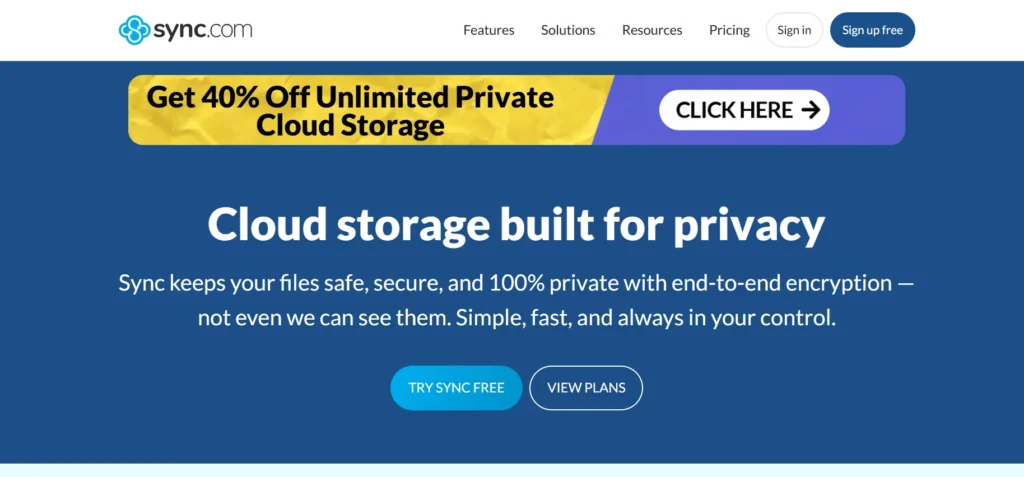
Sync.com is a privacy-focused system of cloud storage and sharing files that aims at individuals and companies seeking privacy-related services, i.e., end-to-end encryption and zero-knowledge architecture, and compliance with leading data privacy regulations, such as HIPAA and PIPEDA.
It allows users to store, synchronize, and share files on a vast range of devices/Windows, Mac, Android, iOS, and web browsers, and provides a variety of options, including unlimited upload/download, fine-grained access controls, versioning, and recovery options, including the ability to bring deleted files back or even restore the entire account to a particular previous state. It has a clean and simple user interface and is reputed to have a good track record of security, and has never had any cases of data breaches.
Key Features:
- End-to-end (AES-256, RSA-2048, TLS) encryption.
- Zero-knowledge privacy
- Unlimited upload/download (charged plans)
- Versioning and recovery of files (30 days free and 365 days at a charge)
- Access controls and permissions are Granular.
- Expiring share links and password-protected ones.
- Integration of Office 365 to edit documents.
- Shared folders and collaboration on the team.
- Cloud storage vault, which is not synced.
- Activity trails and audit trails.
- HIPAA and PIPEDA compliance
- Android and iOS mobile applications.
- Transfer control and bandwidth.
Pricing
Beginning with $8/month for 2 TB storage (Solo Basic plan).
Website:https://www.sync.com
6. Mega
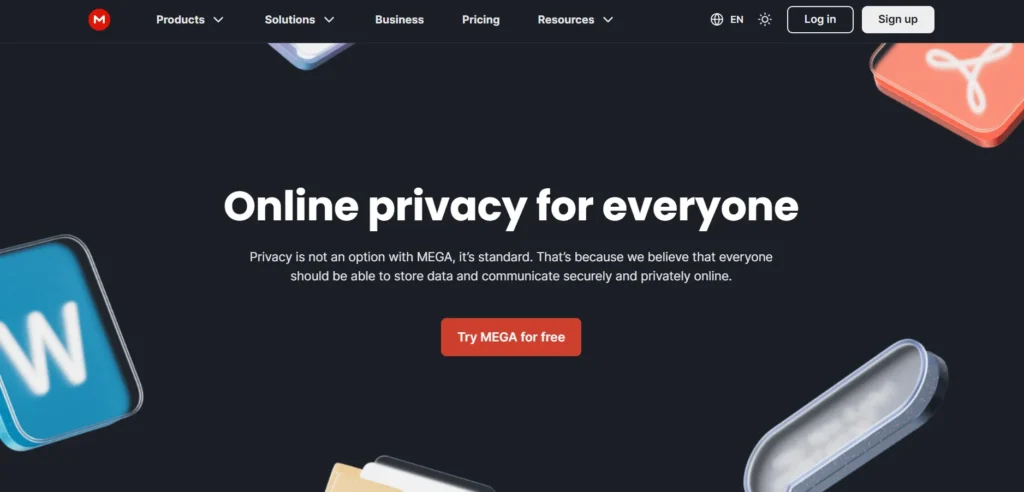
MEGA is a highly secure cloud storage solution that prioritizes concern towards privacy and control by the user and provides end-to-end encryption, i.e., only the user can access his/her files, and the MEGA staff cannot decrypt the data. Other features are a zero-knowledge encrypted password manager (MEGA Pass), a free VPN service for paid customers, and powerful storage analytics to ensure optimal management of files.
The service is available on desktop, mobile, and web applications and has no limit in file size, which is good for storing large projects or media files. MEGA also includes auto backup, custom rubbish bin cleaning, personal team messaging, and secure video conferencing features for business users, making it a strong contender for anyone exploring Google Drive Alternatives.
Key Features:
- Zero-knowledge security and end-to-end encryption.
- 20GB free storage, paid plans up to 16TB or unlimited (Flexi/Business)
- Block and selective device sync.
- Versioning of files and keeping deleted files.
- Password-secured exchanges containing expiry dates.
- Unlimited file size uploads
- Next-generation storage analytics dashboard.
- MEGA Pass password manager (comes with paid plans)
- Inclusions: Built-in VPN service (paid personal plans)
- RESTful API on custom integrations.
- Automatic and high-end rubbish bin cleaner.
- Individual team messaging and encrypted video conferencing.
- Desktop mobile apps and WebDAV support.
Pricing
Paid plans begin at $9.99/month with 2TB storage and 24TB transfer options, with increasing storage and transfer levels.
Website:https://mega.io
7. Tresorit
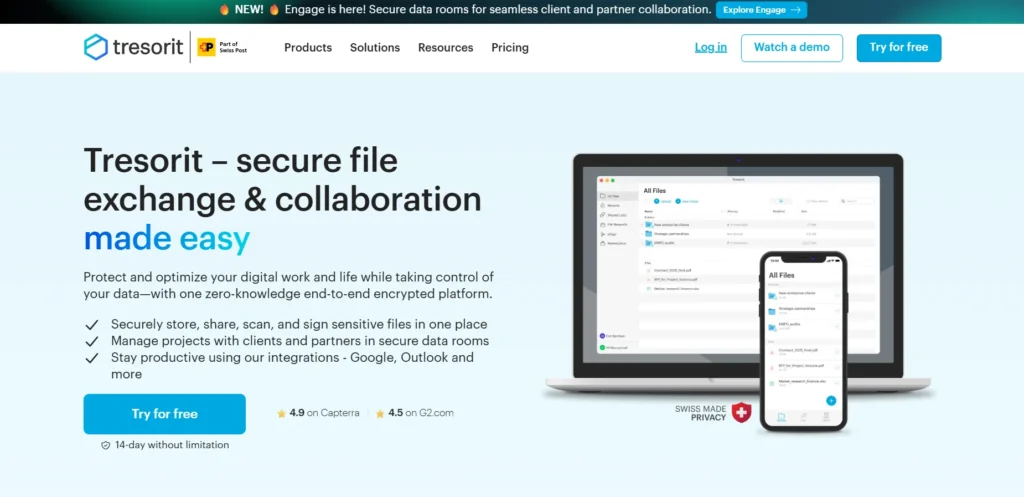
Tresorit is a very secure cloud storage and file sharing platform that is offered to people and companies that value the privacy of data and its compliance, and provides end-to-end encryption, according to which the user is the only person who can access their files, and no third party, including Tresorit itself, can see or modify the data.
This platform provides permission controls on a granular level, enabling users to assign collaborators to defined access levels, share files with secure password-protected links, and handle file requests by external parties without them having to sign up. It has an easy-to-use interface and is highly secure to be use by regulated industries, legal teams, healthcare providers, and any other person who needs to protect sensitive information.
Key Features:
- Zero-knowledge architecture and end-to-end encryption.
- Permission controls are in granular form, and passwords and expiration dates are shared.
- Outgoing email gateway secured with email encryption.
- External request for files and secure link sharing.
- Administration dashboard with team management, usage, and audit logs that are centralized.
- Data residency options (EU/US)
- Support of cross-platforms (Windows, macOS, Linux, iOS, Android)
- Versioning and recovery of files.
- Two-factor authentication and support of compliance.
- Tracking of the activity and access logs.
Pricing
Tresorit begins with a price of $11.99 per month per person (half a terabyte) and $24.99 per user/month per business plan (up to 2 terabytes/user).
Website:https://www.tresorit.com
Suggested Read:
8. iCloud Drive
iCloud Drive is Apple’s cloud storage platform that enables users to store, synchronize, and access files—including documents, videos, photos, and more—across all Apple devices, such as Mac, iPhone, iPad, and even Windows PCs, using a single Apple ID. It’s often considered by users exploring Google Drive Alternatives because of its seamless integration within the Apple ecosystem. The files stored in iCloud Drive are synced automatically, meaning any changes made on one device are instantly reflected on others. Users can also share files or folders with others, even those who don’t use Apple devices, simply by creating shareable links.
Although the free version includes 5 GB of storage, users can buy bigger plans to have more storage and other iCloud+-related functions such as the Private Relay and the Hide My Email.
Key Features:
- Cloud backs up files on all Apple and Windows devices.
- Real-time collaboration of Apple productivity applications.
- Linking a file, passwords, and expiry dates. Areas of file sharing.
- Preview of files of different types ( PDF, images, videos, etc.)
- The file recovery folder (30 days old)was deleted recently.
- Bandwidth and selective sync control.
- Two-factor authentication: at-rest and in-transit encryption.
- Connectivity to Apple applications (Pages, Numbers, Keynote, Notes, etc.)
- Web access via iCloud.com
Pricing (Monthly)
50 GB: $0.99 | 200 GB: $2.99 | 2 TB: $9.99 | 6 TB: $29.99 | 12 TB: $59.99
Website:https://www.icloud.com
9. Zoho WorkDrive
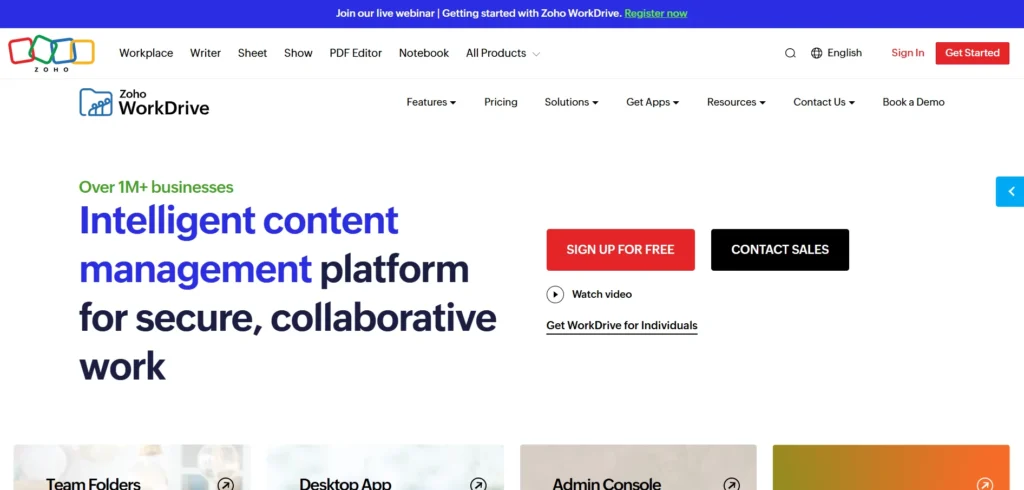
Zoho WorkDrive is a web-based file administration and teamwork application aimed at assisting organizations in storing, organizing, sharing, and collaborating on files, thus turning out to be effective in modern business entities that need a centralized digital workspace.
it is also an ideal tool aiding teams to work together on documents in real-time, file versioning, efficient document search, and integration with other Zoho applications, thereby, any business needing to collaborate with external partners can do so with ease, keeping the workflow clear and transparent through comprehensive audit trails, and providing excellent security features like encryption
Key Features:
- Team file centralization and organization.
- Instant cooperation and real-time editing with Zoho Office Suite applications.
- Limitless file versioning and simple reverting to past versions.
- Smart searching, tags, and templates of files to find them faster.
- File and folder granular access controls and permissions.
- Security High security (256-bit AES and TLS) with two-factor authentication, ISO 27001, HIPAA, and GDPR compliance.
- iOS/Android offline and mobile scanning mobile apps.
- Robots and workflow management systems.
- Data on tracking team activity in detail, analytics, and audit logs.
- Easy connection with Zoho applications and third-party integration.
- External sharing is customizable, can have a password and an expiration date.
- Image search with OCR and universal preferences on the user experience.
Pricing
Beginning at $199/user/month (paid once a year), with a free option in the case of small teams.
Website: https://www.zoho.com/workdrive/
10. Nextcloud
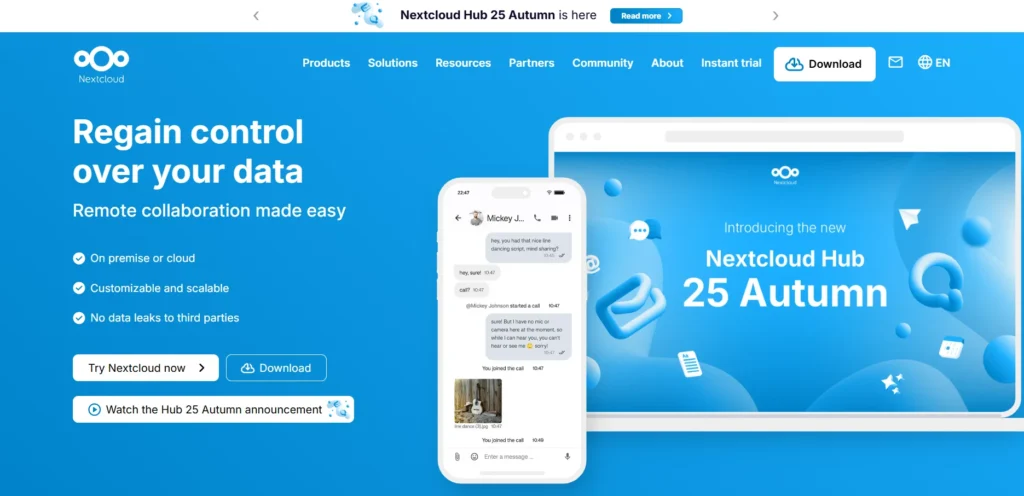
Nextcloud is an open-source and self-hosted cloud platform that allows individuals and companies to store, synchronize, and share files safely, retaining full control over their data and privacy; it provides a full system of collaboration, including real-time document editing, secure communication, video conferencing, calendar management, and task management. It can be accessed using a centralized web interface or via mobile/desktop applications and offers a variety of other functions, such as granular permissions on access, end-to-end encryption, file versioning, and integration with third-party storage platforms, such as Google Drive—making it a strong option for anyone exploring Google Drive Alternatives.
Key Features:
- Crossover and share files between various devices with detailed controls.
- Live collaborative internal document editing (Nextcloud Office)
- Video calls, screen sharing, and secure messaging (Nextcloud Talk)
- Calendar and contacts, task management (Nextcloud Groupware)
- End-to-end encryption and two-factor authentication.
- Workflow and automated versions of files.
- Integration to external storage (Google Drive, Dropbox, AWS S3, FTP, WebDAV)
- Massive application ecosystem to add more functionality (Deck, Notes, Password Manager)
- Global scalability and full-text search.
- Offline and seamless syncing of mobile and desktop clients.
Pricing
Nextcloud is open-source in personal and small business applications; in enterprise, it is a subscription service, and the price is quote-based.
Website:https://nextcloud.com
11. Internxt
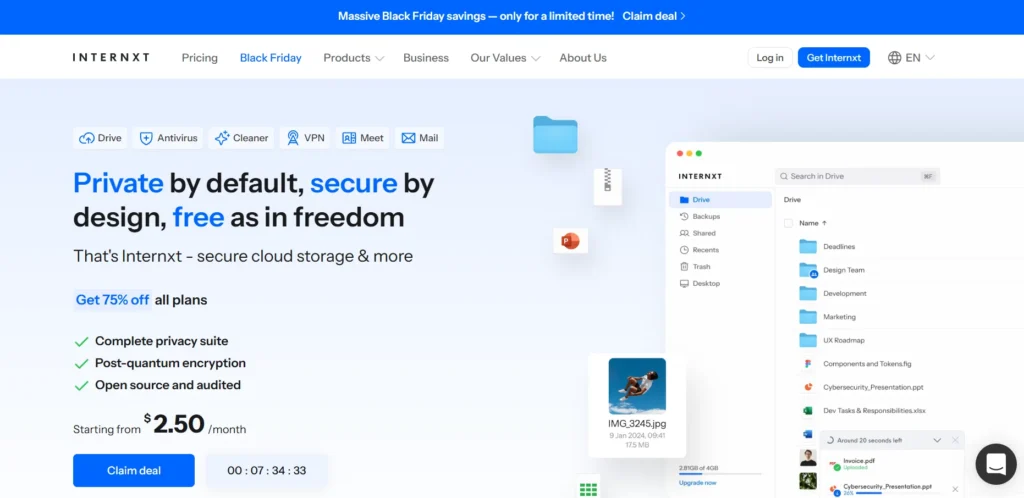
Internxt is an open-source, secure, zero-knowledge cloud storage, which places a great emphasis on privacy and security through the application of end-to-end encryption and blockchain technology to safeguard user data. All files are encrypted at rest and in transit, meaning that the user is the only person who can access his or her information, and no third-party or first-party access should be given.
Internxt is easy to use, has a multi-device interface, and other privacy features such as encrypted file sharing, password-enabled links, and file sharding as an added security measure. The platform further offers optional antivirus, VPN, device cleaner, and private video calling services on paid subscriptions, which makes it a holistic privacy ecosystem for users and teams.
Key Features:
- Zero-knowledge privacy and end-to-end AES-256 encryption.
- File sharding and military grade security technology.
- Tamper-proof storage of data in blockchain.
- Password-protected and encrypted file sharing, as well as restricting downloads.
- Multi-gadgets (desktop, mobile, web)
- Free plan including 10GB storage.
- Premium plans of 10TB and lifetime storage plans are available at a fee.
- Other privacy features: antivirus, VPN, device cleaner, private video calls (paid plans)
- open-source and GDPR compliant.
Pricing
Free: 10GB; Paid plans begin with 20GB at $0.99/month (Paid) and 2TB lifetime, which is priced at $299 one-time, with more plans available.
Website:internxt.com
12. Icedrive
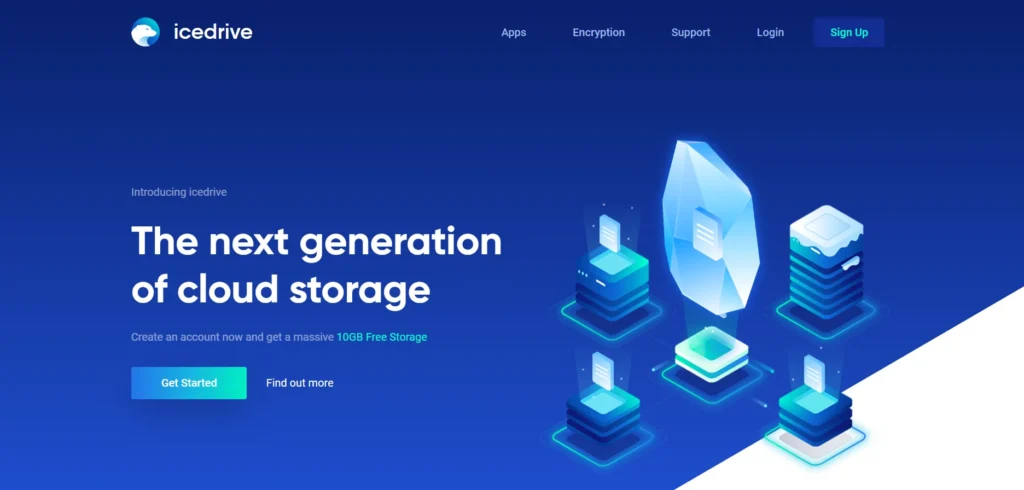
Icedrive is a modern cloud storage service with a special mounting feature of a virtual drive that lets users treat files on their cloud like a physical hard drive connected directly to computers. Considered one of the more innovative Google Drive Alternatives, it is particularly convenient for Windows users. It is also highly secure and encrypted with Twofish encryption so that only the user can access their files. The platform can be accessed across desktop, web, and mobile applications, making it easy to manage files anywhere. The service includes features like file versioning, media streaming, in-browser previews, color-coding folders, selective sync capabilities, and even a lifetime plan option.
Key Features:
- Mounting of virtual drives (Windows only)
- Cross-platform (Windows, Mac, Linux, iOS, Android) compatibility.
- Twofish security encryption.
- File versioning and history
- Streaming video and previews in the browsers.
- Choices of sync and backup.
- Color coding of folders and sorting.
- WebDAV integration
- File request and password-protected file sharing.
- One-time and monthly subscriptions.
- 14-day money-back guarantee
Pricing
It begins at 100GB of 2.99/month and lifetime plans at $299.
Website:https://icedrive.net
Conclusion
The selection of the optimal Google Drive alternative will be determined by your storage requirements, expenses, and privacy. Some of you may like the security of Internxt, the collaboration features of Dropbox or the open-source freedom of Nextcloud, but they all have their own platform. Each has its own advantages of speed, encryption, and accessibility.
Compare their specifications and prices to identify the perfect one to use either at a personal or business level. Exploring these best Google Drive alternatives, you will get cloud storage security, flexibility, and efficiency enough to have a perfect fit in your workflow.
FAQs
Q.1 What are Google Drive Alternatives?
Alternatives to Google Drive are other cloud storage providers, which have similar or better features to Google Drive, like file backup, file sharing, collaboration, security, and syncing devices.
Q.2 What is the Rationale of Seeking a Google Drive Substitute?
The most common ones are the privacy issues, the necessity to get more storage or more specific collaboration tools, the necessity to integrate them with the non-Google ecosystems, the lower price, and the necessity to host solutions to have complete data control.
Q.3 What are the Superior Substitutes for Google Drive?
Other popular ones include Microsoft OneDrive, Dropbox, Sync.com, pCloud, Box, iCloud Drive, Proton Drive, Nextcloud (self-hosted), icedrive, and MEGA among individuals and business persons.
Q.4 Which is the Most Secure Google Drive Alternative?
Proton Drive and Sync.com have been noted as providing privacy, with a zero-knowledge architecture with end-to-end encryption, such that no one, not even the service, can read what you are storing.
Q.5 Does it have a Free Plan under these Alternatives?
The most popular competing options are offered with a free plan; however, storage capacities also vary greatly: Dropbox (2GB), OneDrive (5GB), Sync.com (5GB), pCloud (up to 10GB), MEGA (20GB), Box (10GB), iCloud Drive (5GB).