 Get 50% off on Vault theme. Limited time offer!
 15 Best VPNs for macOS: Secure and Private Browsing in 2026

Mac users often take pride in Apple’s reputation for security, and rightly so. macOS is designed with advanced protection layers that fend off most digital threats. Yet in a hyper-connected world, even the most secure systems can’t fully shield you from privacy invasions, data tracking, or regional restrictions. Every time you browse, stream, or connect to public Wi-Fi, there’s a trail of information waiting to be intercepted.
That’s where a VPN for macOS steps in as your ultimate privacy armor. A Virtual Private Network not only encrypts your internet traffic but also cloaks your identity, making your online presence invisible to prying eyes. In this guide, we’ll dive deep into why a VPN is still crucial for macOS users, how it strengthens your security, and which VPNs deliver the best balance of performance, privacy, and value.
Why You Need a VPN for macOS
Even though macOS has solid built-in security, it doesn’t encrypt your online traffic or hide your IP address. Here’s why a VPN is essential:
- Online Privacy: A VPN prevents websites, ISPs, and advertisers from tracking your browsing habits.
- Public Wi-Fi Protection: VPN encryption shields your data on public networks, where hackers often target unsuspecting users.
- Bypass Geo-Restrictions: Watch Netflix, Hulu, or BBC iPlayer libraries not available in your region.
- Secure File Transfers: For remote workers or freelancers, VPNs ensure file uploads and downloads remain private.
- Avoid Bandwidth Throttling: Some ISPs slow down your internet speed during streaming or gaming; VPNs can help bypass this.
How a VPN Works on macOS
A VPN for macOS creates a secure “tunnel” between your device and the internet. It routes your data through encrypted servers, hiding your real IP address. Here’s how it functions step-by-step:
- You connect to the internet through your VPN app
- The VPN encrypts your traffic before it leaves your Mac.
- Your data travels through the VPN’s remote server, masking your IP.
- Websites and apps only see the VPN server’s IP address, not yours.
This encryption ensures that even Apple, your ISP, or cybercriminals cannot see what you’re doing online.
List of Top 15 Best VPN for macOS
Let’s explore the best VPNs available for Mac users, which are tested for speed, reliability, and privacy.
1. PureVPN
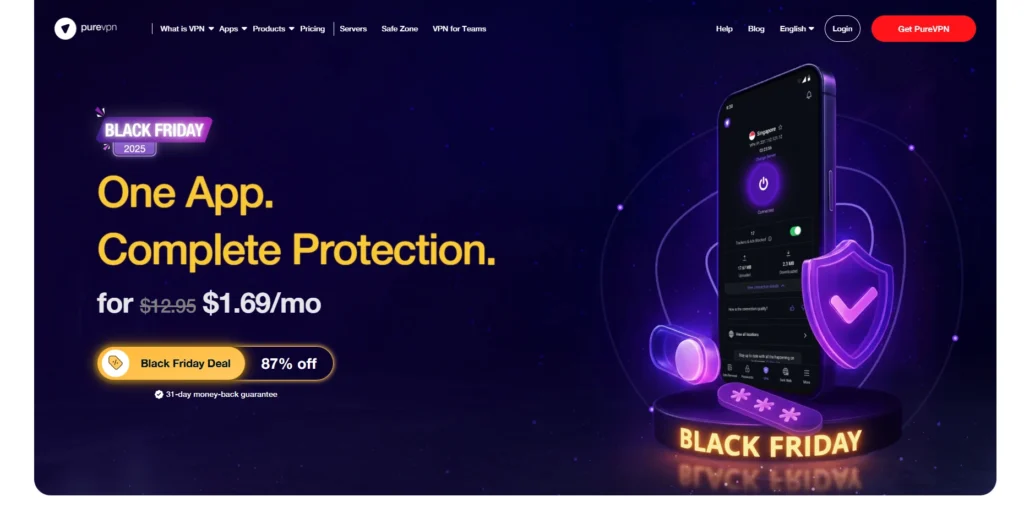
PureVPN is a budget-friendly VPN service with strong encryption, a large global server network, and modern protocols that keep your Mac connections private and fast. The native macOS app includes features like tracker blocker, DNS leak protection, and quantum-resistant encryption keys for future-ready traffic protection. PureVPN also helps users access more than 200 global streaming channels, and comes with extras like a password manager, data removal, and dark web monitoring for added peace of mind.
Features:
- 6,000+ servers in 65+ countries
- Independently audited no-log policy
- 31-day money-back guarantee
- Add-ons for dedicated IP and port forwarding
Pricing:
- Standard: $2.15 per month (2-year plan)
- Max: $3.55 per month (2-year plan)
2. ExpressVPN

Website: www.expressvpn.com
ExpressVPN remains one of the most trusted and high-performing VPN for macOS users. It offers a polished and easy-to-use app interface compatible with macOS Sonoma and earlier versions. The VPN is known for its ultra-fast speeds and reliable connections, making it ideal for streaming, gaming, or remote work. With advanced privacy technologies and a strict no-log policy, your data remains fully protected. ExpressVPN’s servers are optimized for stability and global reach, providing seamless access to restricted content worldwide.
Features:
- AES-256-bit encryption for maximum security
- TrustedServer technology (no data logs)
- 3,000+ servers across 94 countries
- Built-in Network Lock (kill switch)
- Split tunneling for customized browsing
Pricing:
- Contact sales
3. NordVPN
Website: www.nordvpn.com
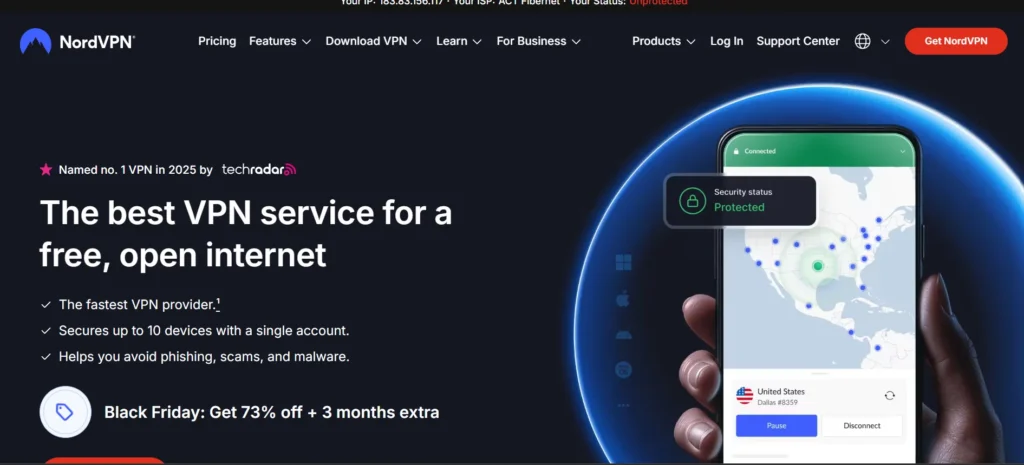
NordVPN is a feature-rich VPN for macOS that offers strong security and fast speeds. Its macOS app is well-optimized, delivering smooth performance and easy navigation for both beginners and advanced users. NordVPN also includes extra privacy tools like Threat Protection and Meshnet, which make it stand out. Its global network ensures stable connections across continents, perfect for streaming, torrenting, and secure browsing. With regular audits and transparency reports, NordVPN maintains one of the most trusted reputations in the VPN industry.
Features:
- 5,800+ servers in 60+ countries
- Double VPN and Onion over VPN for enhanced privacy
- Meshnet for secure file sharing
- Automatic kill switch and DNS leak protection
- Supports up to 10 devices
Pricing:
- Basic – $2.99/month (2-year plan)
- Plus – $ 3.79/month
- Complete – $ 4.79/month
4. Surfshark

Website: www.surfshark.com
Surfshark is a value-packed VPN that delivers premium-grade features at one of the most affordable prices. Its Mac app is sleek, lightweight, and designed for fast, secure browsing. It supports unlimited device connections, meaning you can use it on all your Apple devices without limits. Surfshark’s CleanWeb and Camouflage Mode features help block ads and disguise VPN use from your ISP. With over 3,200 servers in more than 100 countries, Surfshark ensures unrestricted access to global content with top-notch privacy protection.
Features:
- Unlimited device connections
- AES-256-GCM encryption
- Camouflage Mode to hide VPN use
- CleanWeb ad and malware removal and blocker tool
- 3,200+ servers in 100+ countries
Pricing:
- Surfshark Starter: $1.69/month — $45.63 for the first 27 months
- Surfshark One: $1.99/month — $53.73 for the first 27 months
- Surfshark One+: $4.19/month — $113.13 for the first 27 months
5. CyberGhost VPN

Website: www.cyberghostvpn.com
CyberGhost VPN is an excellent option for Mac users who prioritize streaming and simplicity. The app features a clean interface and dedicated servers for specific streaming platforms like Netflix, Hulu, and Disney+. It also provides high-level encryption and automatic Wi-Fi protection to keep you safe on public networks. CyberGhost’s network of over 11,000 servers ensures consistent speeds and reliable connections across regions. Its long money-back guarantee and no-log policy make it one of the most beginner-friendly VPNs on the market.
Features:
- 11,000+ servers in 100+ countries
- Dedicated streaming servers for Netflix, Hulu, etc.
- Automatic Wi-Fi protection
- Strict no-logs policy
- 45-day money-back guarantee
Pricing:
- 2 Years + 2 Months: ₹175/month (Billed ₹4,550 for first 2 years)
- 6 Months: ₹560/month (Billed ₹3,360 every 6 months)
- 1 Month: ₹965/month
- Dedicated IP (Add-on): ₹200/month
6. Proton VPN
Website: www.protonvpn.com
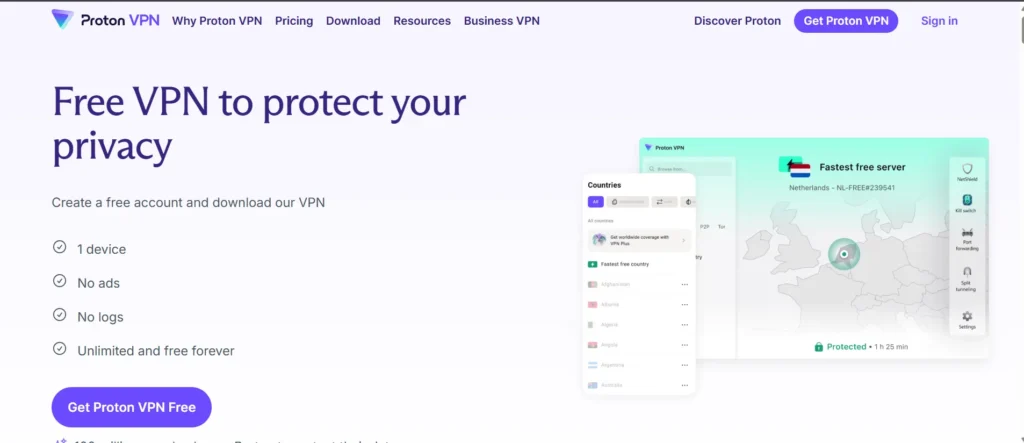
Proton VPN, built by the team behind ProtonMail, is one of the most privacy-focused VPN for macOS. It uses Secure Core servers that route traffic through multiple layers of protection, ensuring maximum anonymity. The app’s open-source design allows users to inspect the code, making it fully transparent and trustworthy. Proton VPN is also one of the few that offers a free version with unlimited bandwidth, which is rare in the VPN market. It’s perfect for users who prioritize open-source software and robust privacy tools.
Features:
- Secure Core servers protect against attacks
- Open-source and audited
- Free plan with unlimited bandwidth
- Tor over VPN option
- Perfect Forward Secrecy encryption
Pricing:
- VPN Plus – €2.99 per month
- Proton unlimited– €6.49 per month
7. Private Internet Access (PIA)
Website: www.privateinternetaccess.com
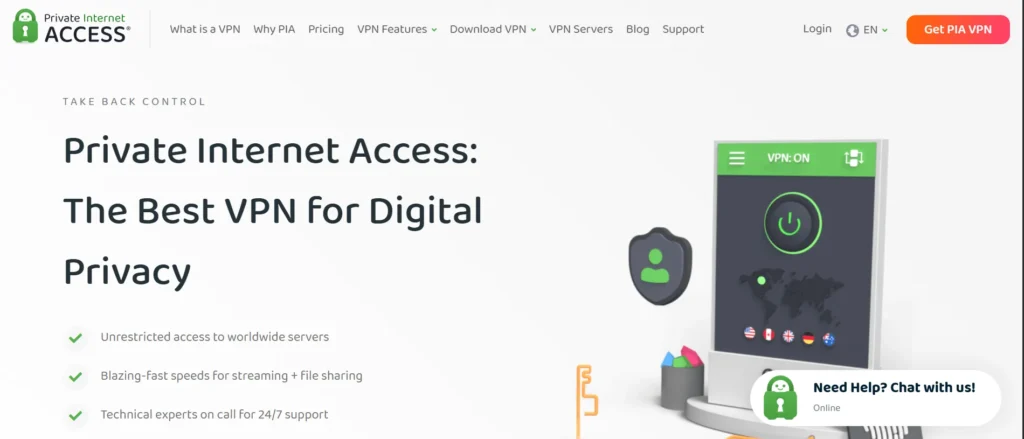
Private Internet Access (PIA) is a powerful and customizable VPN designed for advanced Mac users. It offers a wide range of encryption options and privacy settings that can be tailored to your needs. The VPN runs smoothly on macOS and provides great speeds for both streaming and torrenting. PIA has one of the largest server networks globally, ensuring low-latency connections wherever you are. Its no-log policy and open-source apps add an extra layer of credibility for users who value transparency.
Features:
- 35,000+ servers in 90+ countries
- Built-in MACE ad blocker
- WireGuard and OpenVPN support
- Advanced kill switch and split tunneling
- Supports 10 simultaneous connections
Pricing:
- Contact sales
8. IPVanish
Website: www.ipvanish.com
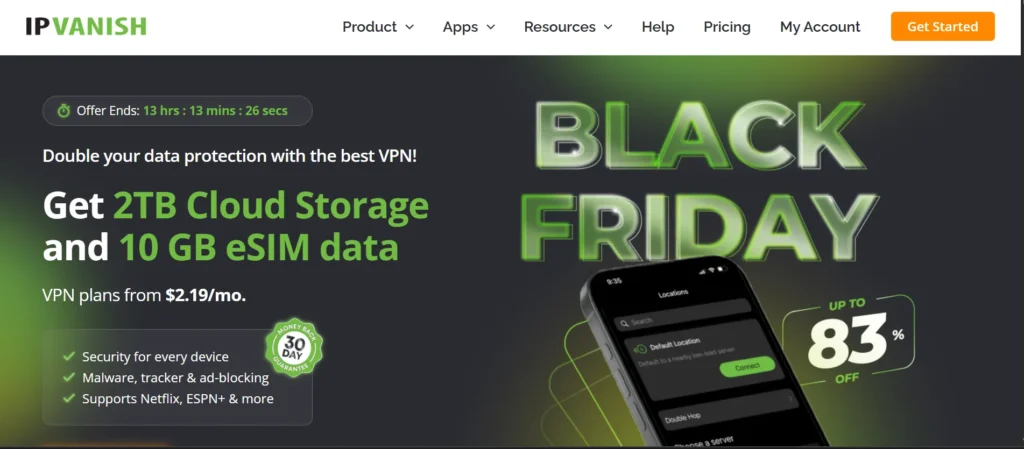
IPVanish is known for its fast speeds and reliable performance, making it a top choice for Mac users who stream or work remotely. The app offers an intuitive interface and solid security tools, including strong encryption and DNS leak protection. It also provides unlimited device connections, which is great for users with multiple Apple products. With 24/7 support and a strict no-logs policy, IPVanish ensures your online activities remain private and uninterrupted. It’s a perfect mix of speed, security, and affordability.
Features:
- 2,200+ servers in 75+ locations
- No traffic logs
- 24/7 customer support services
- SOCKS5 proxy support
- Unlimited device connections
Pricing:
- Starts at $2.19/month
9. Windscribe

Website: www.windscribe.com
Windscribe is a flexible and secure VPN for macOS that balances power with ease of use for macOS users. It includes advanced features like a built-in ad blocker and “Double Hop” routing for extra privacy. The app runs smoothly on macOS and offers a generous 10GB/month free plan. Windscribe also allows you to customize your connection preferences for speed or security. With its no-log policy and reliable performance, it’s one of the most well-rounded VPNs for both beginners and tech-savvy users.
Features:
- Free plan with 10GB/month
- R.O.B.E.R.T ad and malware blocker
- Double Hop feature
- No identifying logs
- Split tunneling support
Pricing:
- Monthly Plan: $9.00/month
- Yearly Plan: $5.75/month
- Build A Plan: $1.00 per location/month
10. TunnelBear

Website: www.tunnelbear.com
TunnelBear offers a fun and easy way to stay private online, perfect for casual Mac users. Its app features a clean design and interactive interface, making VPN usage simple even for first-timers. It maintains strong security with AES-256-bit encryption and regular third-party audits. TunnelBear’s free version allows you to test the service before upgrading. With servers in over 45 countries and a strict no-log policy, it’s a great choice for everyday secure browsing.
Features:
- 5,000+ servers in 45+ countries
- Always-on encryption
- Trusted no-log policy
- Annual independent audits
- Free plan (2GB/month)
Pricing:
- Not listed
11. Mullvad VPN
Website: www.mullvad.net
Mullvad VPN stands out for its dedication to user anonymity and transparency. Unlike most VPNs, it doesn’t require any personal information or even an email ID to create an account. It offers flat-rate pricing and uses open-source software, ensuring complete accountability. Mullvad is a favorite among privacy purists thanks to its minimal data retention policies. The app integrates seamlessly with macOS and maintains stable connections for streaming, browsing, and secure communication.
Features:
- Anonymous account system
- WireGuard & OpenVPN protocols
- Flat-rate pricing
- Open-source client
- Verified no-log audits
Pricing:
- 1 Month Plan: €5/month
- 1 Year Plan: €5/month
- 1 Decade Plan: €5/month
12. Hotspot Shield

Website: www.hotspotshield.com
Hotspot Shield is built for speed, offering one of the fastest VPN for macOS experiences for Mac users. Its proprietary Hydra protocol delivers consistent high-speed connections ideal for streaming or video conferencing. The app features a clean interface and strong encryption that protects against data leaks and malware. With both free and premium versions, it’s suitable for casual and professional users alike. Hotspot Shield’s global server coverage ensures you can access content securely from nearly anywhere.
Features:
- 1,800+ servers in 80+ countries
- 500MB/day free plan
- Military-grade encryption
- 24/7 live support
- Malware and phishing protection
Pricing:
- Basic Plan: Free
- Premium Subscription: $7.99/month
13. Norton Secure VPN
Website: www.norton.com
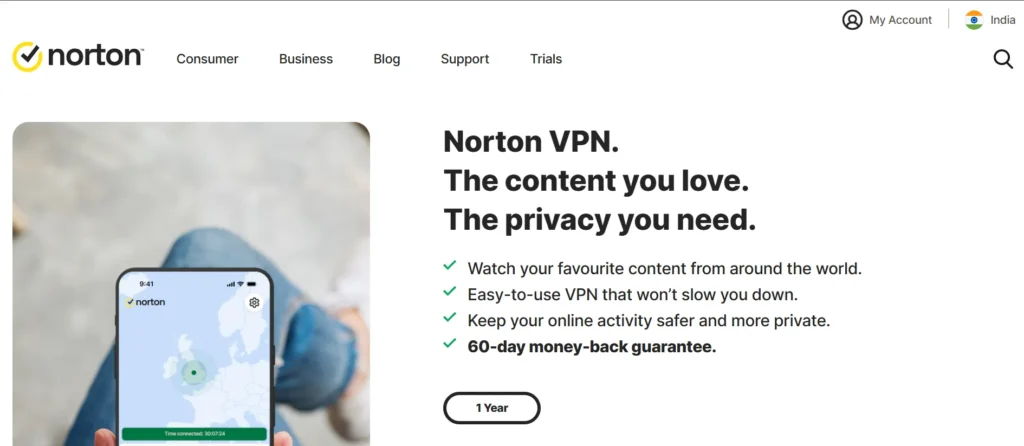
Norton Secure VPN is a reliable companion for Mac users who already trust Norton’s security products. It offers bank-grade encryption and built-in ad-tracking prevention to enhance your privacy. The VPN integrates smoothly with Norton 360, giving you a complete protection suite. It provides simple one-click connections and excellent customer support. If you’re looking for a VPN from a reputable cybersecurity brand, Norton Secure VPN is a dependable choice.
Features:
- Bank-grade encryption
- Ad tracker blocker
- No-log policy
- Integrates with the Norton 360 suite
- 30-day money-back guarantee
Pricing:
- Norton AntiVirus Plus: ₹799/year
- Norton 360 Standard: ₹899/year
- Norton 360 Deluxe: ₹1,199/year
14. Hide.me VPN

Website: www.hide.me
Hide.me VPN is a fast and secure option for Mac users who want flexibility and reliability. It provides both free and paid plans, offering strong encryption and multiple VPN protocols. The app has a clean interface and includes advanced features like split tunneling and IP leak protection. With its zero-log policy and high-speed servers, Hide.me delivers a smooth browsing experience whether you’re streaming, gaming, or working remotely. It’s a trusted VPN backed by years of solid reputation.
Features:
- Free plan with 10GB/month
- Strong encryption and IP leak protection
- Multiple VPN protocols
- No-logs policy
- 24/7 customer support
Pricing:
- Free Plan: $0.00/month
- 1 Month Plan: $9.95/month
- 12 Months Plan: $3.49/month
- 29 Months Plan: $2.07/month
15. PrivadoVPN
Website: www.privadovpn.com
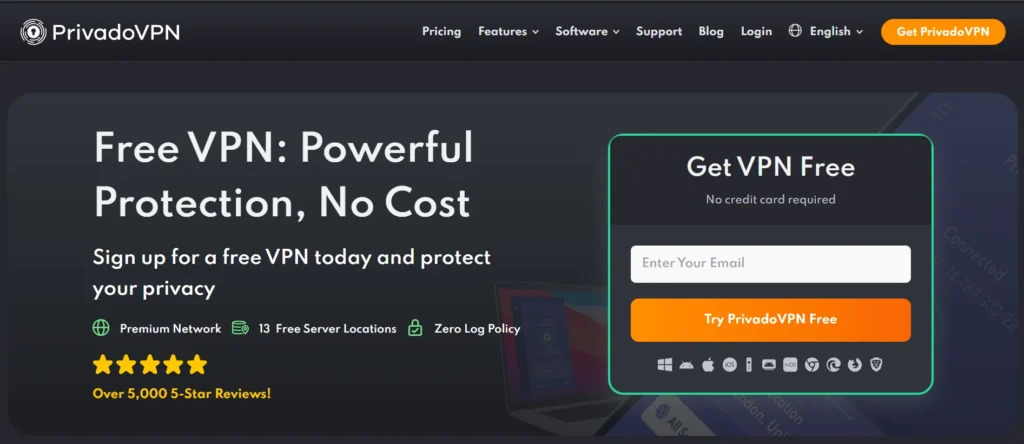
PrivadoVPN is a newer player in the VPN market that’s quickly earning a reputation for reliability and ease of use. Its VPN for macOS app is straightforward, offering fast connections and strong AES-256 encryption. The VPN includes a free plan with 10GB/month, which is perfect for light users. PrivadoVPN maintains a no-log policy and offers SOCKS5 proxy support for torrenting. With support for up to 10 devices and global servers, it’s a great option for everyday Mac privacy protection.
Features:
- Free plan with 10GB/month
- AES-256 encryption
- No-log guarantee
- SOCKS5 proxy support
- 10 simultaneous connections
Pricing:
- 24 Month Plan: $1.11/month
- 12 Month Plan: $1.33/month
- 1 Month Plan: $10.99/month
How to Set Up a VPN on macOS
Setting up a VPN on your Mac is simple. Follow these steps:
- Download a VPN app from the official website or Mac App Store.
- Install the application and sign in to your account.
- Select a server location (like the US or UK).
- Click “Connect” to activate the VPN.
- Once connected, your IP address is hidden and data is encrypted.
If you want to set up a VPN manually:
- Go to System Settings → Network → Add VPN Configuration
- Enter your VPN provider’s server details and credentials
- Click Connect
Free vs Paid VPN for macOS
While free VPNs may seem appealing, they come with limitations and risks.
Free VPNs:
- Usually have data caps (500MB–10GB/month)
- Slower speeds due to fewer servers
- May log data or show ads
Paid VPNs:
- Offer unlimited data and faster connections
- Provide stronger security and privacy policies
- Include customer support and multi-device access
If privacy and streaming are important, always choose a reliable paid VPN.
Tips for Choosing the Right VPN for macOS
When picking a VPN for your Mac, keep these factors in mind:
- Speed: For streaming or gaming, choose VPNs with optimized servers.
- Security Protocols: Look for WireGuard or OpenVPN.
- Compatibility: Ensure it supports the latest macOS versions (Sonoma, Ventura).
- No-Log Policy: Avoid VPNs that store user data.
- Ease of Use: A clean and simple interface enhances your experience.
- Support: 24/7 live chat or email assistance can be helpful for troubleshooting.
Conclusion
A VPN is one of the best ways to enhance privacy, security, and freedom on your macOS device. Whether you want to protect yourself on public Wi-Fi, stream content from different regions, or simply browse without being tracked, a good VPN can make all the difference.
For top-tier performance, ExpressVPN, NordVPN, and Surfshark stand out as the best options for Mac. If you prefer free access, Proton VPN and Windscribe are solid choices with no data compromise.
In the end, the right VPN will depend on your needs, speed, budget, and features, but investing in one ensures your Mac experience remains as private and secure as Apple intended.
FAQs
1. Is It Illegal To Use A VPN On macOS?
No. Using a VPN is completely legal in most countries as long as you don’t use it for illegal activities.
2. Does macOS Have A Built-In VPN?
macOS has built-in support for connecting to VPNs manually, but it doesn’t include a default VPN service.
3. Which VPN Is Best For MacBook Air And Pro?
ExpressVPN, NordVPN, and Surfshark are among the best choices for both MacBook Air and Pro.
4. Will A VPN Slow Down My Mac?
Some slowdown is normal, but top-tier VPNs like ExpressVPN and NordVPN minimize speed loss with optimized servers.
5. Can I Use One VPN Account For Multiple Apple Devices?
Yes. Most VPNs support simultaneous connections across Mac, iPhone, and iPad.
6. Which VPN Is Free And Safe For macOS?
Proton VPN and Windscribe offer secure and trustworthy free versions with limited data.
7. Do VPNs Work With Safari?
Yes. Once your VPN is active, it encrypts all data from Safari and other apps on your Mac.