 Get 50% off on Vault theme. Limited time offer!
 Best Web Scraping Tools for Data Extraction and Automation
Web scraping has become an essential technique for collecting large volumes of data from websites efficiently and accurately. From market research and competitor analysis to price monitoring and lead generation, web scraping tools, often used alongside AI tools for market research, help businesses and professionals convert online information into actionable insights.
With advancements in automation, AI, and data extraction technologies, modern scraping solutions now offer user-friendly dashboards, scheduling options, proxy support, and structured data exports. These tools reduce manual effort, improve accuracy, and enable scalable data collection across multiple sources. Selecting the right Web data extraction tool is crucial for ensuring compliance, performance, and reliability while handling diverse data requirements.
In this blog, we will take a look at the 15 Best Web data extraction tool.
What is a Web Scraping Tool?
A Web data extraction tool is a software application designed to automatically extract data from websites in a structured and usable format. Instead of manually copying information, these tools crawl web pages, identify relevant data elements, and collect them efficiently. Web scraping tools can gather various types of data such as product prices, reviews, contact details, job listings, news updates, and market trends.
They work by sending requests to web pages, reading the HTML or rendered content, and parsing specific data points based on predefined rules or selectors. Modern web scraping tools often support dynamic and JavaScript-heavy websites, offer no-code interfaces, and include features like scheduling, proxy management, and data export options.
Businesses, researchers, and marketers widely use Web data extraction tools to support data analysis, competitive intelligence, lead generation, and informed decision-making while ensuring compliance with website policies.
How to Choose Web Data Extraction Tools
- Define Your Data Requirements: Clearly identify what data you need, from which websites, and how frequently, ensuring the tool supports required formats, volumes, and complexity of data extraction.
- Ease of Use and Learning Curve: Choose web scraping tools with an intuitive interface, clear documentation, and minimal coding requirements, especially if your team lacks advanced programming expertise.
- Support for Dynamic Websites: Ensure the tool can handle JavaScript-rendered and dynamic websites, including infinite scrolling, AJAX content, and login-protected pages without frequent scraping failures.
- Scalability and Performance: Select a tool capable of handling large-scale scraping tasks efficiently, supporting parallel requests, scheduling, and high-speed data extraction without performance bottlenecks.
- Proxy and IP Rotation Features: Look for built-in proxy management, IP rotation, and CAPTCHA handling to reduce blocking risks and maintain stable, uninterrupted data collection processes.
- Data Export and Integration Options: The tool should support multiple export formats like CSV, JSON, or databases, and integrate easily with analytics platforms, CRMs, or data processing pipelines.
- Compliance and Ethical Scraping: Choose a solution that promotes responsible scraping by respecting robots.txt rules, rate limits, and legal guidelines to minimize compliance and ethical risks.
- Pricing and Support Availability: Evaluate pricing models against features offered, and ensure responsive customer support, updates, and active communities for long-term reliability and troubleshooting assistance.
List of 15 Best Web Scraping Tools
1. Octoparse
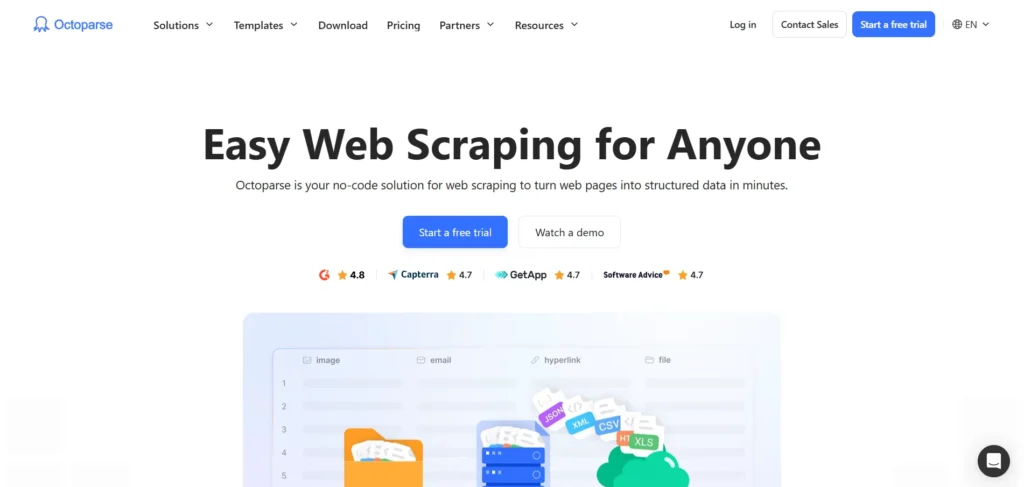
Octoparse is a web scraper allowing all levels of expertise to find data on websites in a fast and effective manner. It has a visual point-and-click interface enabling users to construct scraping tasks without any programming skills.
Since it supports pagination, login authentication, AJAX, and JavaScript rendering, octoparse can handle dynamic websites. It provides cloud extraction, scheduling and automation to execute tasks to scale. Data may be exported to CSV or APIs, or databases and can be exported to Excel.
There are also templates of popular sites in octoparse that quicken the installation. Its simplicity and strong capabilities are the reasons that make it popular with marketers, analysts, and data professionals.
Website: https://www.octoparse.com
Key Features:
- No-code visual web scraping interface
- Supports dynamic websites, AJAX, and JavaScript
- Cloud-based scraping and task scheduling
- Built-in templates for popular websites
- Export data to CSV, Excel, API, and databases
- IP rotation and CAPTCHA handling
Pros:
- Beginner-friendly and intuitive UI
- No programming skills required
- Strong automation and scheduling features
- Cloud extraction reduces local workload
- Good documentation and templates
Cons:
- Limited flexibility for complex logic
- Advanced features locked behind paid plans
- Slower for extremely large datasets
Pricing:
- Monthly
- Free Plan- $0
- Standard Plan- From $83/mo
- Professional Plan- From $299/mo
- Enterprise Plan- Contact Sales
- Annually
- Standard Plan- From $69/mo
- Professional Plan- From $249/mo
- Enterprise Plan- Contact Sales
2. ParseHub
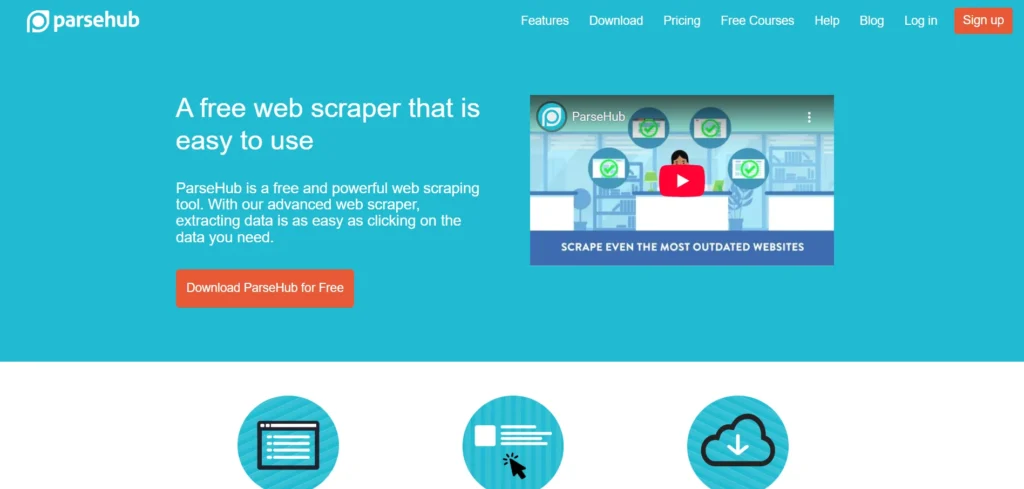
ParseHub is one of the popular web scraping tools, offering a visual interface that enables users to extract information from complex websites using machine learning technology.
It has JavaScript, AJAX, cookies, and dynamic content support, which facilitates a powerful extraction of contemporary sites. Users work with a desktop software or cloud interface to teach ParseHub by clicking elements visually, eliminating the need to code.
Data in extracted form can be exported to CSV, Excel, JSON or accessed directly through API integrations. It also has scheduled automation runs. The flexibility of ParseHub and its ability to interact with the site pages make it appropriate in business intelligence, competitive analysis, and research work.
Website: https://www.parsehub.com
Key Features:
- Visual point-and-click data extraction
- Machine-learning powered element detection
- Handles JavaScript and dynamic content
- Cloud-based scheduling and automation
- Data export in CSV, Excel, JSON
- API access for integration
Pros:
- Easy to use for non-technical users
- Works well with modern websites
- Cross-platform desktop support
- Strong data structuring capabilities
- Free plan available
Cons:
- Desktop app required
- Limited performance on very large crawls
- Pricing increases quickly for scale
Pricing:
- Monthly
- Everyone- Free
- Standard- $189/month
- Professional- $599/month
- ParseHub Plus- Enterprise Web Scraping
- Quarterly
- Everyone- Free
- Standard- $155/month
- Professional- $505/month
- ParseHub Plus- Enterprise Web Scraping
3. Scrapy
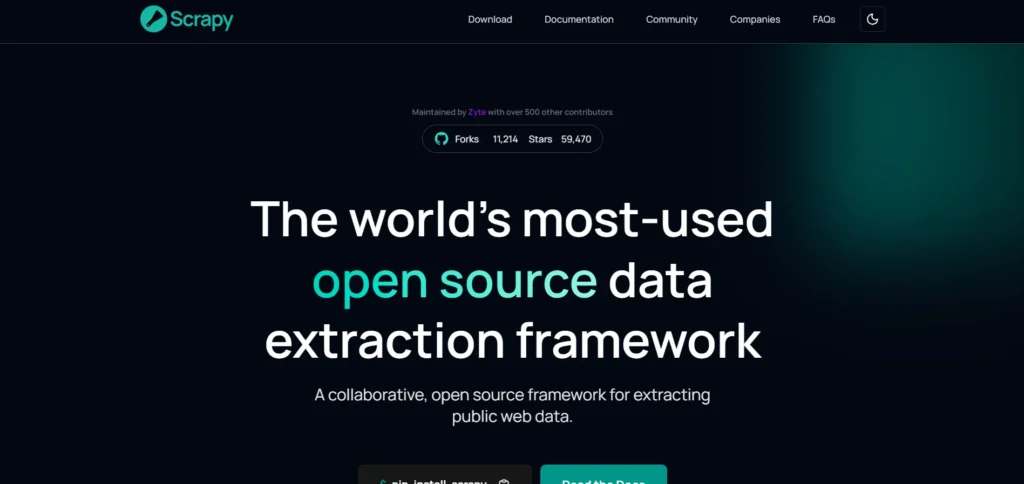
Scrapy is a web scraping and web crawling open-source Python framework that targets developers and technical users. It provides a high-quality, programmable platform on which one can create custom spiders to navigate websites and harvest structured information.
Scrapy supports parallel requests, data pipelines, and export formats such as JSON and CSV. Its modular architecture enables it to be used with proxies, middleware and third party extensions.
Since it is written in Python, users are able to use their own logic, combine data processing, and scale extraction operations effectively. The flexibility and performance of Scrapy are suitable in large projects, scholarly research and scraping infrastructure in production.
Website: https://scrapy.org
Key Features:
- Open-source Python scraping framework
- High-performance asynchronous crawling
- Customizable pipelines and middleware
- Supports JSON, CSV, XML exports
- Extensive plugin and extension ecosystem
- Strong community support
Pros:
- Highly scalable and fast
- Complete control over scraping logic
- Ideal for large-scale projects
- Free and open source
- Excellent documentation
Cons:
- Requires Python knowledge
- Steep learning curve for beginners
- No built-in UI
Pricing:
- Free and open-source
4. Apify
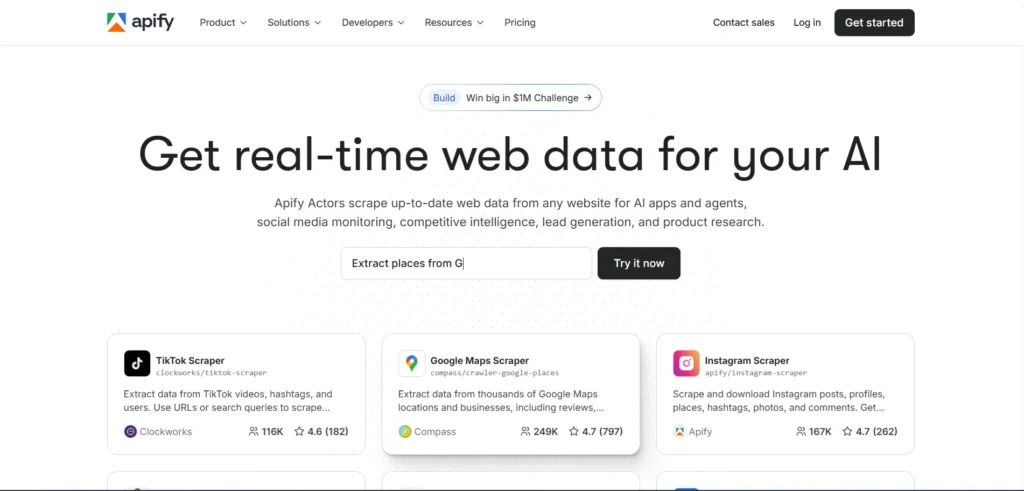
Apify is a web scraping and automation system based on cloud computing, and it has custom crawlers and ready-made actors (prebuilt scraping tools).
It enables web scrapers, as well as non-technical users, to download data off websites, automate processes, and scale web scraping using powerful web scraping tools. Apify is a Node.js SDK and it supports proxy rotation, task scheduling and API access. Extracted data can be stored in JSON, CSV or can connect with external databases and applications.
It has a marketplace of reusable actors to do such common operations as social media scraping and monitoring eCommerce. The flexibility and cloud infrastructure offered by Apify make it enterprise and developer friendly.
Website: https://www.apify.com
Key Features:
- Cloud-based scraping and automation platform
- Prebuilt actors for popular websites
- JavaScript SDK and API access
- Proxy rotation and IP management
- Task scheduling and automation
- Data storage and integrations
Pros:
- Highly flexible and scalable
- Suitable for developers and teams
- Large actor marketplace
- Strong automation capabilities
- Enterprise-ready infrastructure
Cons:
- Requires technical understanding
- Costs increase with usage
- Overkill for small projects
Pricing:
- Monthly
- Free- $0
- Starter- $29/month
- Scale- $199/month
- Business- $999/month
- Annually
- Free- $0
- Starter- $26/month
- Scale- $179/month
- Business- $899/month
5. Bright Data
Bright Data is a high-quality data collection platform, which offers web scraping engines, proxy, and network infrastructure to perform large-scale extraction. It has a proxy network that has residential, datacenter, and mobile IPs, which assist users in bypassing site blocks and geographic blocking.
Bright Data promotes automated scraping solutions, data APIs, and third part extraction system integration. It provides reliable and scalable data retrieval with scheduling, rotation and IP management tools.
Businesses that require a large volume of data extraction and worldwide data extraction usually rely on this as it is ideal to use in market intelligence, price tracking and competitive analysis where consistency and regulatory measures are paramount.
Website: https://brightdata.com
Key Features:
- Residential, mobile, and datacenter proxies
- Web scraping APIs and datasets
- Global IP coverage and geo-targeting
- Automated CAPTCHA and block handling
- Enterprise-grade infrastructure
- Compliance-focused data collection
Pros:
- Extremely reliable for large-scale scraping
- Powerful proxy network
- Excellent uptime and performance
- Suitable for enterprise use
- Strong compliance standards
Cons:
- Expensive for small businesses
- Complex setup for beginners
- Overpowered for simple scraping
Pricing:
- Pay-as-you-go: Around $1.50 per 1K results, no minimum
- Growth: Around $1.30 per 1K results, for scaling teams
- Business: Around $1.10 per 1K results, for large teams
- Enterprise: As low as $1.00 per 1K results, with custom features
6. ScraperAPI
ScraperAPI is a user-friendly scraping API which rotates proxies, renders browsers and solves CAPTCHAs on behalf of its users. Rather than scraping infrastructure, developers invoke simple API calls to fetch fully rendered HTML, JSON, or scraped results.
Scraper API is compatible with sites that demand a lot of JavaScript and has an IP management system that prevents blocks. It is scaled on usage and has such features as custom headers and geo-targeted requests.
This API-first design allows it to be suitable when software engineers and data teams must add scraping functionality to applications, pipelines, or analytics systems without dealing with underlying network complexity.
Website: https://www.scraperapi.com
Key Features:
- Simple API-based scraping solution
- Automatic proxy rotation
- CAPTCHA and block bypassing
- JavaScript rendering support
- Geo-targeted requests
- Easy integration with apps
Pros:
- Very easy to integrate
- Minimal setup required
- Scales automatically
- Reliable for production use
- Developer-friendly
Cons:
- No visual interface
- Limited control over extraction logic
- API usage costs add up
Pricing:
- Monthly
- Hobby- $49/month
- Startup- $149/month
- Business- $299/month
- Scaling- $475/month
- Enterprise- Contact Sales
- Annually
- Hobby- $44/month
- Startup- $134/month
- Business- $269/month
- Scaling- $427/month
- Enterprise- Contact Sales
7. ScrapingBee
ScrapingBee is a web scraping API, which makes it easy to extract web pages, headless browser rendering and proxy rotation are performed internally.
The API is used by sending requests using a target URL that the user wants and receiving clean HTML as the response. ScrapingBee allows the use of JavaScript, custom headers, and throttling. It is simple to integrate, making it one of the most reliable web scraping tools for developers who need efficient scraping without building infrastructure.
ScrapingBee also provides client libraries in common languages which simplifies the development. It is also specially applicable to real-time extractions, small to medium-sized projects and applications that need page content of a dynamic Web site rendered.
Website: https://www.scrapingbee.com
Key Features:
- Web scraping API with headless browser
- JavaScript rendering support
- Proxy and user-agent rotation
- Custom headers and cookies
- Client libraries for developers
- Clean HTML extraction
Pros:
- Excellent for dynamic websites
- Simple API calls
- Reliable JavaScript rendering
- Developer-friendly documentation
- Scalable infrastructure
Cons:
- No built-in data parsing
- Requires programming skills
- Limited free usage
Pricing:
- Freelance– $49/mo
- Startup– $99/mo
- Business– $249/mo
- Business+– $599/mo
8. Diffbot
Diffbot is a prime example of structured data extraction based on artificial intelligence techniques, machine vision, and natural language processing to transform web pages into clean and semantic JSON.
Diffbot APIs recognise articles, products, discussions, and entities automatically, rather than them being defined manually using selectors. It is superior in the large-scale scraping, data normalisation, and knowledge graph building. The platform has custom crawlers and knowledge API that indexes the open web to provide a complete analytics platform.
Businesses use Diffbot to perform competitive intelligence, media monitoring and semantic search applications. Its emphasis on quality structured output is a luxury offering to companies that require advanced scraping outputs without a large scale of manual setup.
Website: https://www.diffbot.com
Key Features:
- AI-powered content extraction
- Automatic data structuring
- Knowledge Graph API
- Supports articles, products, entities
- Large-scale crawling capabilities
- Semantic data enrichment
Pros:
- High-quality structured data
- Minimal manual configuration
- Powerful AI extraction
- Ideal for analytics and research
- Enterprise-ready
Cons:
- Premium pricing
- Limited customization
- Not beginner-friendly
Pricing:
- Free– $0
- Startup– $299/mo
- Plus– $899/mo
- Enterprise– Custom
9. Selenium
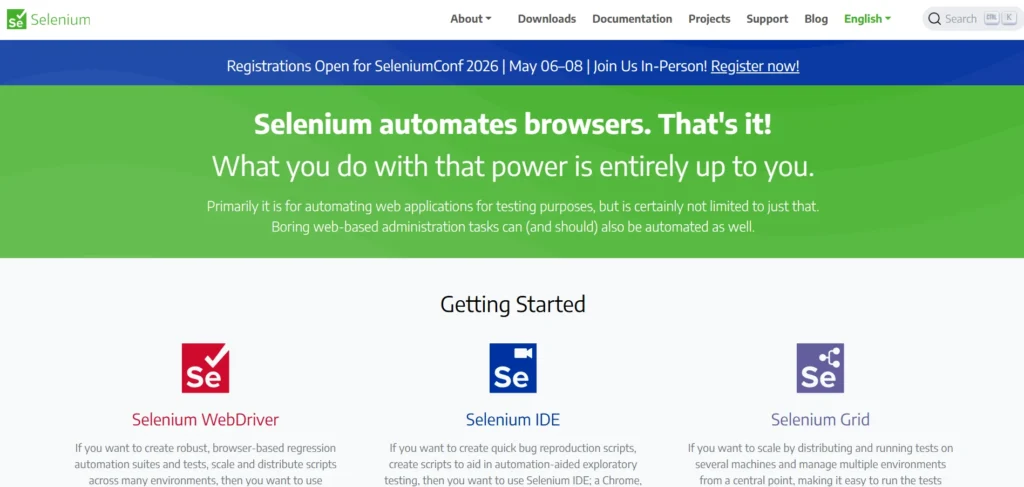
Selenium is an open source web application automation framework that is popular in testing, scraping and interacting with web applications. It is a controller of actual browsers such as Chrome, Firefox and Edge, and simulates user behaviors such as clicks, form submission, scrolling and navigation.
Since it can execute on the browser, Selenium is good at JavaScript-rendered and dynamic content, which many other scrapers can be quite poor on. Selenium scripts allow extracting data with the help of locating elements and fetching text or attributes.
Although it requires programming knowledge, it is customizable and powerful for custom workflows, automated testing using automation testing tools, and scraping content that requires user interactions, making it well-suited for complex scraping projects.
Website: https://www.selenium.dev
Key Features:
- Browser automation for scraping and testing
- Supports Chrome, Firefox, Edge
- Handles JavaScript-heavy websites
- Multiple language support
- Full user interaction simulation
- Open-source framework
Pros:
- Excellent for complex interactions
- Highly flexible
- Works on dynamic websites
- Free and open source
- Large community support
Cons:
- Slower than API scrapers
- Resource-intensive
- Requires programming skills
Pricing:
- Free
10. WebHarvy
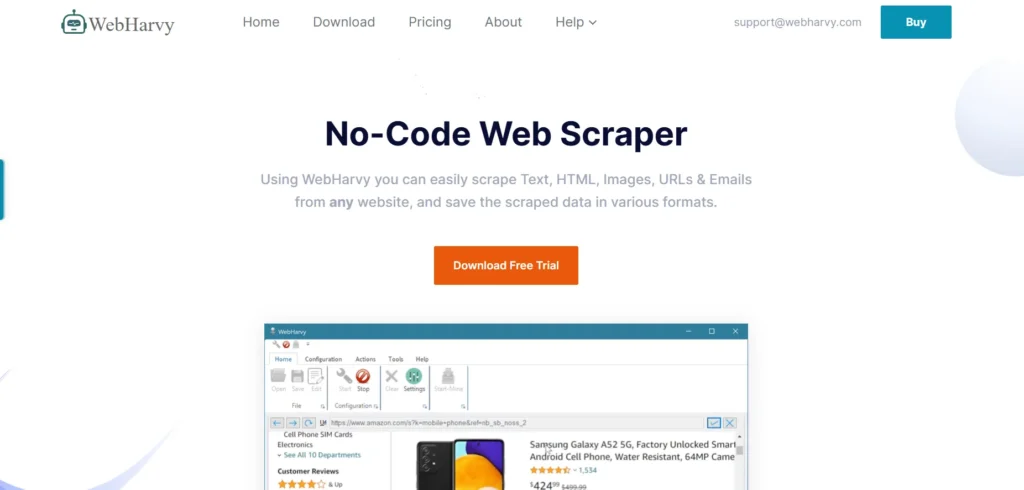
WebHarvy is a data-mining tool that is easy to use, point-and-click, and provides the ability to handle data without writing any code. WebHarvy will generate scraping patterns and users will visually select data elements on web pages.
It facilitates pagination, scraping of multiple pages and exporting the data to various formats such as CSV, XML and SQL. One can use WebHarvy with dynamic websites that contain images, links and text. It has also got inbuilt scheduling and automation.
Its simplicity and graphical methodology make it suitable to small businesses, researchers and marketers seeking quality scraping services and do not wish to engage in the sophistication of programming.
Website: https://www.webharvy.com
Key Features:
- Point-and-click web scraping
- Automatic pattern detection
- Image and text extraction
- Pagination and multi-page support
- Export to CSV, XML, SQL
- Scheduling support
Pros:
- Very beginner-friendly
- No coding required
- One-time license available
- Easy setup
- Good for small businesses
Cons:
- Windows-only
- Limited scalability
- Not ideal for complex sites
Pricing:
- Single User License– $129
- 2 User License– $219
- 3 User License– $299
- 4 User License– $359
- Site License– $699
11. Import.io
Import.io is a web data platform that is enterprise-oriented and provides visual extractors in addition to API access and workflow process automation.
Import.io assists users in training to identify data patterns both visually and through configuration to extract structured data at scale across multiple sites. Its platform integrates Salesforce, BI tools, and business cloud storage connectors, along with scheduling, data integration, and analytics capabilities.
Import.io is also focused on reliability and compliance, which makes extraction sustainable. Its enterprise suite fits data engineers, analysts, and companies that need continuous web data pipelines and connection with broader business intelligence platforms, making it one of the leading web scraping tools for enterprise-grade data extraction.
Website: https://www.import.io
Key Features:
- Enterprise web data extraction platform
- Visual data extraction tools
- API access and integrations
- Scalable crawling infrastructure
- Data monitoring and automation
- BI tool compatibility
Pros:
- Enterprise-grade reliability
- Structured data output
- Strong integrations
- Suitable for ongoing data needs
- Managed solution
Cons:
- High pricing
- Not suitable for individuals
- Requires onboarding
Pricing:
- Pricing to match your specific requirements.
12. Oxylabs
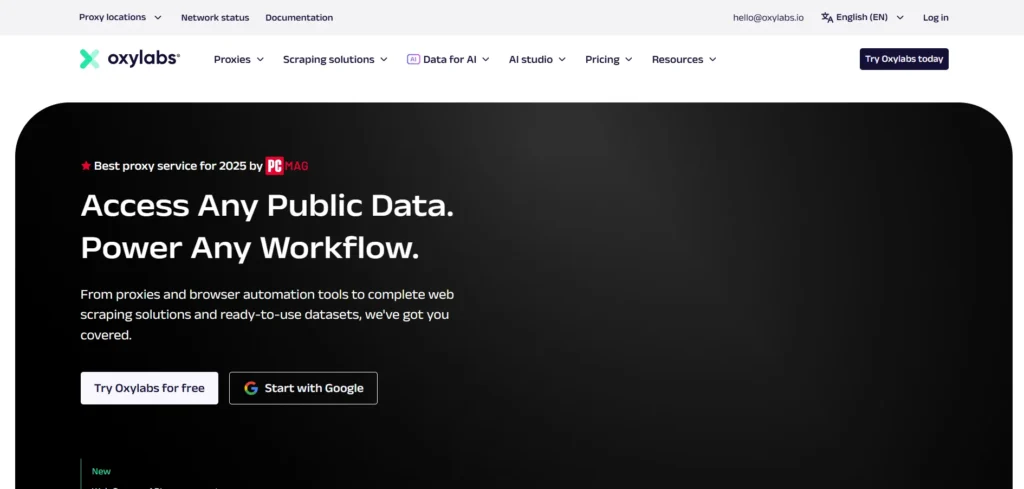
Oxylabs is a high-quality web data platform that provides high-performance proxies, enterprise scraping services and tools. Oxylabs can get around IP blocks and geographical limitations with residential and datacenter and next-gen proxy networks.
It offers bespoke scraping services, customer libraries and automated scrapers. Oxylabs also provides Real-time feeds of data and analytics integration support. The infrastructure is capable of collecting a lot of data across the globe to monitor prices, protect brands, and gain intelligence of the market.
Although more technical, its scale, reliability, and support are what make it the best option in cases when an enterprise requires a strong scraping pipeline and high-scale extraction.
Website: https://oxylabs.io
Key Features:
- Enterprise proxy networks
- Web scraping APIs
- Real-time data extraction
- Global IP coverage
- Custom scraping solutions
- Advanced block avoidance
Pros:
- Extremely scalable
- High success rates
- Strong customer support
- Enterprise-ready
- Reliable data delivery
Cons:
- Expensive
- Technical setup required
- Overkill for small users
Pricing:
- Intro– $5
- Basic– $50
- Advanced– $800
- Custom+– Starts from $4000
13. Browse AI
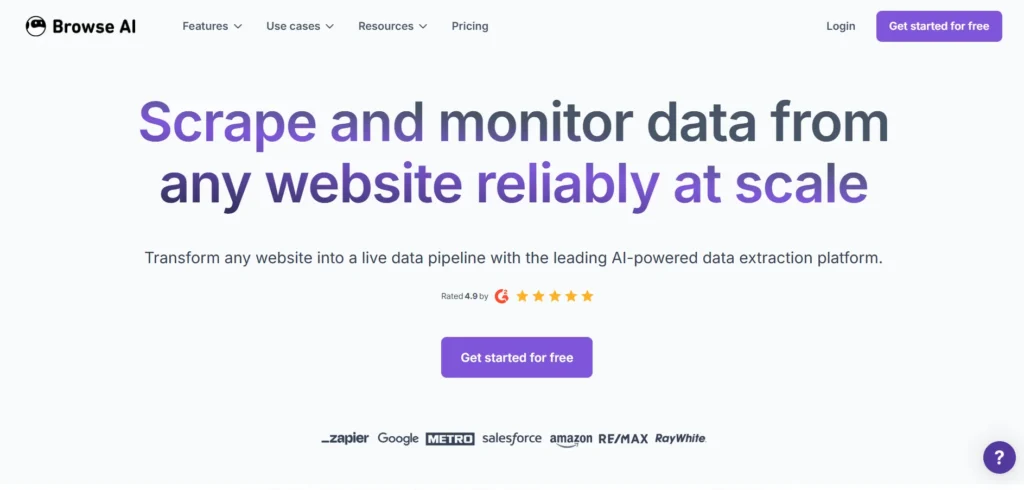
Browse is a no-code AI application of scraping and automation, a web tool which enables users to extract web page data by clicking to identify elements on web pages. The tool is based on machine learning to identify similar patterns, to serve dynamic, JavaScript-rendered content.
Users are allowed to create bots which can be scheduled to extract data and push the results to a spreadsheet, APIs or cloud storage. Browse AI is the most user-friendly system that allows non-developers to configure complicated extraction tasks within a short time.
Its auto functionalities are also applicable in workflow such as monitoring price changes, content updates and alerting users of new information.
Website: https://www.browse.ai
Key Features:
- No-code scraping automation
- AI-based pattern recognition
- Scheduled monitoring
- Data export to Sheets and APIs
- Cloud-based bots
- Change detection alerts
Pros:
- Very easy to use
- Fast setup
- Ideal for monitoring tasks
- No coding needed
- Good automation options
Cons:
- Limited advanced customization
- Scaling can be costly
- Not ideal for massive crawls
Pricing:
- Monthly
- Free- $0
- Personal- $48 Per month
- Professional- $87 Per month
- Premium- Starting at $500 Per month
- Annually
- Free- $0
- Personal- $19 Per Month
- Professional- $69 Per Month
- Premium- Starting at $500 Per month
14. DataMiner
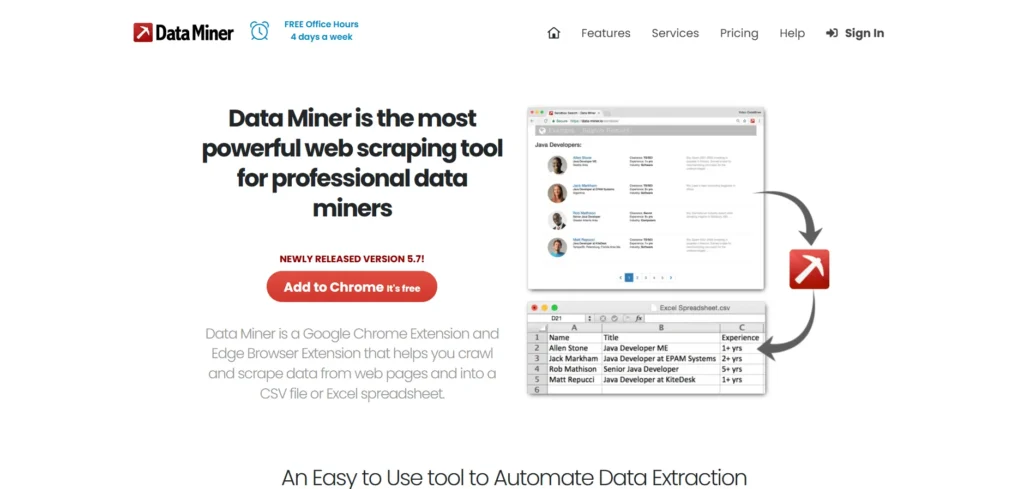
DataMiner is a web scraping extension and one of the easiest web scraping tools, available as a browser-based application for Chrome and Edge, requiring no additional software to extract data.
Web pages allow the user to choose data elements by clicking and DataMiner creates extraction rules automatically. It allows one to export findings to Excel, CSV or Google Sheets and has community-created scraping recipes of well-known websites. Being a web-based tool, it is simple to use with small projects and scraping in general.
Although it is not scalable as full scraping platforms, the convenience and ease of use of DataMiner endears it to students, researchers and professionals who require fast data access.
Website: https://dataminer.io
Key Features:
- Browser-based scraping extension
- Point-and-click extraction
- Prebuilt scraping recipes
- Export to Excel and Google Sheets
- No installation required
- Community templates
Pros:
- Extremely easy to use
- Browser-based convenience
- Free plan available
- Quick data extraction
- Ideal for ad-hoc scraping
Cons:
- Limited scalability
- Browser dependency
- Not suited for automation
Pricing:
- STARTER PLAN– $0 PER MONTH
- SOLO– $19.99 PER MONTH
- SMALL BUSINESS– $49 PER MONTH
- BUSINESS– $99 PER MONTH
- BUSINESS PLUS– $200 PER MONTH
15. Zenscrape
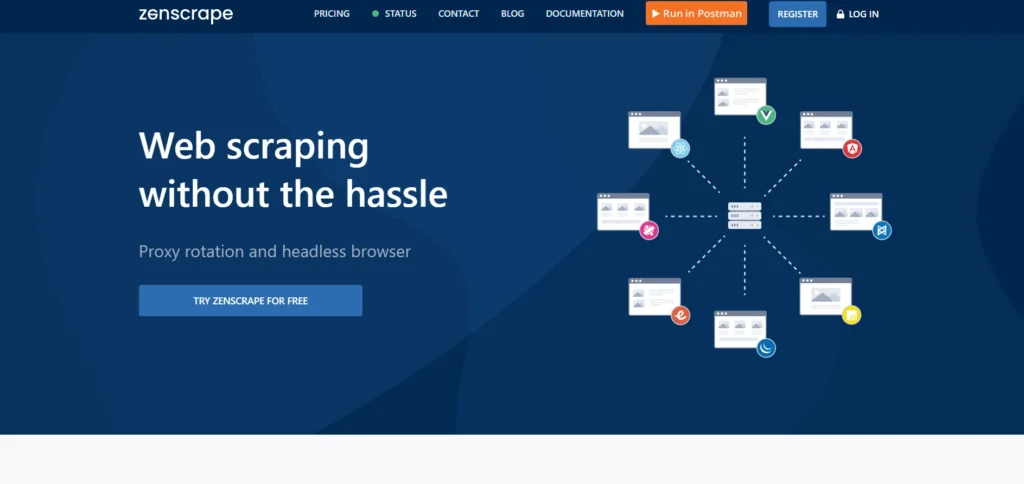
Zenscrape is a simple web scraping API that makes it easy to extract pages and includes proxy rotation and user agent controls. The API is requested with target URLs and Zenscrape provides clean HTML or JSON without the need to operate proxies manually.
It promotes JavaScript rendering, CAPTCHA bypass and geo-targeted requests, which have ensured the reliability of extraction on dynamic sites. Scalable infrastructure in Zentscape processes burst traffic and automation requirements.
It is especially handy when developers add scraping to applications, dashboards, or data pipelines but do not have to sustain the complex infrastructure.
Website: https://www.zenscrape.com
Key Features:
- Simple scraping API
- JavaScript rendering
- Proxy rotation and CAPTCHA handling
- Geo-targeting support
- Fast response times
- Scalable infrastructure
Pros:
- Easy API integration
- Lightweight and efficient
- Good for developers
- Reliable performance
- Minimal configuration
Cons:
- No visual interface
- Requires coding knowledge
- Limited advanced parsing
Pricing:
- Free– $0
- Small– $59.99/mo
- Medium– $99.99/mo
- Large– $249.99/mo
- Professional– $349.99/mo
Quick Comparison
| Tools | Best For | Ease of Use | Pricing |
| Octoparse | No-code data extraction for websites with dynamic content | Very easy drag-and-drop interface | Subscription-based |
| ParseHub | Scraping JavaScript and AJAX-powered websites | User-friendly visual interface | Subscription-based |
| Scrapy | Developers needing scalable Python scraping framework | Moderate; code knowledge required | Free |
| Apify | Cloud-based automation and web data extraction | Moderate for beginners | Subscription-based |
| Bright Data | Large-scale scraping with proxy support | Needs configuration experience | Subscription-based |
| ScraperAPI | Proxy-handled web scraping API solution | Simple API calls to integrate | Subscription-based |
| ScrapingBee | Easy scraping with browser emulation support | Beginner-friendly API interface | Subscription-based |
| Diffbot | AI-driven structured web data extraction | Moderate setup complexity | Subscription-based |
| Selenium | Browser automation and testing scraping tasks | Developer-oriented, code required | Free |
| WebHarvy | Visual point-and-click data extraction workflows | Easy visual scraping tool | One-time (license) |
| Import.io | Enterprise-level web extraction and analytics | Moderate; guided interface | Subscription-based |
| Oxylabs | Proxy services with scraping pipelines | Requires setup experience | Subscription-based |
| Browse AI | No-code AI-driven scraping automation | Very simple and visual | Subscription-based |
| DataMiner | Browser extension scraping without coding skills | Very easy browser plugin | Free + paid plans |
| Zenscrape | Lightweight scraping with automatic proxy rotation | Easy API Integration | Subscription-based |
Ending Thoughts
Choosing the right web scraping tool can significantly impact how effectively you collect, manage, and analyse online data. The 15 best web scraping tools offer a wide range of capabilities, from no-code visual scraping and browser automation to advanced APIs and AI-driven extraction.
Whether you are a marketer tracking competitors, a researcher gathering insights, or a business monitoring prices and trends, these tools help save time and improve data accuracy. Factors such as ease of use, scalability, proxy support, data export formats, and compliance features should guide your decision. By selecting a tool that aligns with your technical skills and project goals, you can transform raw web data into meaningful, actionable intelligence for smarter decision-making.
FAQs
What are Web Scraping Tools Used for?
Web data extraction tools are used to extract data from websites for purposes like market research, price monitoring, lead generation, competitor analysis, and data-driven decision-making.
Are Web Scraping Platforms Legal to Use?
Web scraping is legal when it follows website terms, respects robots.txt files, and avoids collecting personal or copyrighted data without permission.
Do I Need Coding Skills to Use Web Scraping Tools?
Not always. Many modern Web data extraction tools offer no-code or low-code interfaces suitable for beginners, while advanced users can use APIs and scripts.
Can Web Scraping Platforms Handle Dynamic Websites?
Yes, many tools support JavaScript-rendered and dynamic websites using browser automation, headless browsers, or AI-based extraction.