

Finding and fixing bugs is one of the toughest parts of building software, and every team knows the chaos that comes when issues slip through the cracks. One wrong click, one missed error, and suddenly deadlines get pushed, customers complain, and developers panic. That’s exactly why choosing the right bug tracking software matters—you need a tool that keeps everything organized, visible, and easy to manage, even on the busiest days.
In this article, we’re exploring the top 15 bug tracking tools that actually make life easier for developers, testers, and project managers. Whether you’re a startup, a fast-moving tech team, or a growing company, these tools help you stay on top of every issue before it becomes a disaster. Let’s dive in and find the perfect bug-fixing partner for your workflow!
Why Your Team Needs a Powerful Bug Tracking Tool
- Ensures every bug—big or small—is captured, documented, and assigned so nothing gets forgotten during fast development cycles.
- Creates a central communication hub where developers, testers, and stakeholders can discuss issues without relying on scattered messages or emails.
- Allows teams to prioritize bugs based on severity, impact, and deadlines, helping them focus on the most critical problems first.
- Provides full visibility into the lifecycle of each bug, from detection to resolution, reducing confusion and miscommunication.
- Generates helpful analytics and reports that highlight recurring issues, team performance, and areas in the codebase that may need long-term improvement.
How to Choose the Right Bug Tracking Software
- Look for a tool that lets you customize fields, workflows, and automation rules so it fits your team’s unique development and QA processes.
- Choose a platform that integrates smoothly with tools like GitHub, GitLab, Jira, Slack, CI/CD pipelines, and testing frameworks to avoid manual updates.
- Check the quality of dashboards and reporting—good software should show trends, bottlenecks, and performance metrics in a clear visual format.
- Make sure the interface is simple enough for beginners but powerful enough for senior developers who need advanced filtering and tracking.
- Consider pricing, scalability, user limits, cloud vs. self-hosted options, and long-term flexibility to ensure the tool supports your growth roadmap.
List of Top 15 Best Bug Tracking Software
1. Jira
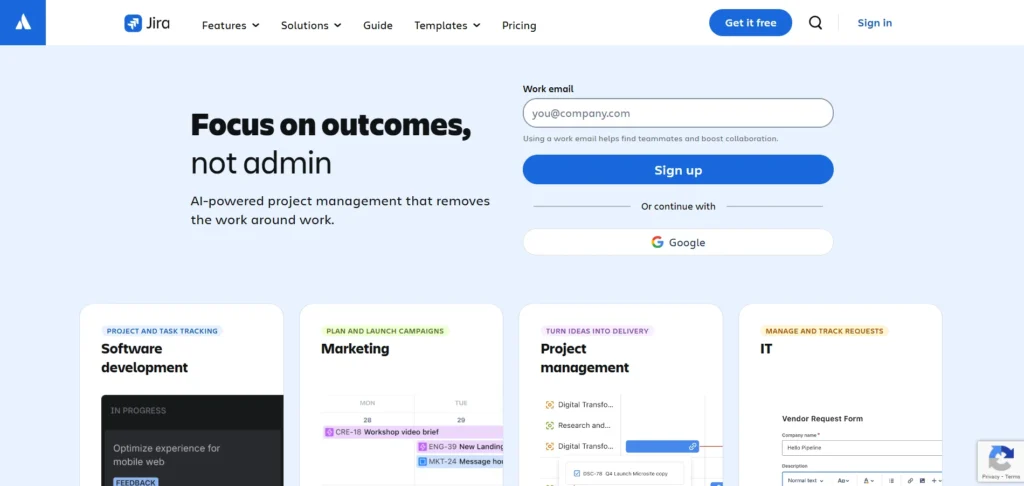
Jira is one of the most widely used bug tracking and project management tools across software teams. It offers deep customization options, allowing teams to build workflows that perfectly fit their development and QA processes. Its integration-friendly ecosystem ensures seamless connectivity with CI/CD tools, documentation platforms, testing apps, and automation solutions.
Jira provides real-time visibility into issues, sprint progress, and team workloads. With its powerful search using JQL (Jira Query Language), teams can quickly filter, report, and analyze bugs. Whether you’re working with Scrum, Kanban, or hybrid models, Jira adapts beautifully to agile development.
Top Features:
- Customizable workflows for teams of any size
- JQL for advanced issue searching and filtering
- Seamless integrations with Confluence, Bitbucket, GitHub, Slack, and more
- Rich agile boards for sprints and Kanban
- Automation rules for repetitive tasks
Website: https://www.atlassian.com/software/jira
Pricing:
| Free | Standard | Premium | Enterprise |
| $0 | $7.91/mo | $14.54/mo | Custom |
2. Bugzilla
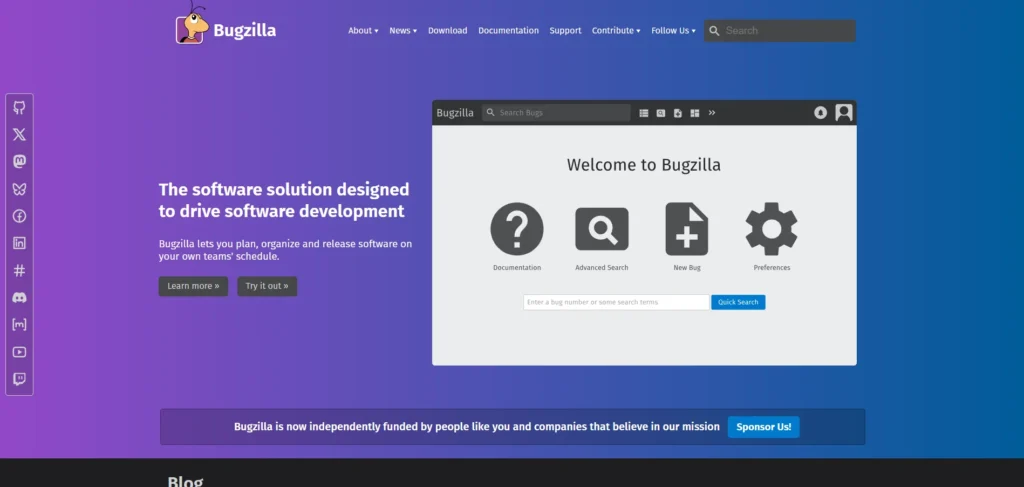
Bugzilla, developed by Mozilla, is a robust open-source bug tracking software trusted for its reliability and scalability. It is ideal for teams wanting a highly configurable platform without licensing costs. Its advanced search, reporting tools, and defect tracking accuracy make it a long-standing favorite in open-source and enterprise environments.
Despite being older compared to modern SaaS tools, Bugzilla remains relevant because of its speed, feature depth, and unmatched transparency in issue tracking. Teams can define priorities, dependencies, severity levels, and workflows in great detail, ensuring full control over bug management.
Top Features:
- Open-source with powerful customization options
- Advanced search and detailed bug reporting
- Email notifications and time tracking
- Support for secure authentication and permissions
- Ability to track dependencies between bugs
Website:https://www.bugzilla.org
Pricing:
- Free
3. Trello
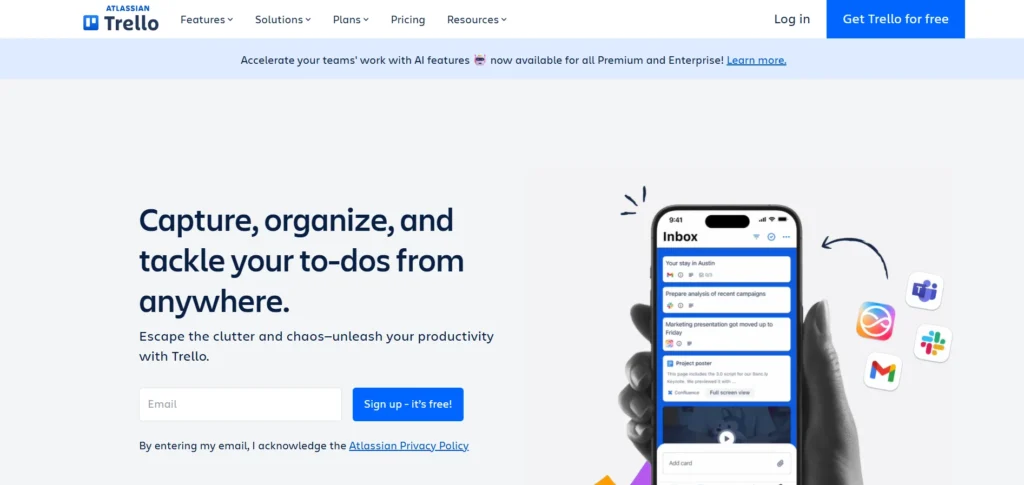
Trello is a lightweight, visually intuitive kanban-based tool perfect for teams that prefer a simple, drag-and-drop approach to bug tracking. While not exclusively designed for bugs, it becomes a highly efficient tracker when combined with power-ups like automation, custom fields, and integrations with developer tools.
Teams love Trello because of its flexibility—it can be used for bug tracking, task management, content planning, and more. The card-based system allows easy labeling, prioritization, and assignment of issues, making it extremely beginner-friendly.
Top Features:
- Visual kanban boards for effortless tracking
- Power-ups for automation and custom fields
- Easy integrations with Slack, GitHub, Jira, and CI tools
- Drag-and-drop workflows tailored to any process
- Highly intuitive interface suitable for all skill levels
Website:https://trello.com
Pricing:
| Free | Standard | Premium | Enterprise |
| $0 | $5/mo | $10/mo | $17.50/mo |
4. Zoho BugTracker
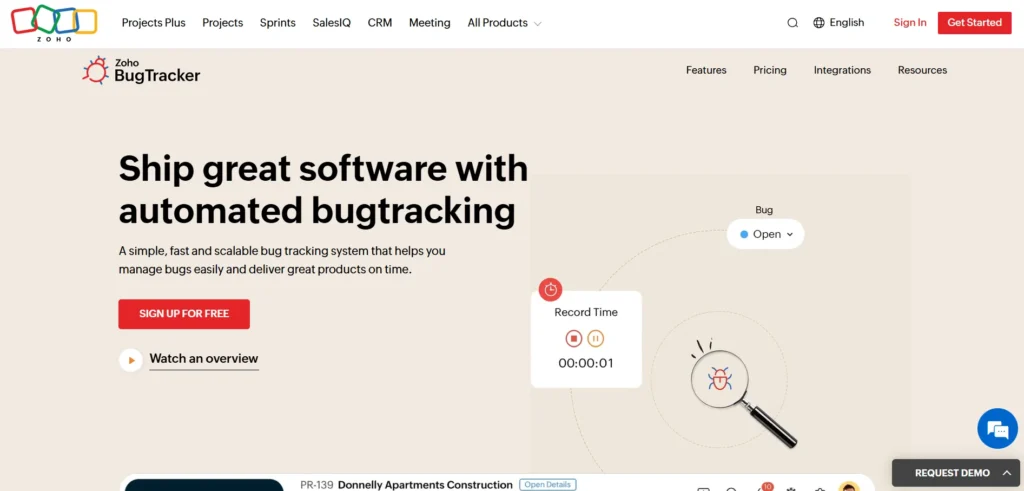
Zoho BugTracker is part of the Zoho ecosystem and offers an efficient, clean, and structured environment for bug tracking software and project collaboration. It helps development teams report, debug, and resolve issues quickly with features like SLAs, automation rules, and custom workflows.
With built-in dashboards and time tracking, Zoho BugTracker keeps teams organized and aligned. It also integrates well with Zoho Projects, making it a strong choice for teams already using the Zoho suite.
Top Features:
- Custom workflows, SLAs, and automation
- Release management and milestones
- Built-in time tracking and reporting
- Email notifications and team collaboration tools
- Integrations with Zoho Projects and third-party apps
Website:https://www.zoho.com/bugtracker/
Pricing:
| Free | Standard | Premium |
| $0 | $2/mo | $4.67/mo |
5. ClickUp
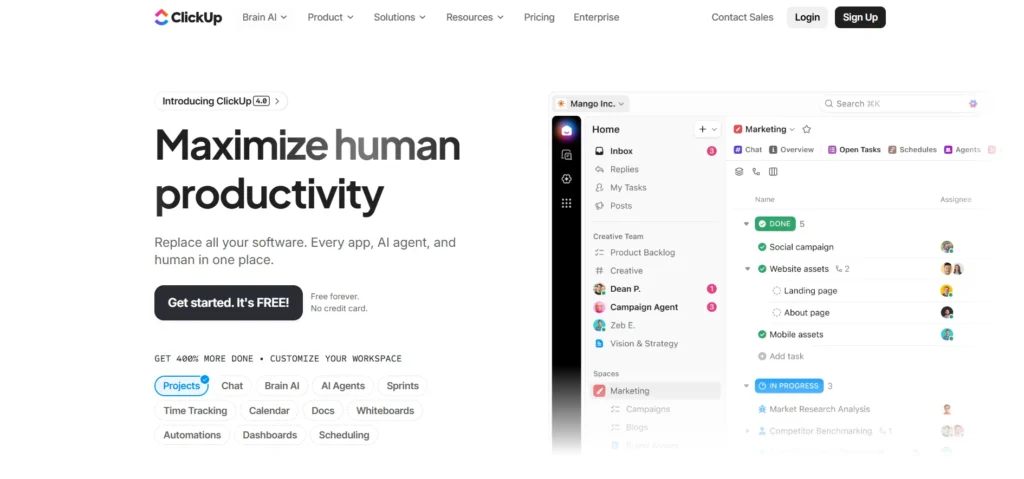
ClickUp is a highly versatile platform that goes beyond bug tracking to offer project management, documentation, and workflow automation—all in one place. Teams can track bugs through lists, boards, or timelines while customizing statuses, fields, and views to match their QA process.
Its robust collaboration features, such as comments, mentions, whiteboards, and in-app docs, make ClickUp excellent for cross-functional teamwork. With its automation, integration capabilities, and reporting flexibility, it has become a popular choice among agile teams.
Top Features:
- Multiple views: List, Board, Gantt, Calendar
- Custom fields and statuses for precise bug tracking
- Automation for repetitive workflows
- Real-time collaboration and in-app documentation
- Integrations with GitHub, GitLab, Slack, and more
Website:https://clickup.com
Pricing:
| Free | Unlimited | Business | Enterprise |
| $0 | $7/mo | $12/mo | Custom |
6. Monday.com

Monday.com is a visually rich work management platform that can also be used as powerful bug tracking software, doubling as an effective bug tracking tool. Its customizable boards allow teams to log bugs, assign owners, track progress, and automate follow-ups. The platform’s flexibility makes it easy for QA, developers, and product teams to stay aligned throughout the testing and release cycles.
The system supports multiple views such as kanban, timeline, table, and charts, giving teams complete visibility into the bug lifecycle. With powerful automation recipes and integrations, Monday.com reduces manual work and ensures nothing slips through the cracks.
Top Features:
- Customizable boards and workflows
- Multiple visualization modes (Kanban, Timeline, Gantt)
- Automation for notifications and task updates
- Integrations with GitHub, Slack, Jira, GitLab
- Easy collaboration with comments and file attachments
Website:https://monday.com
Pricing:
| Free | Basic | Standard | Pro | Enterprise |
| $0 | $9/mo | $12/mo | $19/mo | Custom |
7. Asana
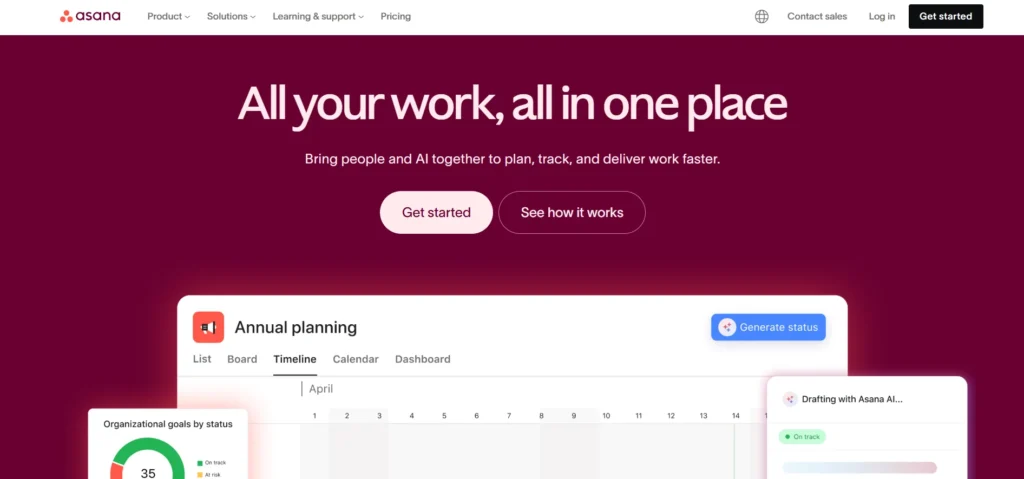
Asana is a popular project management tool that adapts well for structured bug tracking. Teams can create bug templates, categorize severity, assign tasks, and monitor progress through list, board, or timeline views. Its simple interface makes it easy for teams to collaborate and log bugs quickly.
With rule-based automation and deep integrations, Asana helps streamline communication and response times. From tagging stakeholders to setting up priority workflows, Asana ensures teams handle bug fixes efficiently and transparently.
Top Features:
- Task templates for consistent bug reporting
- List, board, and timeline views
- Automation for follow-ups and routing
- Integrations with GitHub, Slack, Zapier
- Easy tagging, commenting, and file attachments
Website:https://asana.com
Pricing:
| Personal | Starter | Advanced | Enterprise |
| $0 | $10.99/mo | $24.99/mo | Available on request |
8. Redmine
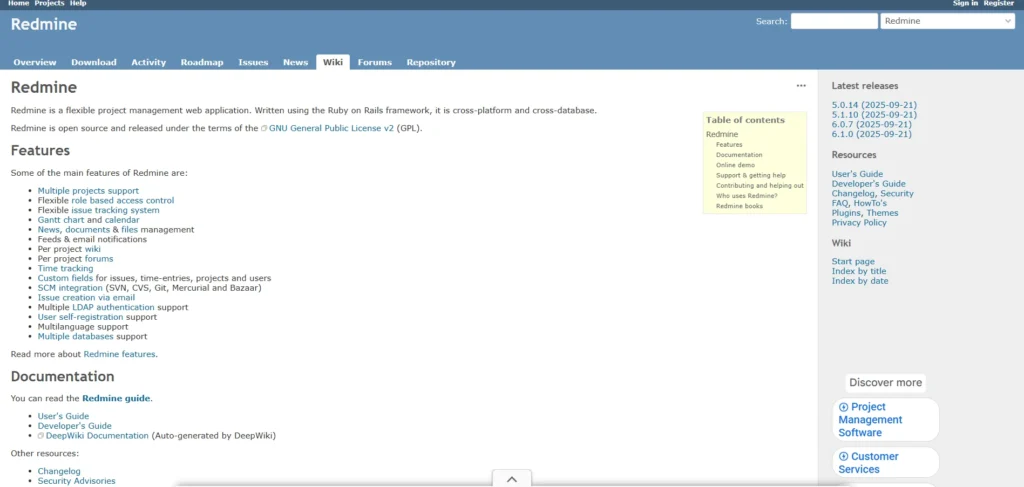
Redmine is an open-source project management and issue tracking tool favored by tech teams wanting full control over customization. It supports multiple projects, role-based permissions, and detailed issue tracking features, making it suitable for medium to large development teams.
Plugins extend Redmine into a highly versatile bug tracking software ecosystem, enabling features like Gantt charts, time tracking, and Git integrations. Its lightweight yet powerful design makes it a reliable alternative to commercial bug trackers.
Top Features:
- Open-source with extensive plugin support
- Multi-project tracking and role permissions
- Gantt charts and time tracking
- Integration with SCM tools like Git and SVN
- Custom workflows for issue handling
Website:https://www.redmine.org
Pricing:
- Free
9. YouTrack
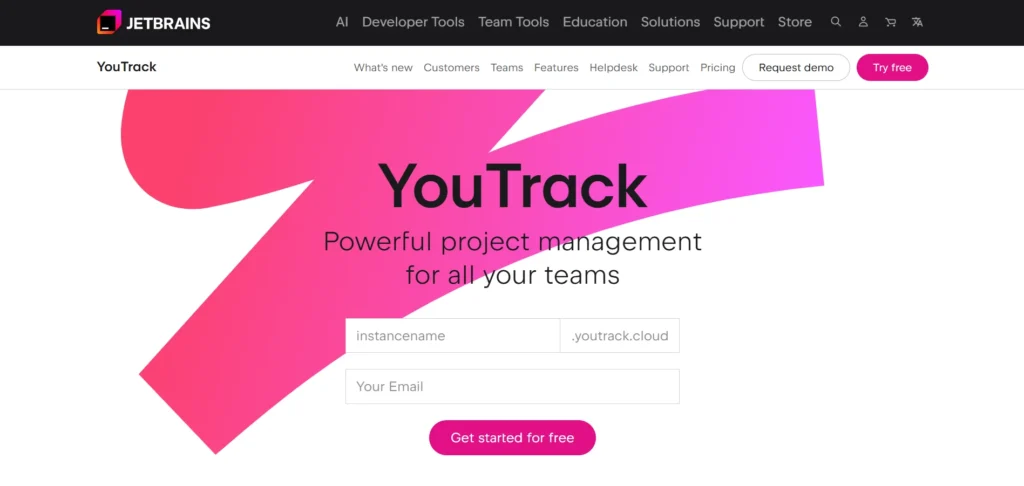
YouTrack by JetBrains is a modern, developer-friendly bug and issue tracking system built with powerful automation and agile support. It offers flexible boards, smart search, and customizable workflows—perfect for development teams that prioritize speed and accuracy.
The platform includes built-in reporting, sprint planning, and knowledge management features. Its intelligent search and fast UI help developers log and resolve issues more efficiently, making it a top choice for agile organizations.
Top Features:
- Smart search using query syntax
- Kanban and Scrum boards
- Custom workflows with JavaScript
- Detailed reporting and time tracking
- Integrations with JetBrains IDEs, GitHub, GitLab
Website:https://www.jetbrains.com/youtrack/
Pricing:
- Custom
10. MantisBT
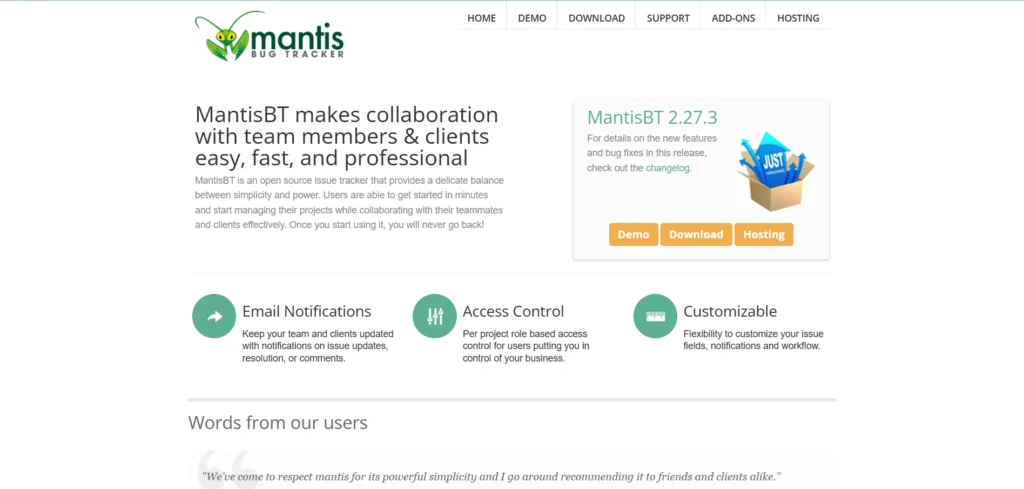
MantisBT (Mantis Bug Tracker) is a lightweight and user-friendly open-source bug tracking software. It is known for its simplicity, speed, and ease of deployment, making it ideal for small to mid-sized teams that want a straightforward solution.
Despite its simple interface, MantisBT supports advanced features like role permissions, notifications, and plugin extensions. It also allows teams to customize fields and workflows to match their bug management structure.
Top Features:
- Open-source and easy to deploy
- Customizable workflows and fields
- Email notifications and access control
- Plugin ecosystem for extending capabilities
- Integrations with GitHub and other tools
Website: https://www.mantisbt.org
Pricing:
- Free
11. Backlog
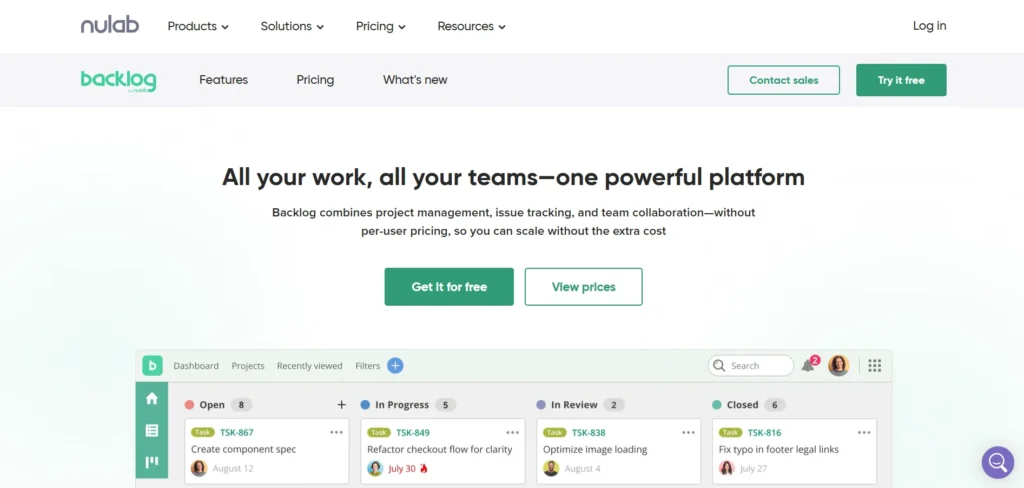
Backlog by Nulab is a project management and bug tracking platform designed for development teams that want simplicity with power. It offers issue tracking, version control (Git/SVN), wikis, and project dashboards all in one system. Its clean interface makes it very easy for teams to report bugs, attach files, assign tasks, and track fixes.
Backlog is especially effective for teams that want collaboration and coding tools under a single roof. With burndown charts, Gantt charts, and release management options, it supports the entire development lifecycle—from bug detection to deployment.
Top Features:
- Issue tracking with priority, status, and assignee fields
- Built-in Git and Subversion repositories
- Gantt charts and burndown charts
- Wikis for documentation and collaboration
- Custom workflows and notifications
Website:https://backlog.com
Pricing:
| Free | Starter | Standard | Premium | Enterprise |
| $0 | $35/mo | $100/mo | $175/mo | Custom |
12. FogBugz
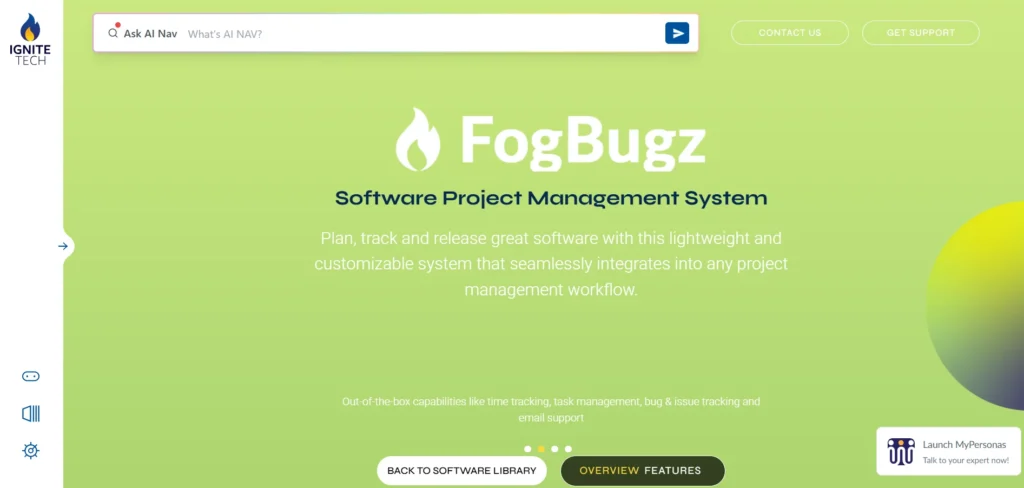
FogBugz is a dedicated bug tracking software and project management tool built to help developers prioritize and fix issues faster. It offers case tracking, customizable workflows, project wikis, and evidence-based scheduling to improve transparency and productivity. Teams appreciate its straightforward interface and strong focus on software bug management.
FogBugz also provides a powerful search engine and automated case handling features to reduce repetitive manual effort. With its ability to handle sprints, milestones, and releases, it becomes a full-stack solution for agile development teams.
Top Features:
- Case and bug tracking with custom workflows
- Built-in wiki for project documentation
- Evidence-based scheduling and planning tools
- Intelligent search and filters
- Integrations with GitHub, Slack, and Kiln
Website: https://www.fogbugz.com
Pricing:
- Available on request
13. Linear

Linear is a modern, fast, and minimalistic issue tracking platform designed for engineering teams that value speed and efficiency. Its clean interface, keyboard shortcuts, and streamlined workflows make bug reporting incredibly fast. Linear automatically organizes issues, tracks progress, and links bugs to product updates.
Its integration-first approach connects easily with GitHub, Vercel, Slack, and design tools, helping developers resolve issues without breaking focus. With roadmap and cycle planning features, Linear also supports long-term product development goals.
Top Features:
- Lightning-fast workflows with keyboard shortcuts
- Clean interface with minimal learning curve
- Cycles, roadmaps, and project management
- Integrations with GitHub, Vercel, Figma, Slack
- Automation for triaging and linking issues
Website:https://linear.app
Pricing:
| Free | Basic | Business | Enterprise |
| $0 | $10/mo | $16/mo | Available on request |
Suggested read: Backup Software
14. Trac
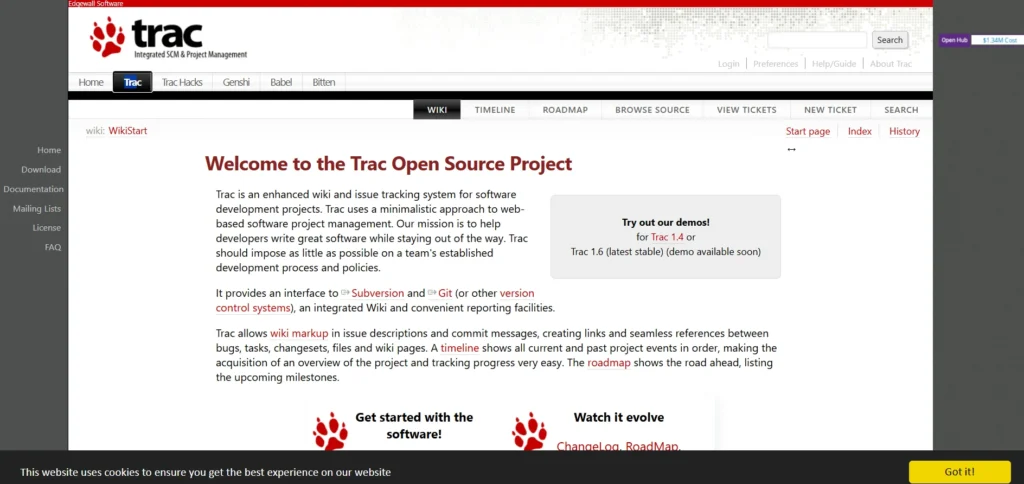
Trac is an open-source, minimalist issue tracking and project management tool widely used in software development. It combines a ticketing system with integrated wiki capabilities, making it ideal for teams that want both documentation and bug tracking software in one lightweight tool. Its interface resembles a simple ticket dashboard focused on clarity and structure.
Developers can extend Trac using plugins, allowing it to support version control systems, custom reports, and release planning. It’s an excellent option for teams wanting a simple tool without unnecessary complexity.
Top Features:
- Lightweight issue tracking with built-in wiki
- Plugin support for expanded capabilities
- Integration with SVN, Git, and other repositories
- Customizable reporting and ticket fields
- Simple, fast, and easy-to-maintain setup
Website:https://trac.edgewall.org
Pricing:
- Free
15. TestRail
TestRail is primarily a test case management tool, but it includes powerful features for tracking bugs discovered during testing cycles. Its structured test execution environment helps QA teams record defects, link them to specific test cases, and share detailed reports with developers for quick resolution.
Teams appreciate TestRail for its analytics dashboards and integrations with leading bug trackers like Jira, GitHub, and YouTrack. This makes it especially useful for teams that want a complete QA + bug reporting workflow without switching between platforms constantly.
Top Features:
- Detailed test case and run management
- Built-in defect tracking with linking
- Dashboards and real-time reporting
- Integrations with Jira, GitHub, YouTrack, etc.
- Custom fields and workflows for bug reporting
Website:https://www.testrail.com
Pricing:
| Professional | Enterprise |
| $38/mo | $76/mo |
Conclusion
In conclusion, choosing the right bug tracking software can make a huge difference in how smoothly your development process runs. With the correct tool, your team can identify problems more quickly, communicate more effectively, and provide users with a more dependable product. The ideal option will depend on your workflow, team size, and project objectives because each of the programs on our list offers unique advantages. Investing in a reliable bug tracker will save time, lower errors, and enhance overall product quality for both startup and enterprise teams. Select the tool that best suits your style, and while your team concentrates on creating excellent software, let it handle the mess.
FAQs
Why is Bug Tracking Important in Software Development?
Bug tracking is essential because it keeps the development process organized. It helps teams catch issues early, avoid miscommunication, prioritize critical bugs, and maintain high product quality.
Which Bug Tracking Tool is Best for Small Teams?
Tools like Trello, MantisBT, or Linear are great for small teams because they are simple, flexible, and easy to learn. They don’t require complex setup and still offer powerful tracking features.
Can Bug Tracking Tools Integrate with GitHub or GitLab?
Yes, most modern bug trackers—such as Jira, YouTrack, ClickUp, and Backlog—integrate with GitHub, GitLab, and other version control systems to automatically link commits, pull requests, and issues.
Are there Free Bug Tracking Tools Available?
Absolutely. Bugzilla, Redmine, MantisBT, and Trac are open-source options. Trello and Linear also offer free plans that work well for smaller projects and teams.
How do I Choose the Best Bug Tracking Software for My Team?
Consider factors like ease of use, customization, integrations, reporting features, and whether it fits your development methodology. Also think about scalability and cost to ensure it supports long-term growth.


