The best Appointment Scheduling Tools help modern businesses automate bookings and manage calendars efficiently. In 2026, most companies no longer rely on manual scheduling. Instead, automated booking systems allow customers to reserve time online while keeping team calendars organized.
Manual scheduling still exists in some businesses, but it slows down operations. Back-and-forth emails, phone calls, and spreadsheet tracking often create delays and scheduling errors. Double bookings, missed appointments, and forgotten reminders become common problems.
Online appointment scheduling software solve these issues by automating the booking process. Clients choose available time slots, calendars sync automatically, and reminders are sent without manual work.
Appointment booking platforms can also handle payments, intake forms, automated notifications, and team availability management. For consultants, healthcare providers, freelancers, agencies, and service businesses, scheduling software reduces administrative work while improving the customer booking experience.
This guide compares the best appointment scheduling software in 2026. Each platform is evaluated based on booking experience, automation, integrations, customization, and pricing.
What Is Appointment Scheduling Software?
Appointment scheduling software is a digital system that allows businesses to manage bookings online in 2026. Instead of scheduling appointments manually, companies share a booking page where customers select available time slots. The system confirms the appointment automatically and updates connected calendars.
Most appointment scheduling tools include features such as:
- Calendar syncing
- Automated reminders
- Booking forms
- Payment collection
- Availability controls
- Team scheduling
- Meeting links for virtual calls
Many appointment booking platforms also integrate with CRM systems, payment gateways, video meeting tools, and marketing software
These tools are widely used across different industries, including:
- consultants and coaches
- healthcare providers
- beauty salons and wellness studios
- freelancers
- agencies
- customer support teams
The best appointment scheduling software in 2026 helps businesses manage bookings without manual coordination while reducing administrative work and improving the customer booking experience.
Comparison Table: The Best Appointment Scheduling Software in 2026
| Tool | Key Feature | Best For |
| Jotform Appointments | Form-based scheduling and data collection | Businesses needing customizable booking forms |
| Calendly | Simple link-based scheduling | Freelancers and small teams |
| Google Calendar Appointment Scheduling | Native Google scheduling | Google Workspace users |
| Zoho Bookings | CRM and automation integration | Businesses using Zoho ecosystem |
| Square Appointments | Built-in payment processing | Service businesses and retail |
| Acuity Scheduling | Client management and customization | Coaches and service providers |
Best Appointment Scheduling Tools in 2026
1. Jotform Appointments
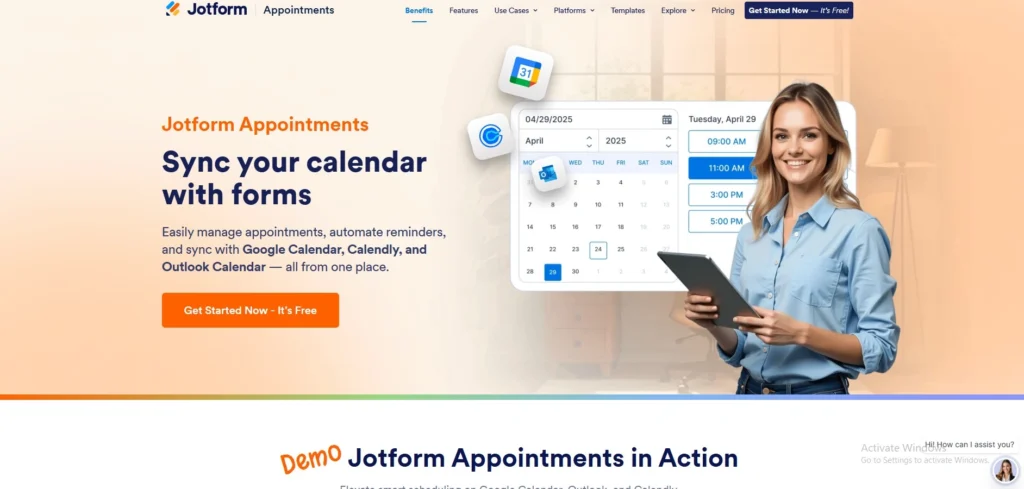
Jotform Appointments is an appointment scheduling tool designed for businesses that need customizable booking workflows. As more companies adopt automated booking systems in 2026, platforms like Jotform help teams manage appointments more efficiently.
The platform combines appointment scheduling with form creation, allowing businesses to collect information, payments, and documents during the booking process. It also supports calendar synchronization with tools like Google Calendar, Calendly and Outlook, automatically blocking booked time slots to prevent scheduling conflicts.
Users can create booking pages from templates, build appointment forms, or generate scheduling setups using AI tools. Jotform also includes automation features such as reminders, cancellations, and follow-up workflows that trigger after appointments are scheduled.
The platform connects scheduling with form workflows, making it useful for businesses that require detailed intake forms or custom booking logic.
Jotform Appointments pros
- Highly customizable appointment forms and booking pages
- Calendar synchronization with Google, Outlook, Calendly and other tools
- Built-in reminders, cancellations, and rescheduling tools
- Payment collection within booking forms
- Supports both one-on-one and group appointments
- AI tools can generate scheduling setups quickly
Jotform Appointments cons
- Advanced workflows may require initial setup time
- Higher usage limits require paid plans
Jotform Appointments pricing
- Free forever plan available
- Bronze: $34/month
- Silver: $39/month
- Gold: $99/month
- Enterprise: Contact sales
Jotform Appointments Is Best for
Businesses that need customizable booking workflows and form-based scheduling with built-in data collection, including consultants, healthcare providers, and service teams.
2. Goldie
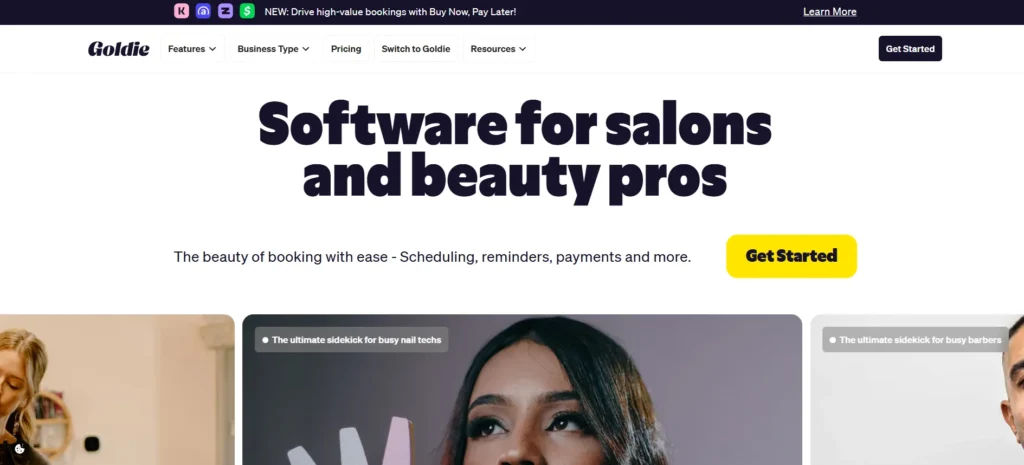
Goldie is one of the standout booking solutions for wellness and beauty professionals. They don’t emphasize particular features. Instead, you get a suite of everything you’d expect—from scheduling appointments to getting paid.
Beauticians can manage calendars from anywhere and even create a branded online booking website. Meanwhile, clients receive reminders about upcoming appointments to ensure they don’t miss them.
Goldie pros
- Worldwide availability and unlimited device use
- A free starter plan to try
- Integrates with Google, WhatsApp, TikTok, Instagram, and more.
- AI assistants for marketing and reception
- Strong mobile-first setup
Goldie cons
- The free plan is limited
- Niche by design, meant for wellness and beauty pros
- Some glitches with the messaging system at times
Goldie pricing
- Starter plan for free
- Pro plan for 29.99€/mo or 299.99€/yr
- Pro Plus plan for 59.99€/mo or 599.99€/yr
Goldie is best for
Beauty and wellness professionals who work individually; or small teams that want to streamline the client booking experience.
3. Calendly
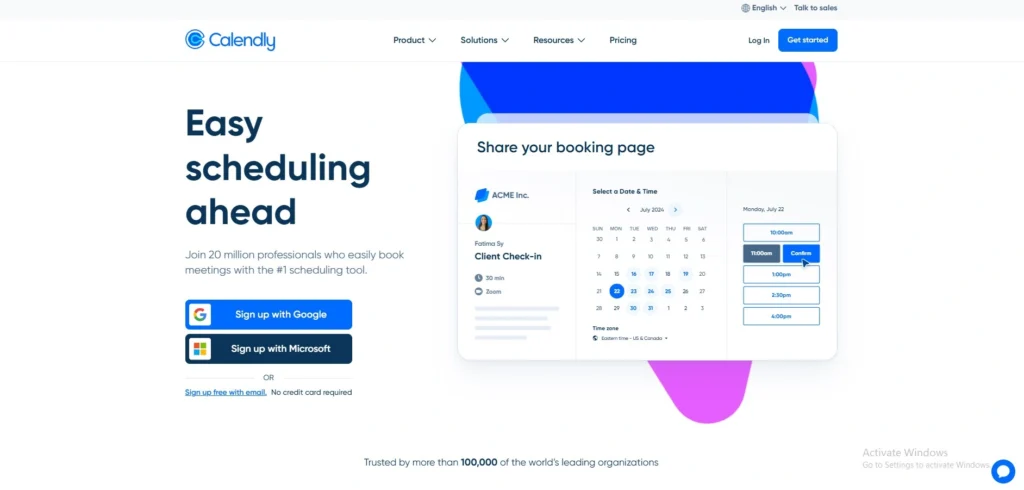
In 2026, Calendly remains a simple tool for managing online meeting bookings, focusing on quick setup and an easy scheduling experience.
Users connect their calendars, define availability, and share a booking link. Clients can then choose a time that works for them, eliminating back-and-forth scheduling emails.
Calendly integrates with many apps including Zoom, CRM platforms, and collaboration tools. Teams often use it for sales meetings, interviews, and customer calls, while freelancers and small teams value it for its straightforward scheduling setup.
Calendly pros
- Easy to set up and use
- Clean booking interface for clients
- Integrates with many third-party tools
- Automated meeting links and reminders
- Good team scheduling features
Calendly cons
- Limited customization for booking pages
- Form options are basic compared to other platforms
- Advanced features require higher-tier plans
Calendly pricing
- Free plan available
- Standard: $10 per seat/month
- Teams: $16 per seat/month
- Enterprise: Custom pricing (contact sales)
Calendly is best for
Freelancers, consultants, and small teams that want a fast, simple scheduling system.
4. Zoho Bookings
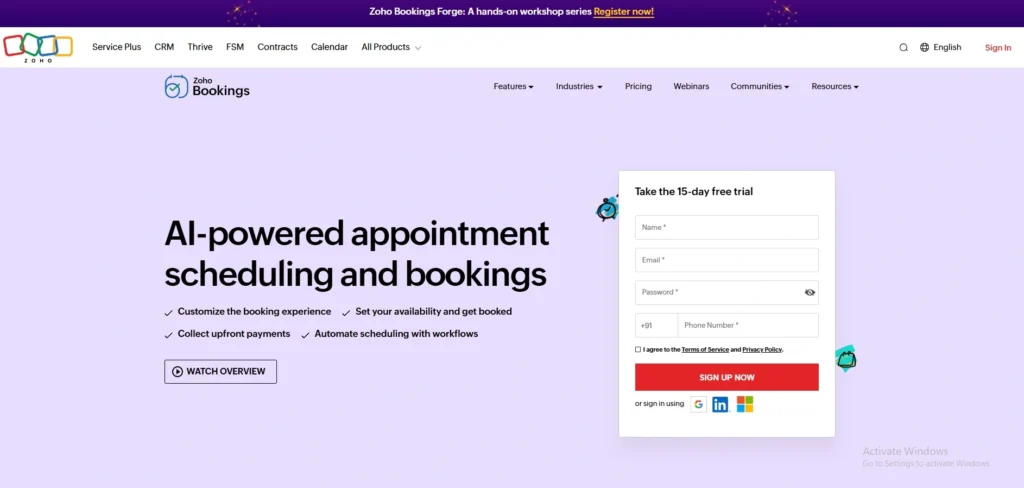
In 2026, Zoho Bookings has become a scheduling platform used by businesses that rely on automation and CRM-driven workflows. The tool supports two-way calendar synchronization and allows businesses to collect payments, ask questions through booking forms, and send automated reminders.
It also integrates with online meeting platforms such as Zoom, Google Meet, and Microsoft Teams. Because it connects closely with other Zoho products, it is commonly used by companies already working within the Zoho ecosystem, including Zoho CRM and Zoho Workplace.
Zoho Bookings also supports resource-based scheduling, making it useful for businesses that manage equipment, rooms, or rental services.
Zoho Bookings pros
- Strong integration with the Zoho ecosystem
- Custom email reminders and notifications
- Resource-based scheduling for equipment or rooms
- Payment collection and deposits
Zoho Bookings cons
- Interface can feel complex for new users
- Best value when used with other Zoho products
Zoho Bookings Pricing
- Free plan available
- Basic: $6 per user/month (billed annually)
- Premium: $9 per user/month (billed annually)
Zoho Bookings Is Best for
Teams already using Zoho tools that want scheduling connected to CRM workflows and automation, especially agencies, consultants, and companies managing multiple resources or locations.
5. Zeeg
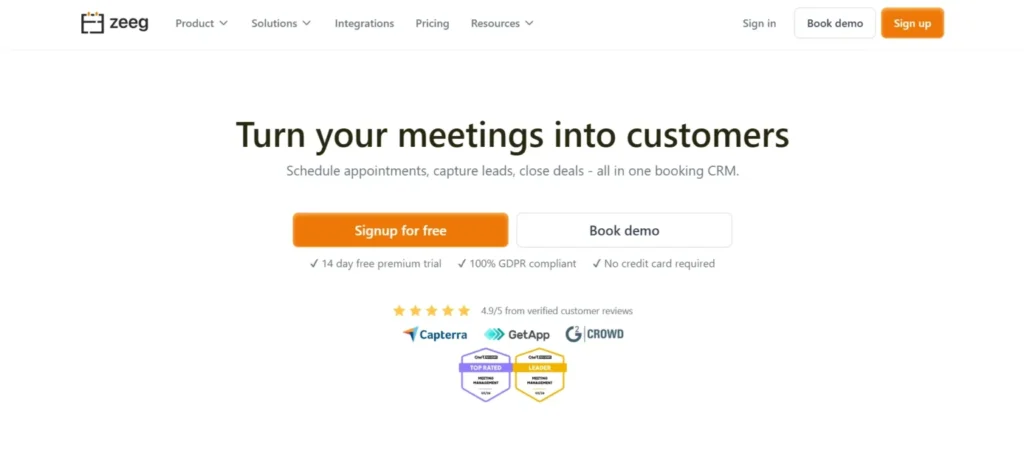
Zeeg is a European booking CRM that goes beyond standard appointment scheduling by combining calendar management, advanced scheduling features, contact records, and sales automation, all in one platform.
Businesses can set up booking pages, manage team availability with round-robin assignment, and route leads through qualification forms — all while keeping every booking connected to a client record. It’s a natural step up for service businesses that have outgrown a standalone scheduling tool and need more structure around their client relationships.
And for teams that want it, an AI phone agent layer can handle call-based bookings on top.
Zeeg pros:
- Scheduling-first CRM with contact management built in
- Lead routing, qualification forms, and round-robin assignment
- AI voice agents to handle inbound and outbound calls
- GDPR-compliant with German server hosting
Zeeg cons:
- More feature-rich than needed for simple one-on-one scheduling
- No app yet available
Zeeg pricing: Free plan available; paid plans from €10/user/month
Zeeg is best for: Service businesses and teams that want appointment scheduling connected to a lightweight CRM — without adopting a full enterprise sales platform.
6. Acuity Scheduling
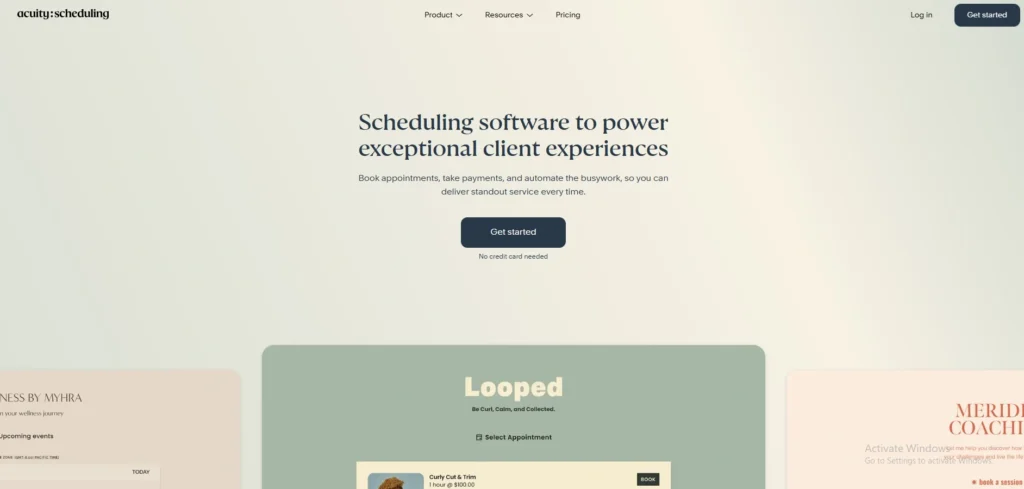
Acuity Scheduling, owned by Squarespace, is a powerful appointment scheduling platform used by many service businesses in 2026. Clients can book appointments, reschedule, cancel bookings, and pay for services directly through the booking page, while businesses manage scheduling and client information in one system.
The platform supports custom intake forms, appointment packages, memberships, and subscriptions. Acuity also integrates with calendar apps, video meeting tools, and payment processors like Stripe and PayPal, making it a strong choice for businesses offering classes, consultations, or services.
Acuity Scheduling pros
- Highly customizable scheduling options
- Client intake forms and appointment packages
- Supports payments through Stripe and PayPal
- Automated reminders and notifications
Acuity Scheduling cons
- Setup can take longer than simpler scheduling tools
- Some advanced features require higher-tier plans
Acuity Scheduling Pricing
- Starter: $16/month (annual billing)
- Standard:$27/month
- Premium: $49/month
- Enterprise: Contact sales
Acuity Scheduling Is Best For
Service businesses that want customizable booking pages, payment options, and client management features, including coaches, therapists, consultants, and wellness professionals.
7. Google Calendar Appointment Scheduling
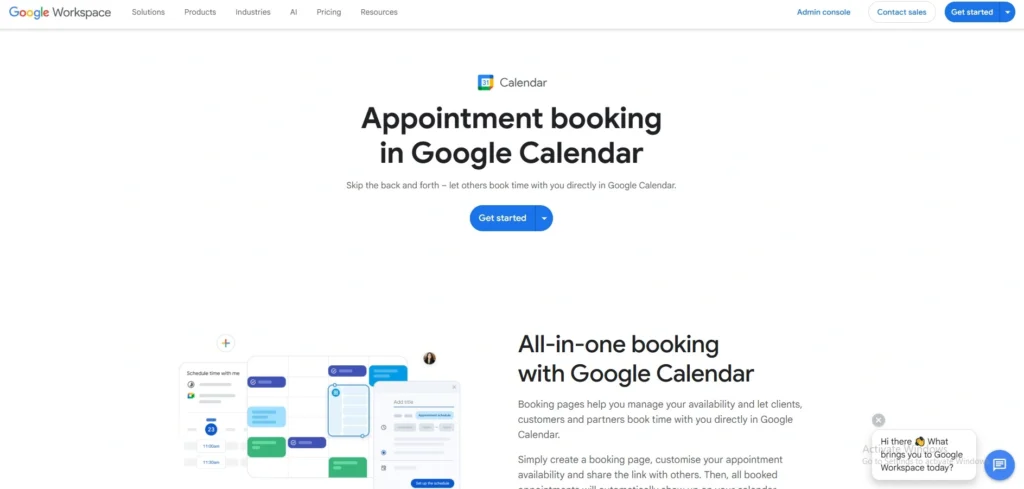
Google Calendar Appointment Scheduling allows users to create booking pages directly from Google Calendar. Instead of using a separate scheduling app, users can publish a booking page where clients select available time slots based on their calendar availability.
Because it integrates with Google Workspace tools, it works well for teams already using Google services for communication and collaboration. Businesses can manage appointments directly from their calendars without relying on third-party scheduling platforms in 2026.
The system automatically updates calendar availability and sends confirmation emails to attendees after a booking is made.
Google Calendar Appointment Scheduling Pros
- Built directly into Google Workspace
- Automatic synchronization with Google Calendar
- Simple booking page creation
- Reliable notifications and reminders
- Familiar interface for many users
Google Calendar Appointment Scheduling Cons
- Limited customization options
- Few advanced automation features
- Works best within the Google ecosystem
Google Calendar Appointment Scheduling Pricing
- Free with a Google account for basic calendar use
- Google Workspace plans start at $6 per user/month
- Appointment scheduling features are available on Google Workspace Standard and higher plans
Google Calendar Appointment Scheduling Is Best For
Businesses that rely on Google Workspace and want a simple scheduling tool integrated directly with their calendar for internal meetings and basic client bookings.
8. Square Appointments
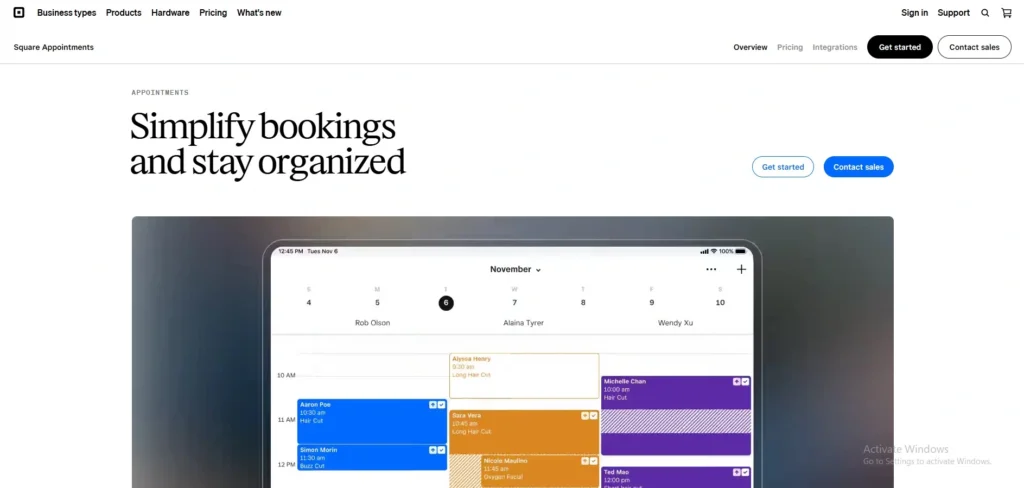
Square Appointments is designed for service businesses that also process payments through Square. As online booking and integrated payment systems become more common in 2026, platforms like Square combine scheduling with payment processing, point-of-sale tools, and customer management.
Customers can book appointments online, while businesses manage bookings, payments, and staff schedules in one system. This makes Square Appointments especially useful for retail-based service businesses.
Square Appointments pros
- Built-in payment processing with Square
- Designed for service-based businesses
- Staff management and team scheduling tools
- Point-of-sale integration
Square Appointments cons
- Works best for businesses already using Square payments
- Less flexible customization compared to some competitors
Square Appointments pricing
- Free plan: $0/month (for a single location)
- Plus: $49/month per location
- Premium: $149/month per location
- 30-day free trial available for paid plans
Square Appointments Is Best For
Beauty salons, barbershops, wellness studios, and service businesses that already use Square for payments.
How to Choose the Best Appointment Scheduling Software in 2026
Choosing the best appointment scheduling software depends on several factors, including ease of booking, integrations, automation features, and customization options.
1. Booking Experience
The booking page should be simple and easy for clients to use. Complicated booking forms can reduce appointment completion rates. Simple intake questionnaires do not always need a slot picker behind them, and pairing a scheduling platform with a Google Forms alternative lets pre-appointment questions live in a form that stays easier to update than the booking flow itself. The best scheduling tools allow clients to book appointments in just a few clicks.
2. Calendar Integrations
Most businesses rely on multiple calendars. Good scheduling platforms should sync with calendars such as:
- Google Calendar
- Outlook
Two-way syncing helps prevent double bookings.
3. Automation and Reminders
Automated reminders help reduce missed appointments and improve attendance rates. Good scheduling platforms support:
- Email reminders
- SMS notifications
- Follow-up messages
4. Customization
Some businesses require more control over the booking process. Customization options may include:
- Booking forms
- Branding
- Intake questions
- Different appointment types
5. Payments and Billing
For service businesses, payment collection is important. Look for scheduling tools that integrate with payment providers such as:
- Stripe
- PayPal
- Square
6. Team Scheduling
Teams need tools that manage staff availability and multiple calendars. Features like team calendars and round-robin scheduling can help distribute appointments automatically.
FAQs
1. What Are The Best Appointment Scheduling Tools In 2026?
Some of the best appointment scheduling tools in 2026 are Jotform Appointments, Calendly, Google Calendar Appointment Scheduling, Zoho Bookings, Square Appointments, and Acuity Scheduling. Each platform focuses on different features such as automation, integrations, or customization.
2. What Is The Best Free Appointment Scheduling Software In 2026?
Several tools offer free plans in 2026, including Jotform Appointments, Calendly, Zoho Bookings, and Square Appointments. Free versions usually provide basic booking features with some limits on automation or team scheduling.
3. Do Appointment Scheduling Apps Integrate With Calendars?
Yes. Most scheduling apps integrate with calendars such as Google Calendar, Outlook, and Apple Calendar to automatically update availability and prevent double bookings.
4. Can Scheduling Software Collect Payments?
Yes. Many appointment scheduling tools support payment collection during booking through integrations with providers like Stripe, PayPal, and Square.
Wrapping Up
The best appointment scheduling software depends on how a business manages bookings, clients, and workflows. In 2026, many companies rely on scheduling platforms to automate appointments, reduce administrative work, and improve the client booking experience.
For businesses that need flexible booking forms, data and payment collection, and customizable workflows, Jotform Appointments offers a powerful approach to managing appointments. Other tools such as Calendly and Google Calendar Appointment Scheduling work well for simple scheduling needs, while Zoho Bookings, Square Appointments, and Acuity Scheduling provide additional automation, integrations, or client management features.
Choosing the right tool ultimately depends on how much control, automation, and customization a business needs in its scheduling process.